
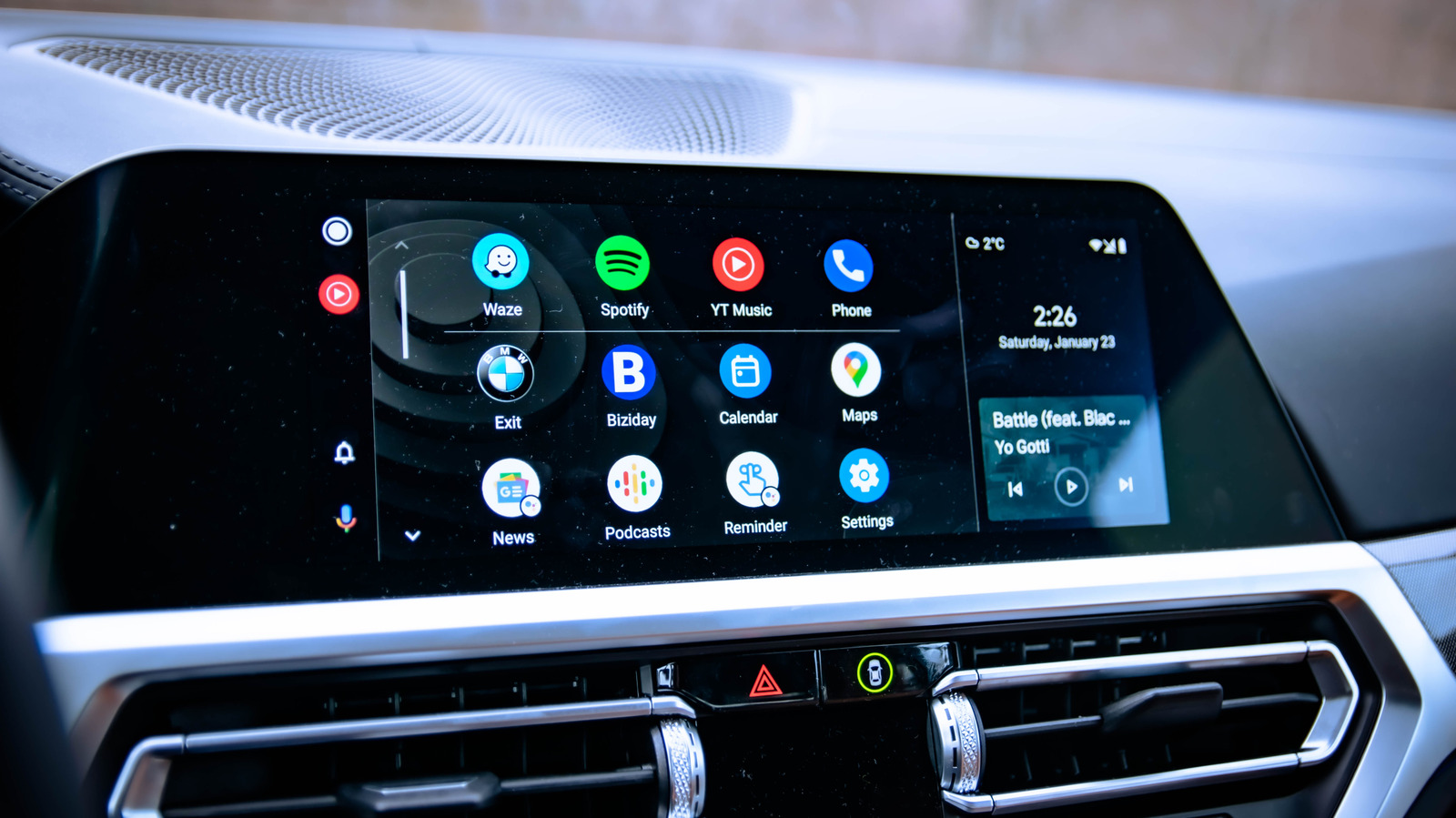
Android Auto is designed to provide a safe and streamlined experience for drivers, which is why Google strictly limits the types of apps that can appear on the dashboard. However, users looking for more flexibility can bypass these restrictions by sideloading third-party applications. This process involves installing APK files that are not officially approved for the platform, allowing users to run unsupported software on their vehicle's infotainment system. While this opens up new possibilities for customization and functionality, it comes with significant caveats. Sideloaded apps may lack the necessary optimizations for a driving environment, potentially leading to stability issues or distracting interfaces that could compromise road safety. Users are advised to exercise caution, as these unofficial modifications are not supported by Google and may stop working following future system updates. Always prioritize driving safety over the desire to run unauthorized software on your vehicle's display.
This is a summary. Read the full article at the original source:
EngadgetRelated stories
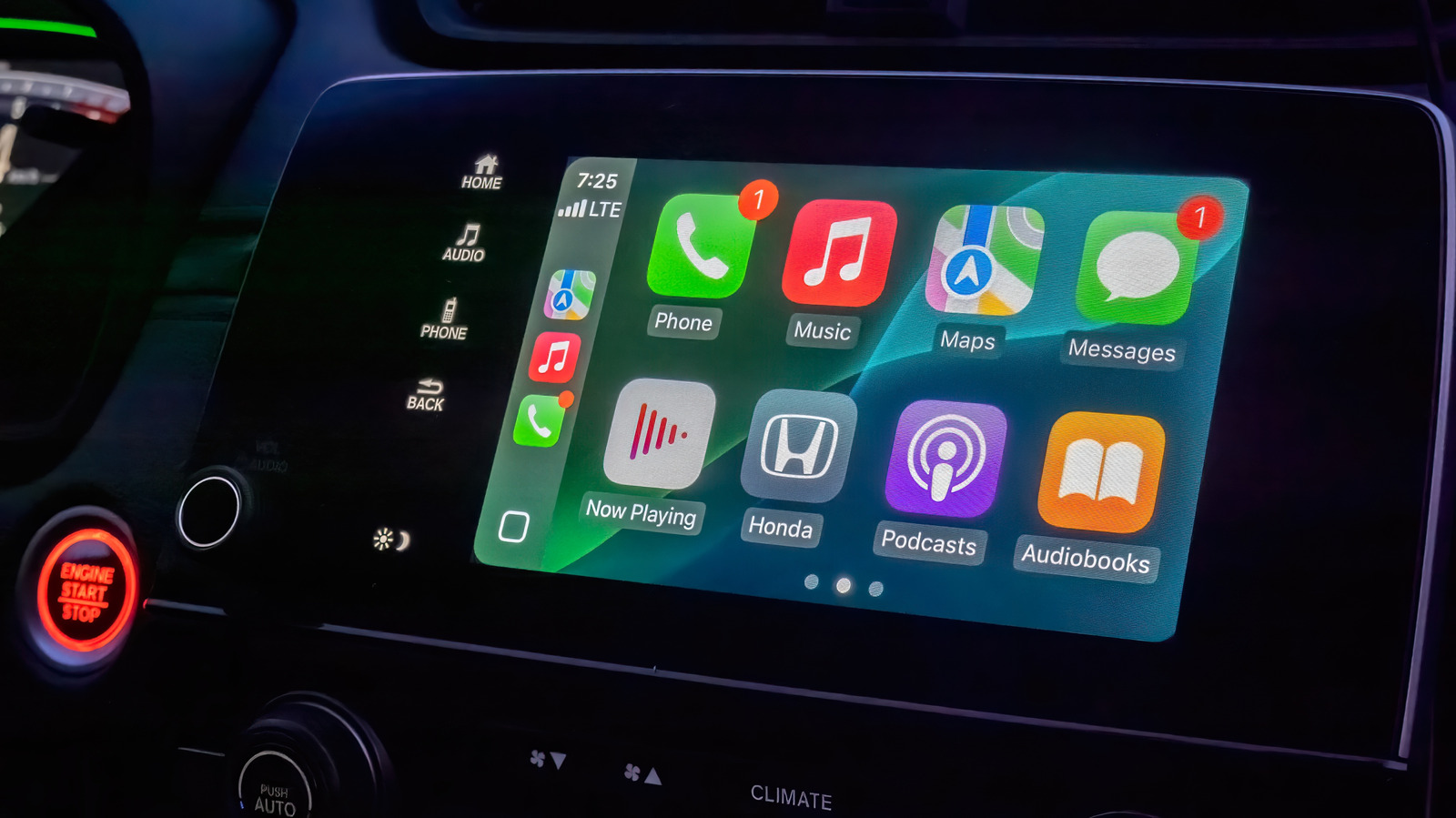
Apple CarPlay offers a streamlined interface for drivers, but while it lacks extensive customization options, users can still optimize their experienc…
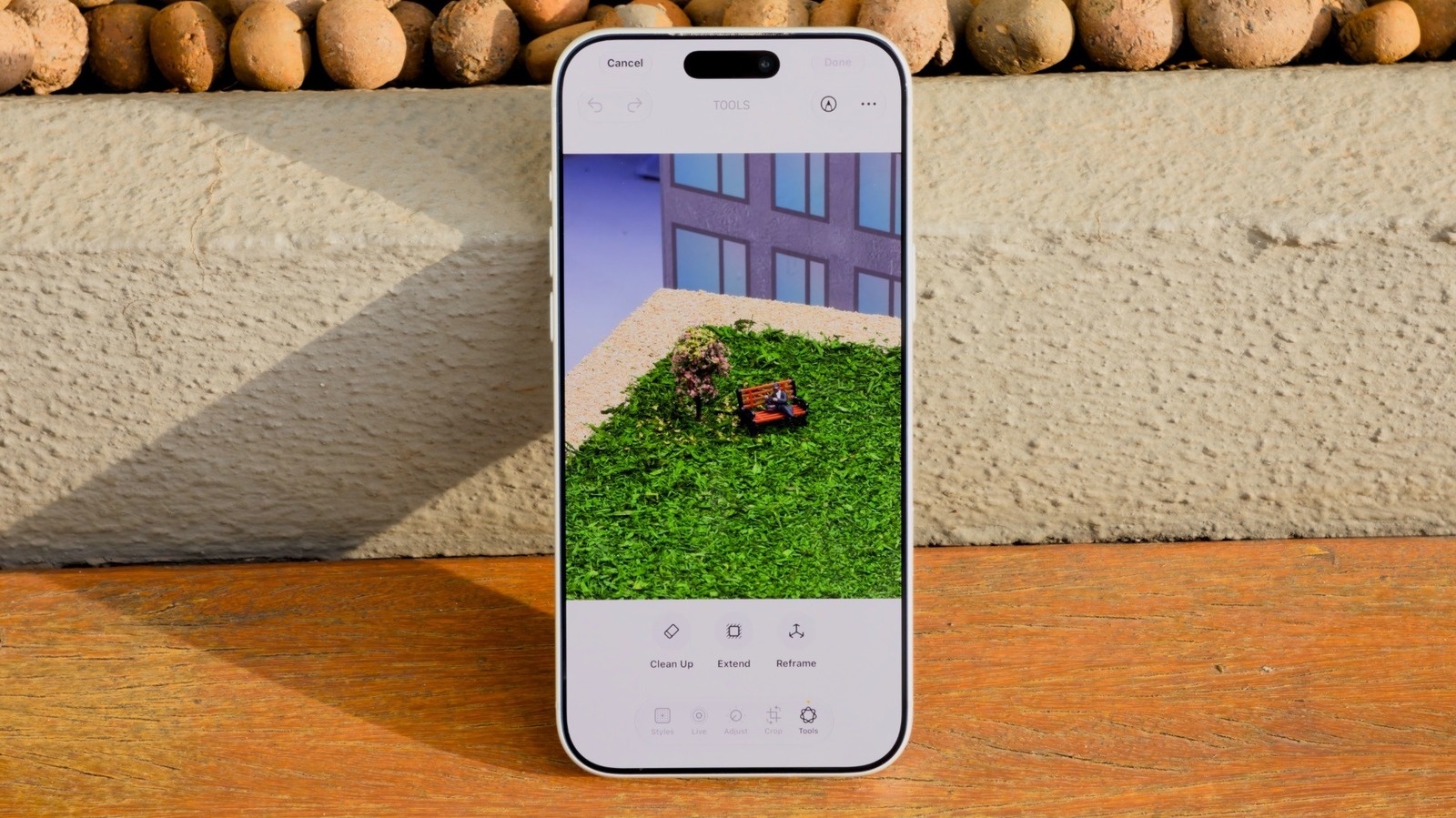
How to use the AI Clean Up tool in iOS 27 to remove unwanted objects in iPhone Photos
Apple's iOS 27 introduces significant enhancements to the Clean Up tool, a feature originally debuted in iOS 18 for removing unwanted elements from im…

As Apple's highly anticipated product event approaches, speculation regarding the branding of its first foldable device has reached a fever pitch. Whi…