
How to use the AI Clean Up tool in iOS 27 to remove unwanted objects in iPhone Photos
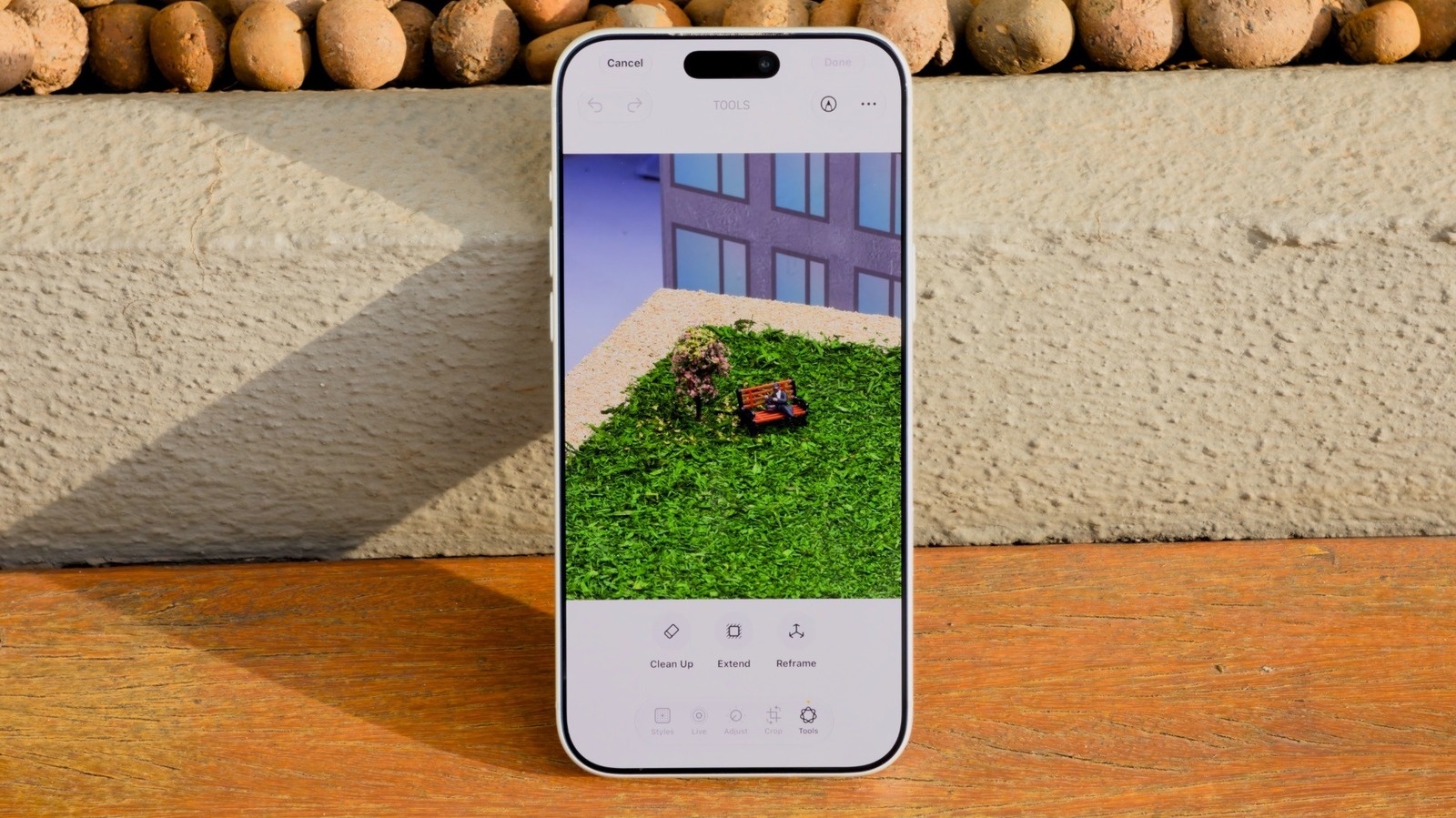
Apple's iOS 27 introduces significant enhancements to the Clean Up tool, a feature originally debuted in iOS 18 for removing unwanted elements from images. This AI-powered utility allows iPhone users to easily erase distractions, such as photobombers or background clutter, directly within the Photos app. The latest iteration leverages improved machine learning models to provide more precise object detection and seamless background filling, ensuring that edited photos look natural and professional. Users can access the tool by opening an image, selecting the edit menu, and choosing the Clean Up option. The software automatically identifies removable objects, though users can also manually highlight specific areas for removal. This update reflects Apple's ongoing commitment to integrating advanced computational photography features into its mobile ecosystem, making sophisticated photo editing accessible to everyday users without the need for third-party software.
This is a summary. Read the full article at the original source:
EngadgetRelated stories
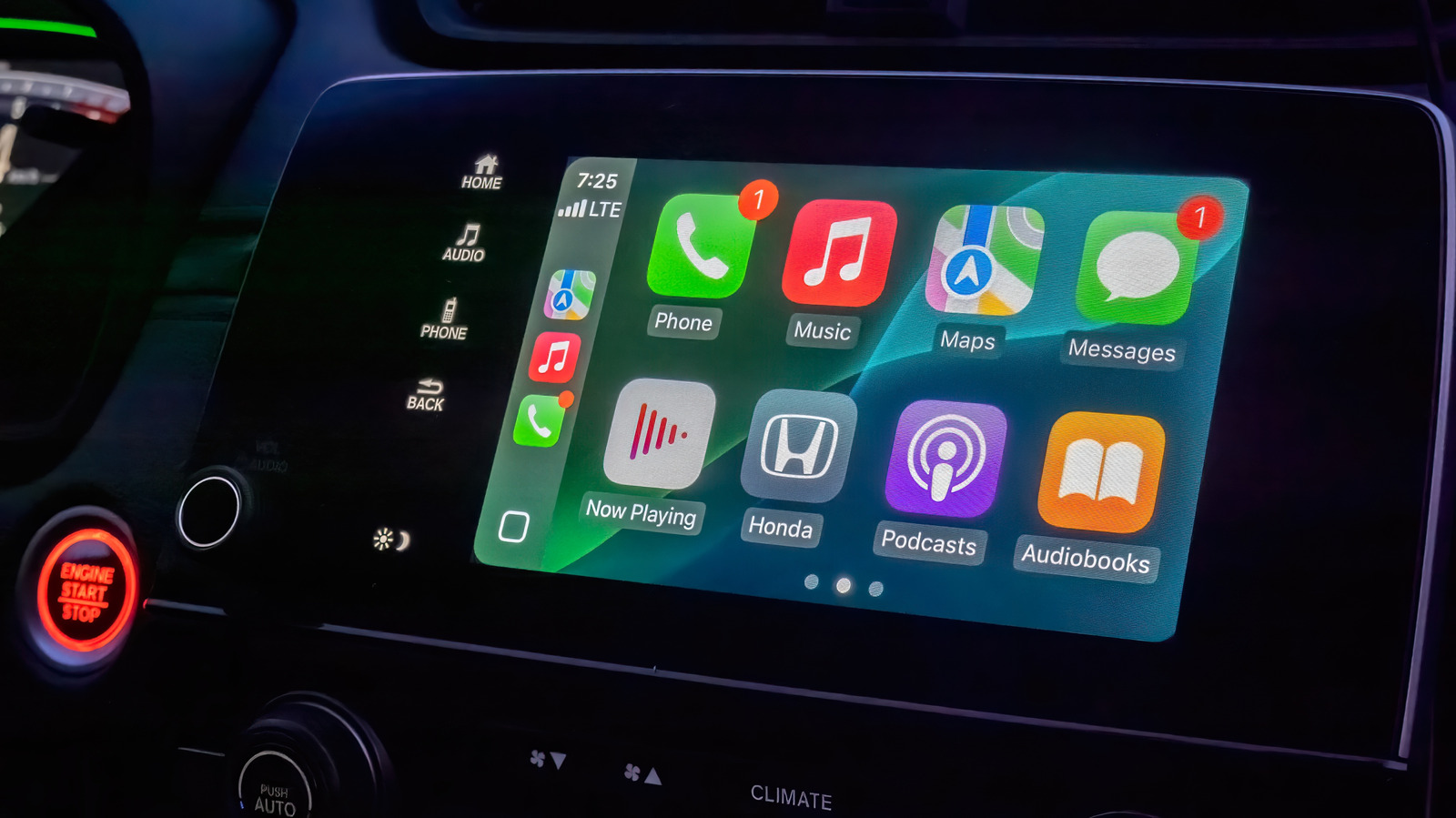
Apple CarPlay offers a streamlined interface for drivers, but while it lacks extensive customization options, users can still optimize their experienc…

As Apple's highly anticipated product event approaches, speculation regarding the branding of its first foldable device has reached a fever pitch. Whi…

Apple has scheduled its annual iPhone launch event for September 9, 2026, titled 'Surprise and Shine.' This year's keynote is particularly significant…