
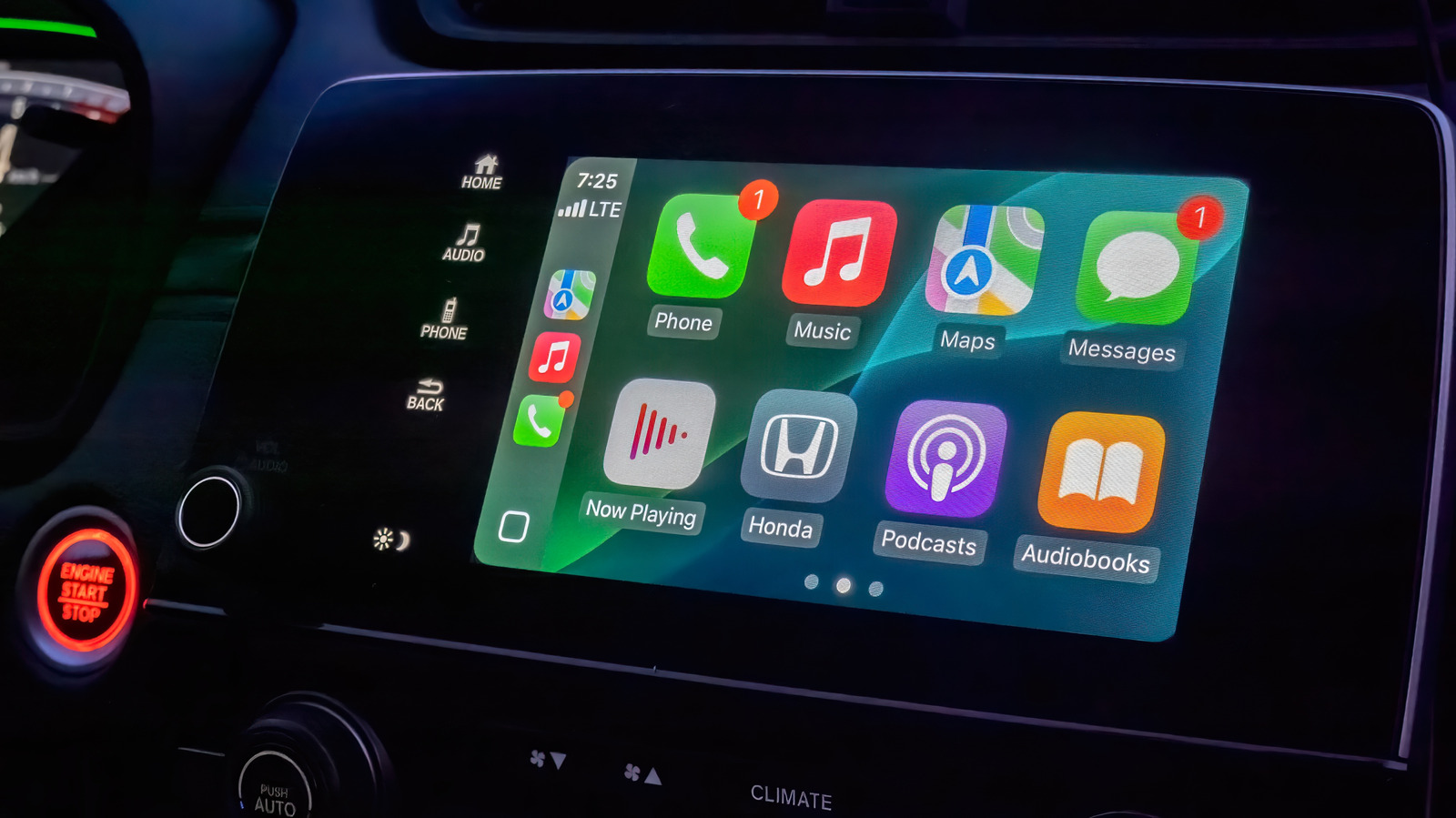
Apple CarPlay offers a streamlined interface for drivers, but while it lacks extensive customization options, users can still optimize their experience through the system's settings. By accessing the CarPlay menu on an iPhone, users can rearrange the app icon layout, remove unnecessary applications, and toggle specific features to ensure the dashboard reflects their personal preferences. This process is essential for reducing distractions while driving, as it allows for quicker access to frequently used navigation, music, and communication tools. Whether you want to prioritize your favorite podcast app or clean up the home screen for a more minimalist look, these adjustments are straightforward. Taking a few minutes to configure these settings ensures that the CarPlay interface is tailored to your specific needs, ultimately leading to a more efficient and safer driving experience. It is a simple yet effective way to get the most out of your vehicle's infotainment system.
This is a summary. Read the full article at the original source:
EngadgetRelated stories
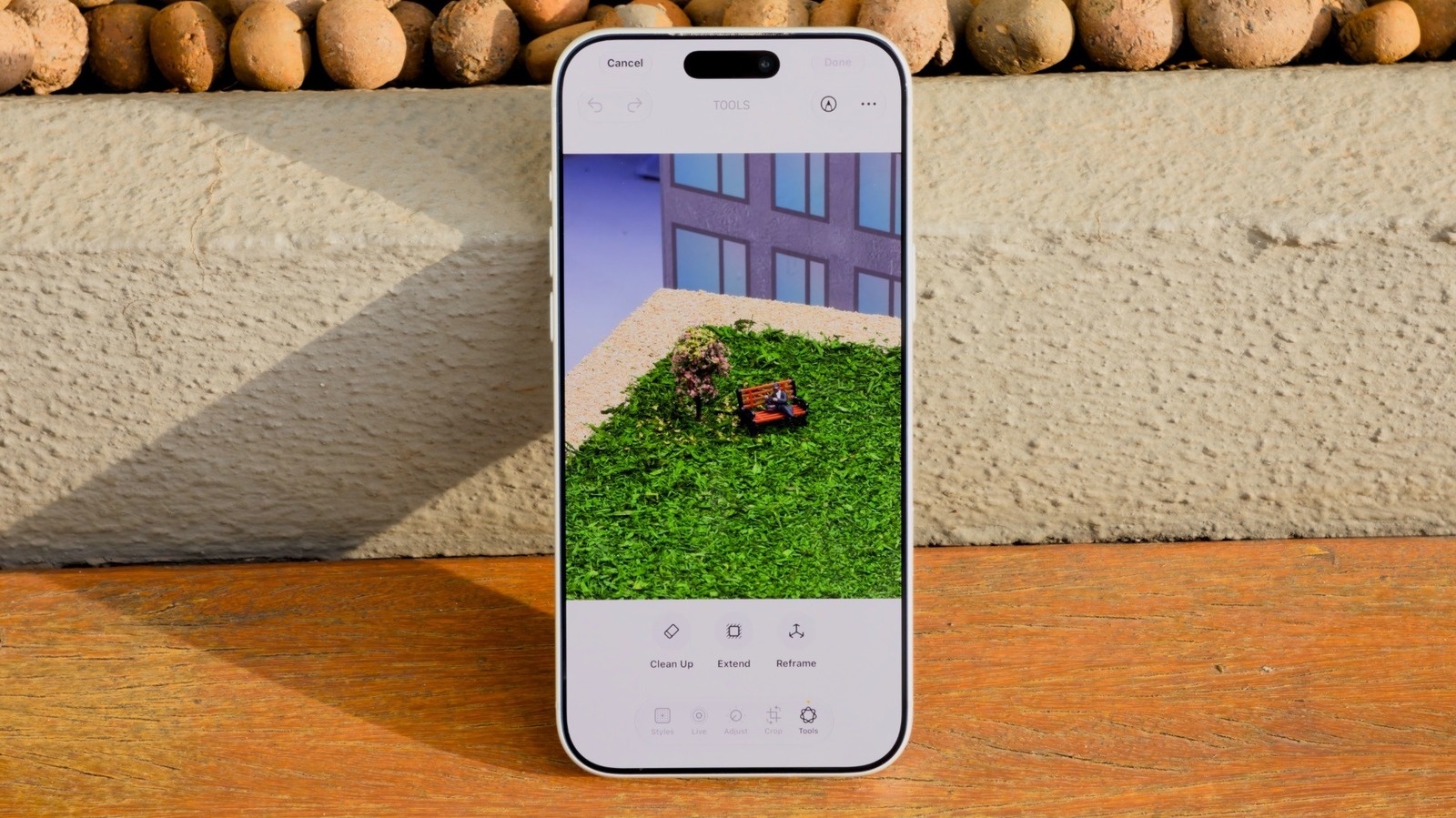
How to use the AI Clean Up tool in iOS 27 to remove unwanted objects in iPhone Photos
Apple's iOS 27 introduces significant enhancements to the Clean Up tool, a feature originally debuted in iOS 18 for removing unwanted elements from im…

As Apple's highly anticipated product event approaches, speculation regarding the branding of its first foldable device has reached a fever pitch. Whi…

Apple has scheduled its annual iPhone launch event for September 9, 2026, titled 'Surprise and Shine.' This year's keynote is particularly significant…