
How To Send High-Quality Images And Videos From Android To iPhone
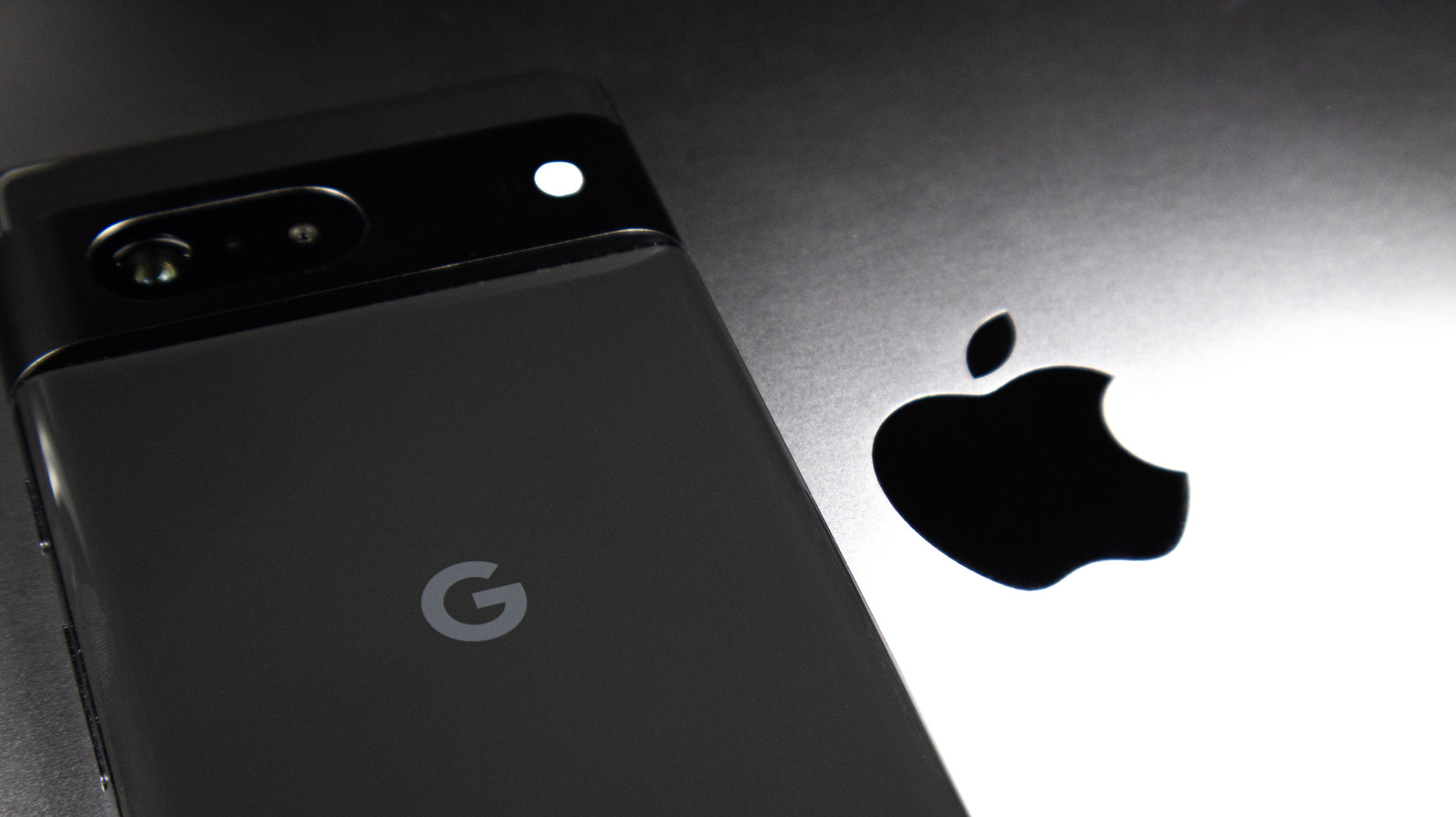
Sharing media between Android and iOS devices has historically been a source of frustration due to compression issues that degrade file quality. When sending photos or videos via standard SMS or MMS, carriers often compress files significantly, resulting in blurry or pixelated results. This guide explores effective methods to bypass these limitations and maintain original file integrity. Recommended solutions include using cross-platform messaging apps like WhatsApp or Telegram, which offer high-quality file transfer options, or utilizing cloud-based storage services such as Google Photos or iCloud links. Additionally, the adoption of the RCS (Rich Communication Services) standard on modern iPhones is gradually improving the cross-platform messaging experience. By leveraging these tools, users can ensure that their visual content remains sharp and professional, regardless of the operating system used by the recipient.
This is a summary. Read the full article at the original source:
EngadgetRelated stories
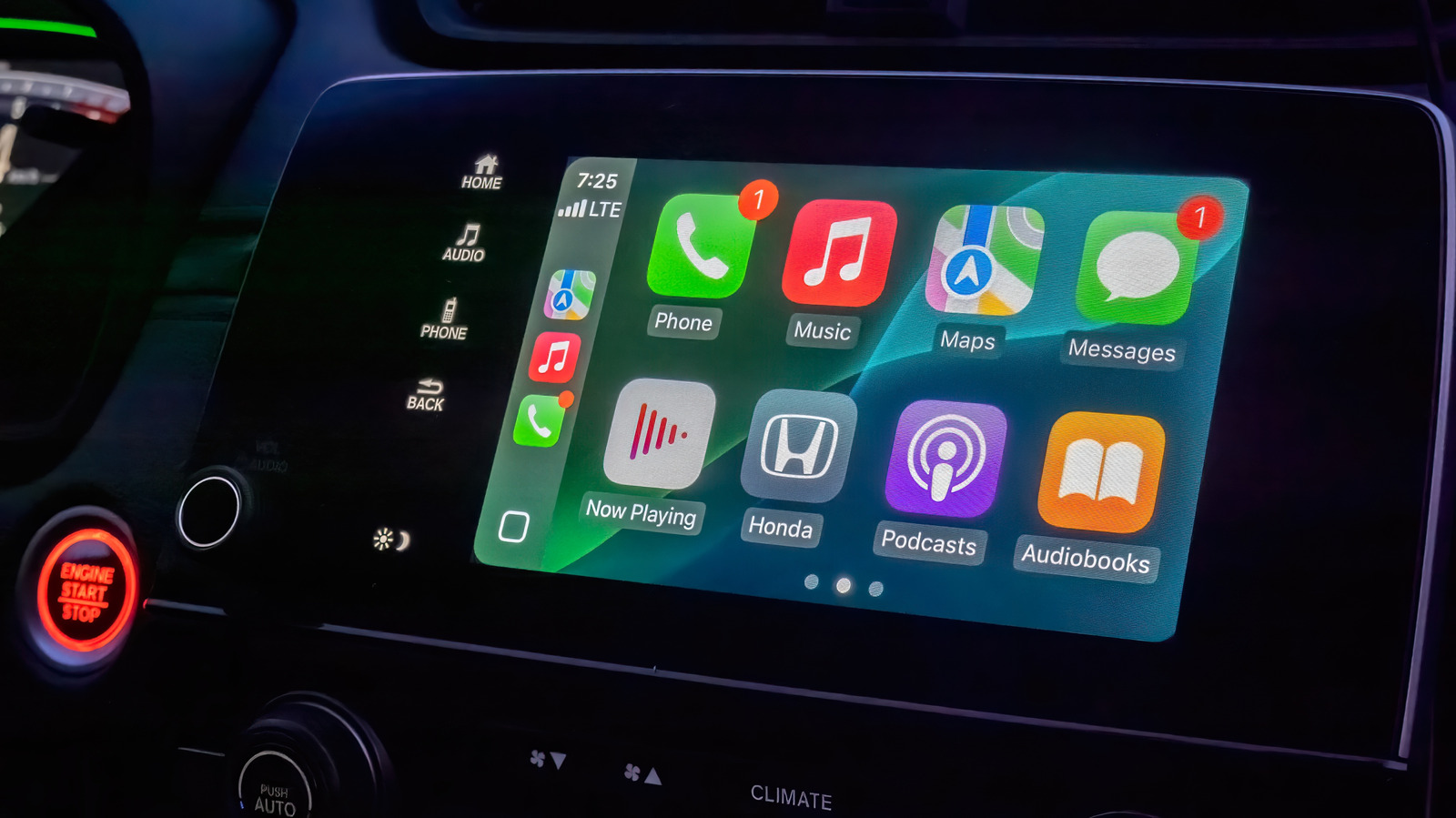
Apple CarPlay offers a streamlined interface for drivers, but while it lacks extensive customization options, users can still optimize their experienc…
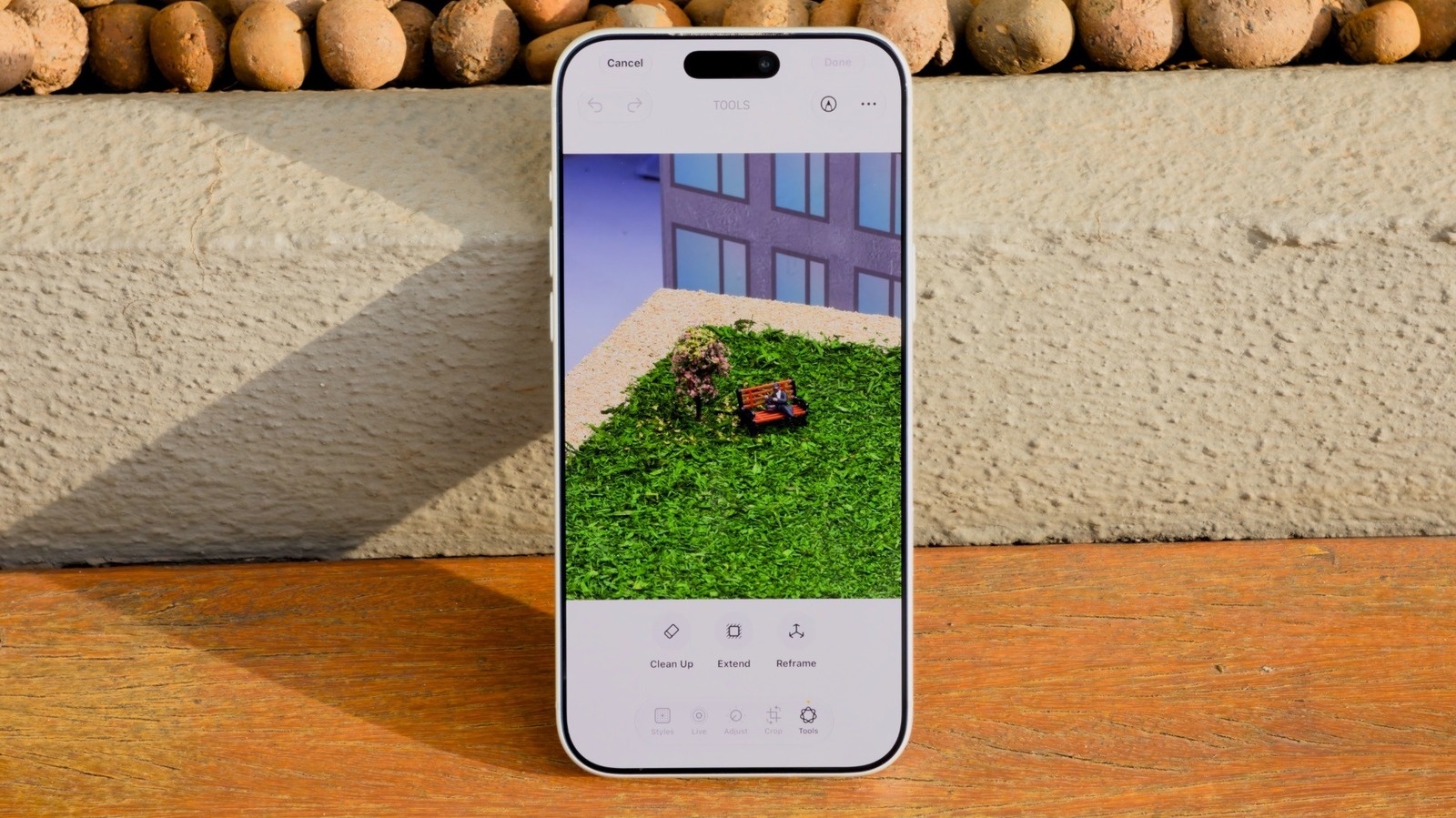
How to use the AI Clean Up tool in iOS 27 to remove unwanted objects in iPhone Photos
Apple's iOS 27 introduces significant enhancements to the Clean Up tool, a feature originally debuted in iOS 18 for removing unwanted elements from im…

As Apple's highly anticipated product event approaches, speculation regarding the branding of its first foldable device has reached a fever pitch. Whi…