
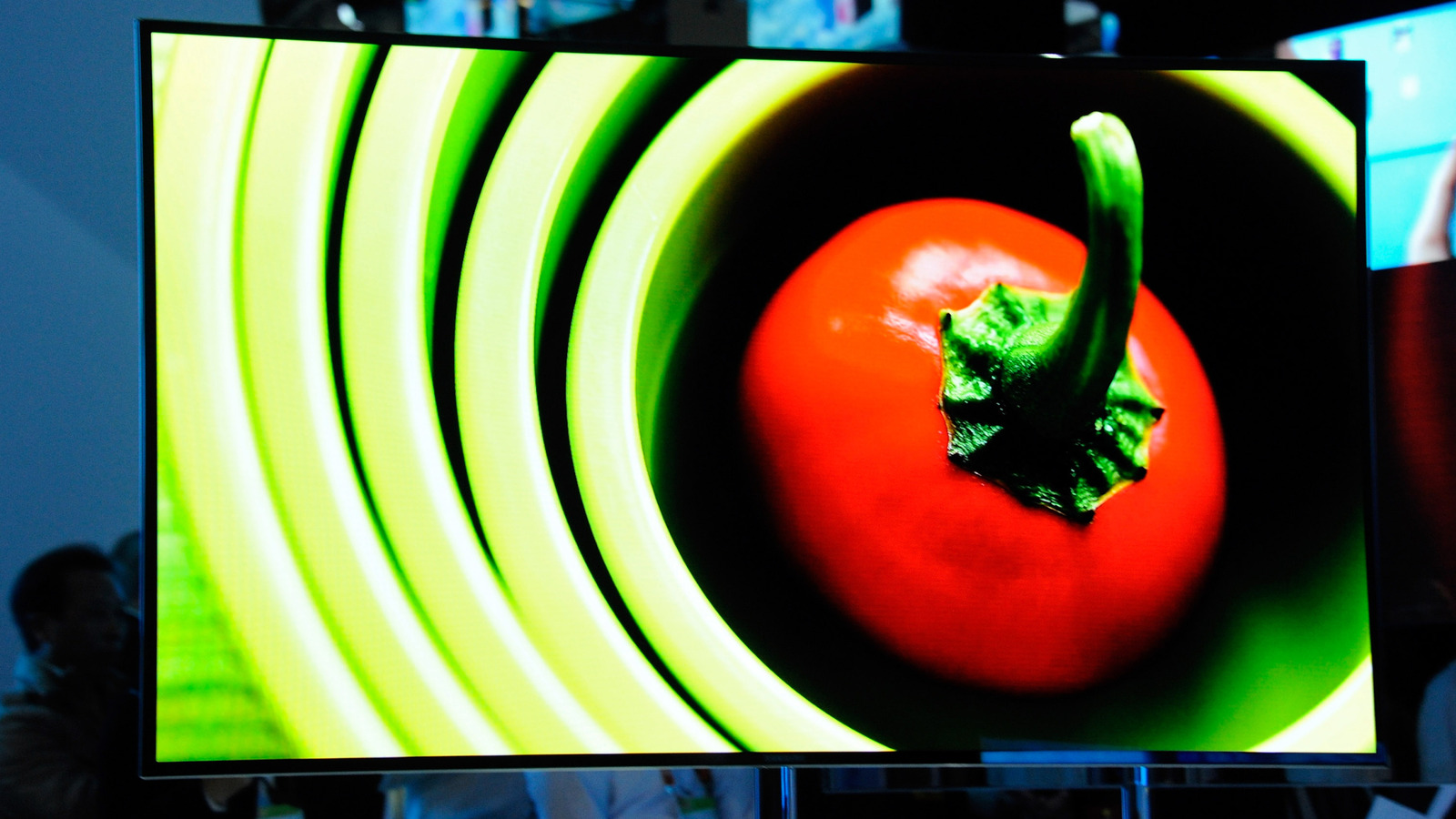
Samsung televisions, including popular models like The Frame, may occasionally encounter performance issues or software glitches that require a reboot or a full factory reset. Performing a reset can often resolve connectivity problems, app crashes, or unresponsive interfaces. To perform a soft reboot, users can typically hold the power button on the remote until the device restarts. For a more comprehensive factory reset, users must navigate to the settings menu, usually found under the Support or General sections, to restore the TV to its original out-of-the-box state. It is important to note that a factory reset will erase all user data, including downloaded apps, account logins, and personalized picture settings. Users are advised to ensure their firmware is up to date before attempting a reset, as this can sometimes fix underlying software bugs without the need for a complete data wipe.
This is a summary. Read the full article at the original source:
EngadgetRelated stories
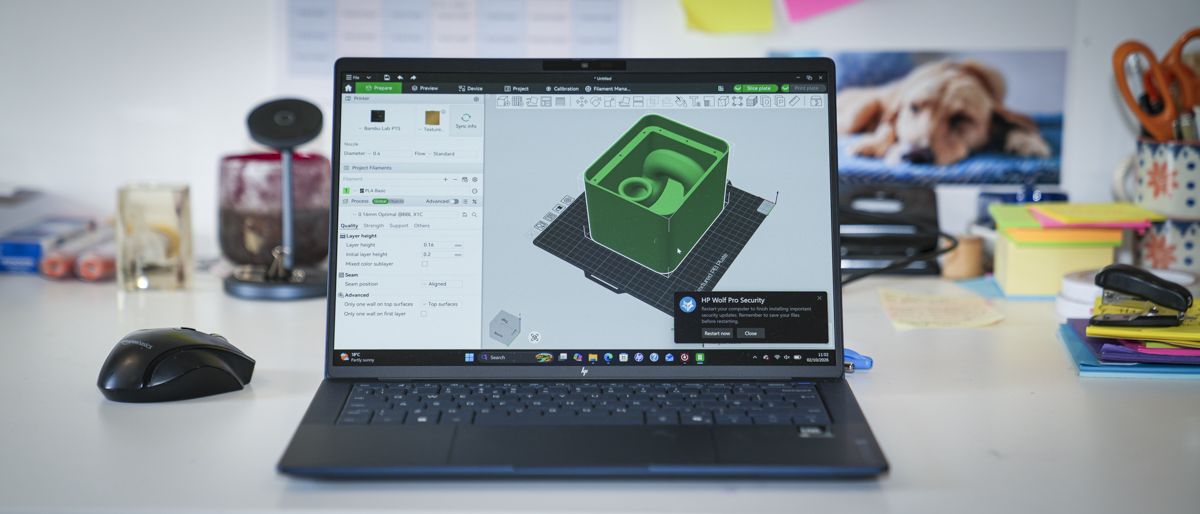
The HP EliteBook X G2i is a premium 14-inch business laptop designed for professionals who prioritize portability without sacrificing performance. Wei…
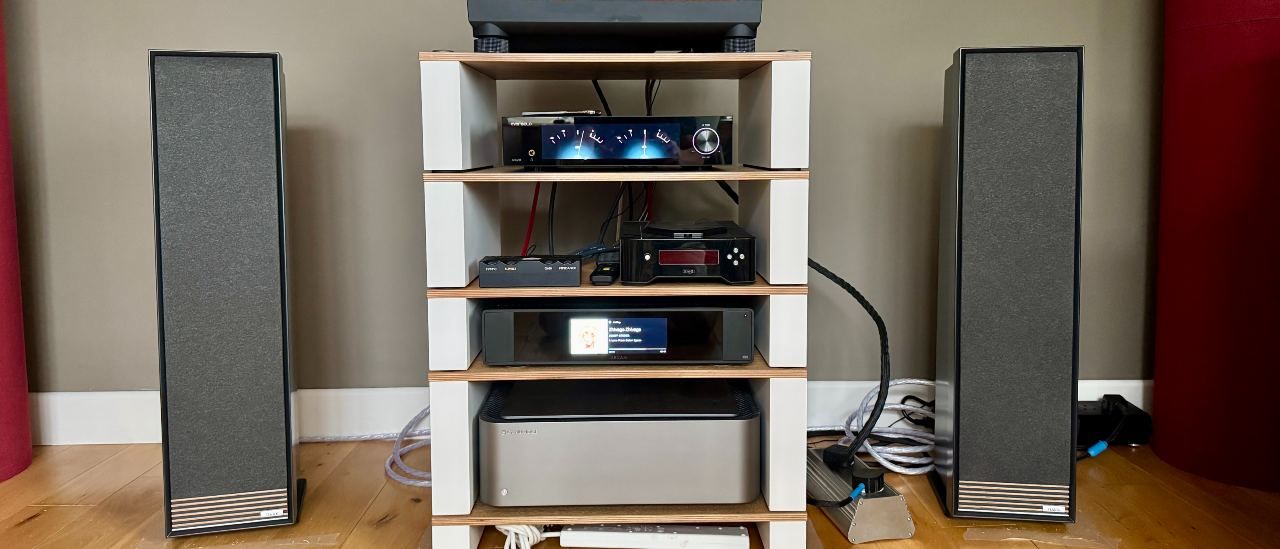
Ruark Audio Talisman-R review: Discreet passive speakers with impeccable finish
Ruark Audio has released the Talisman-R, a new pair of passive floorstanding speakers that pay homage to the company's original 1990s design. Featurin…
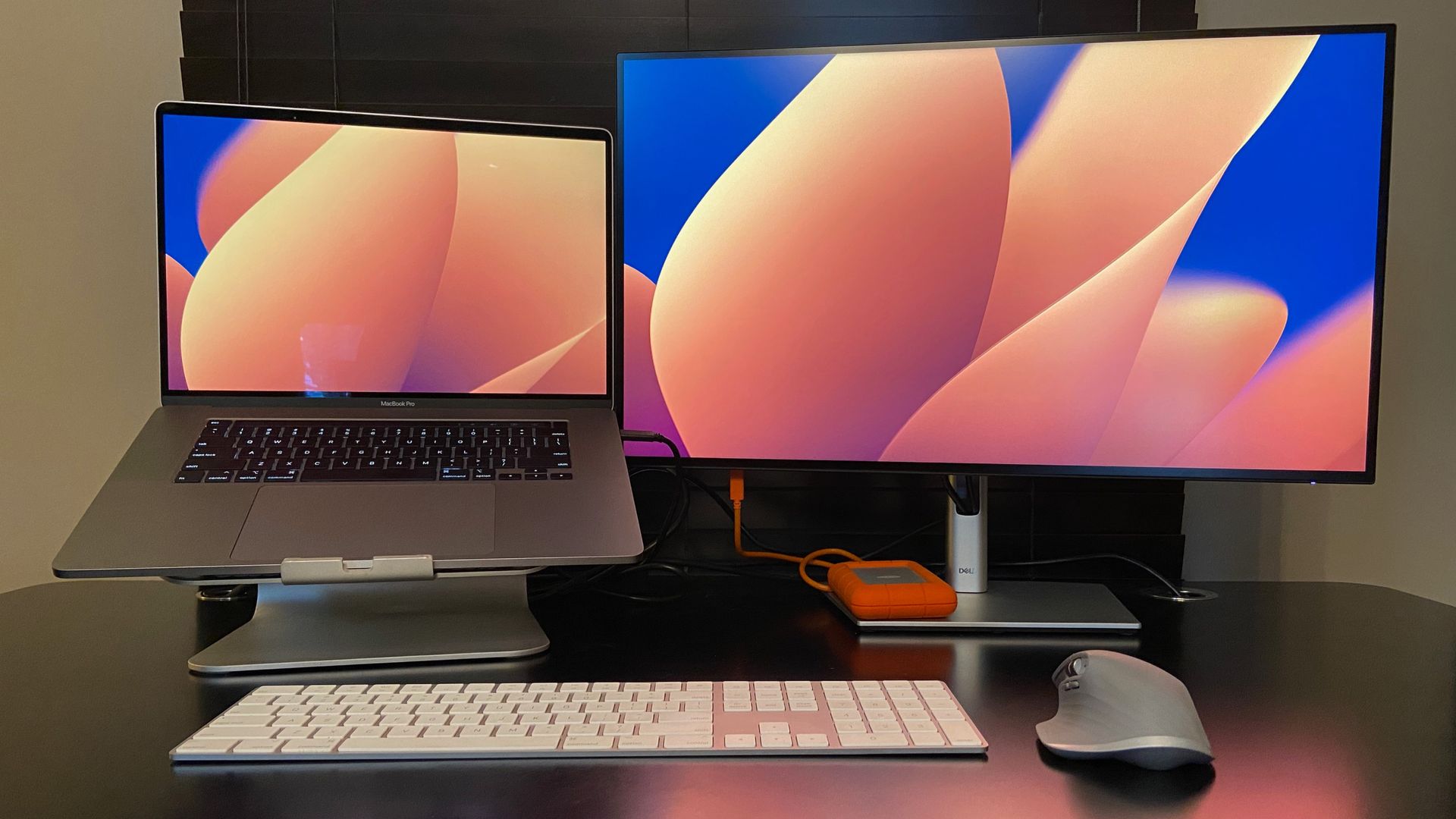
The clever software I use to control two PCs with one keyboard and mouse — no hardware KVM required
Managing multiple computers often requires cumbersome hardware KVM switches to share a single keyboard and mouse. However, software-based solutions no…