
The clever software I use to control two PCs with one keyboard and mouse — no hardware KVM required
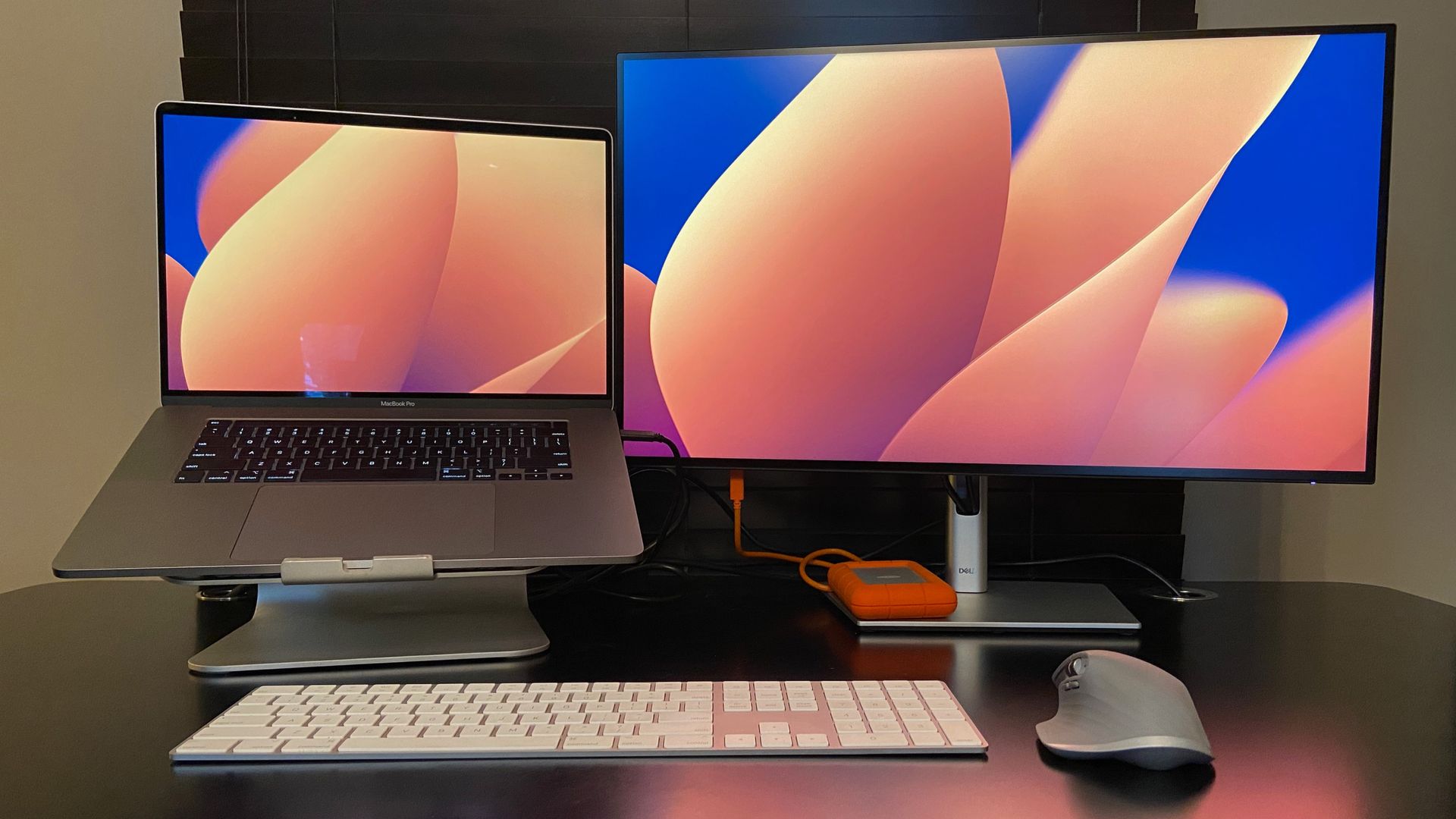
Managing multiple computers often requires cumbersome hardware KVM switches to share a single keyboard and mouse. However, software-based solutions now offer a more flexible, space-saving alternative for users working across multiple PCs. By utilizing a shared network connection, programs like Microsoft’s 'Mouse Without Borders' (now part of PowerToys), Synergy, and DeskFlow allow users to move their cursor seamlessly between displays. These tools enable features such as clipboard sharing and file transfers, effectively bridging the gap between independent systems. While hardware switches are limited by physical ports and desk space, software bridges can connect multiple machines simultaneously. However, these tools generally require a stable local network and may struggle in public Wi-Fi environments. Despite these limitations, software-based peripheral sharing remains a highly effective, vendor-independent method for increasing productivity and streamlining workflows for developers and power users alike.
This is a summary. Read the full article at the original source:
TechRadarRelated stories

In 2026 — made of acorns and matches: a measurement complex for the Musical Fidelity M1
The author describes the process of building a DIY measurement system to evaluate a rare Musical Fidelity M1 turntable equipped with an SME M2-9 tonea…
Why your smart speaker keeps misunderstanding you (and how to fix it)
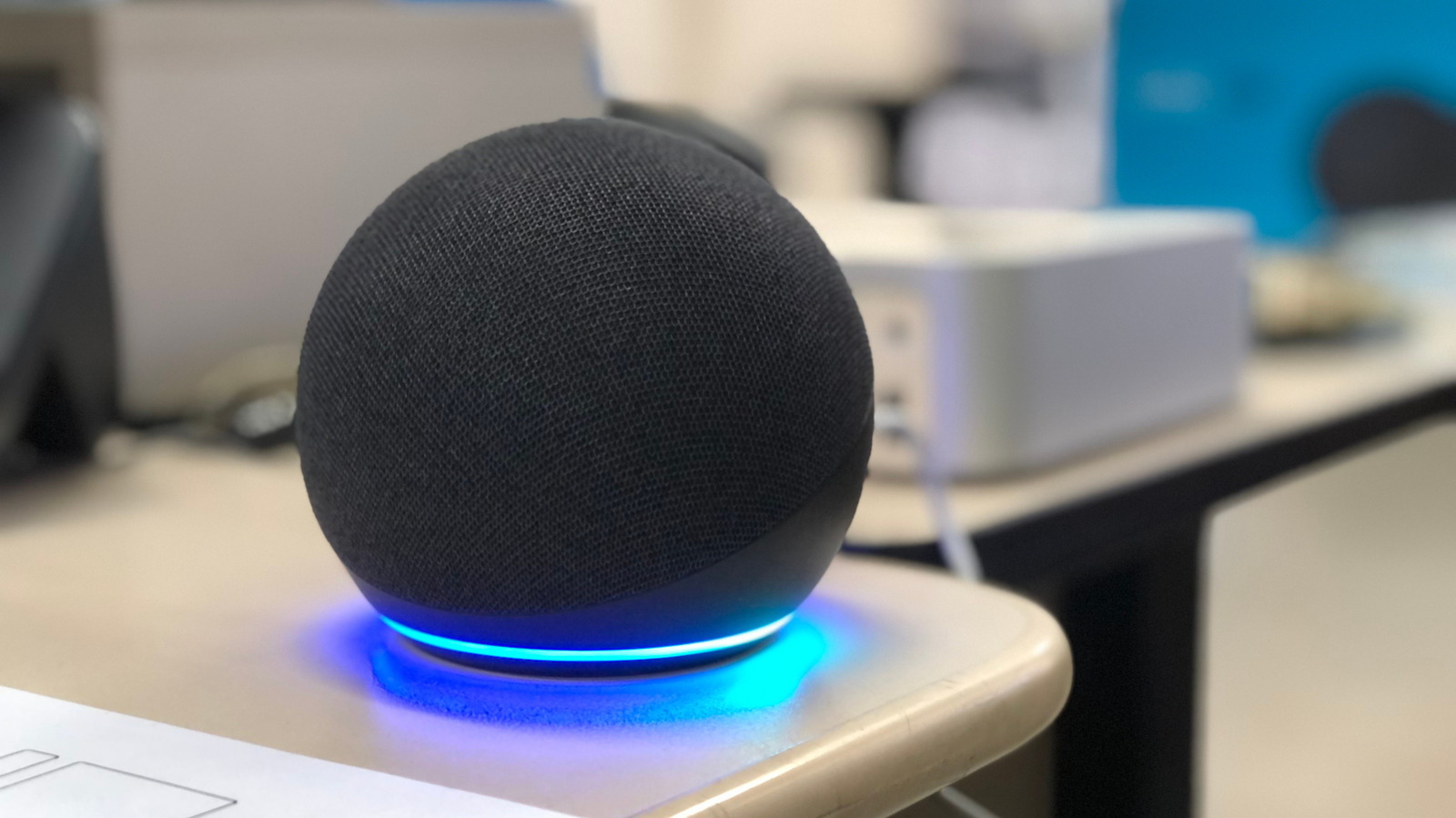
Smart speakers are designed to streamline home automation and information retrieval, yet they frequently struggle with voice recognition accuracy. Eng…

Which mini Xteink ereader should you buy? A comparison of all 4 models
TechRadar has published a comprehensive comparison of the Xteink mini ereader lineup, evaluating the S4, X4 Pro, X4 Classic, and X3 models. The newly…