
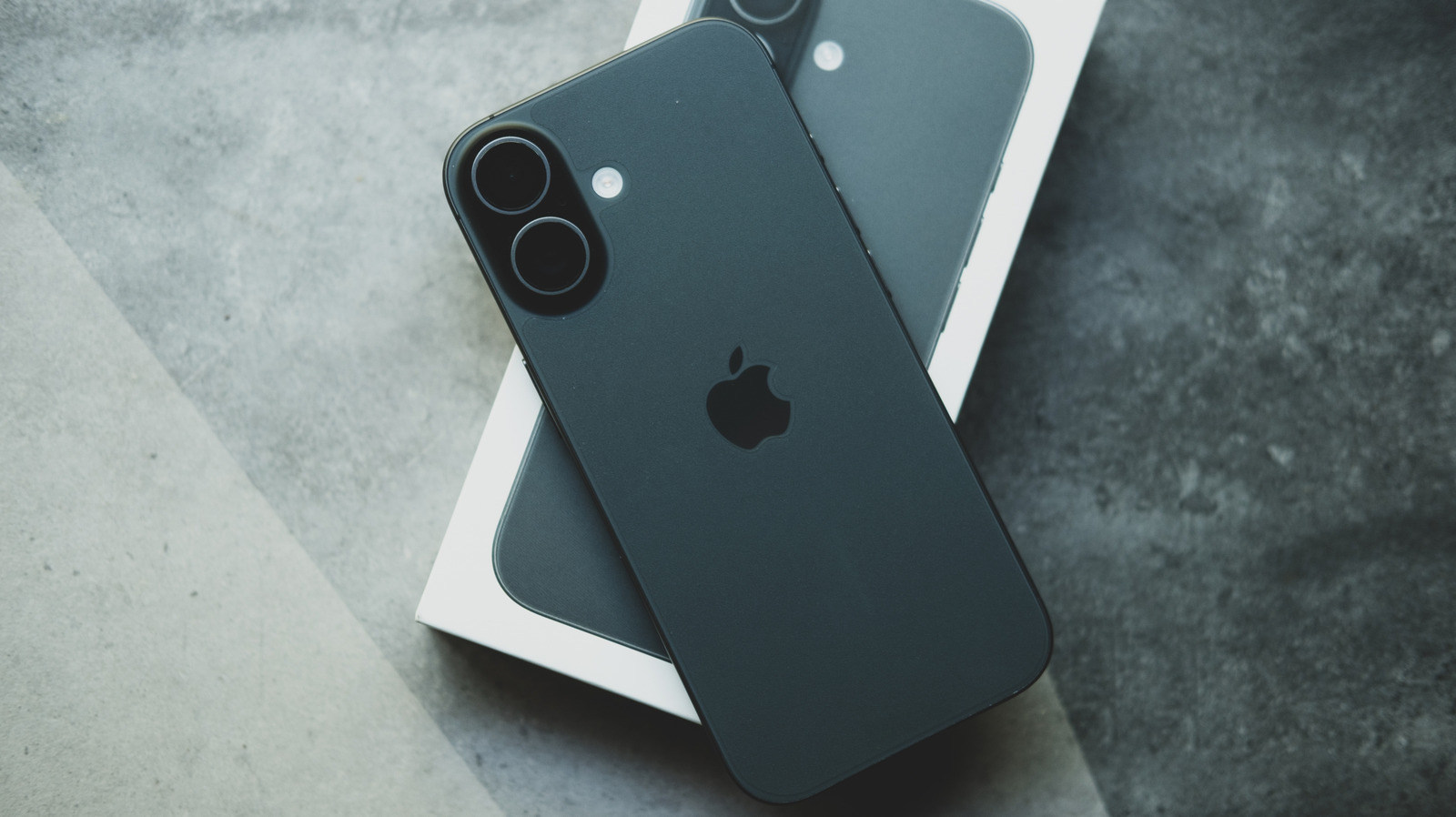
For users looking to optimize their photography experience on Apple devices, resetting the iPhone Camera app to its factory defaults can be a useful troubleshooting step. Over time, various adjustments to exposure, filters, or aspect ratios can accumulate, potentially affecting image quality or usability. Engadget provides a straightforward guide on how to revert these configurations to their original state. By navigating through the iOS Settings menu, users can clear customized camera preferences without affecting their actual photo library. This process is particularly helpful for those who have experimented with advanced settings and wish to return to the baseline performance intended by Apple. Whether you are dealing with persistent glitches or simply want a fresh start for your photography workflow, resetting these settings ensures that your device's camera operates as it did out of the box.
This is a summary. Read the full article at the original source:
EngadgetRelated stories
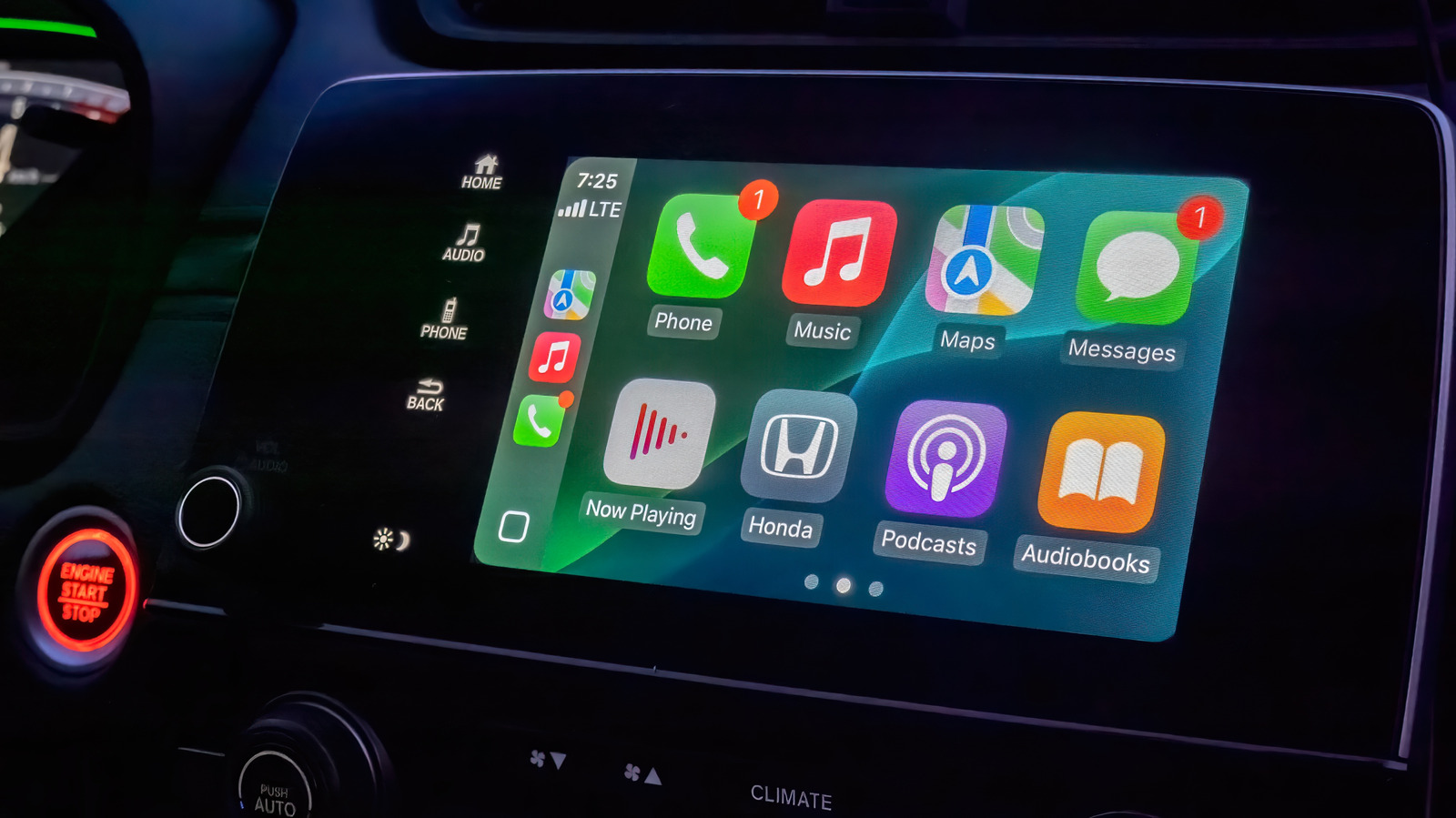
Apple CarPlay offers a streamlined interface for drivers, but while it lacks extensive customization options, users can still optimize their experienc…
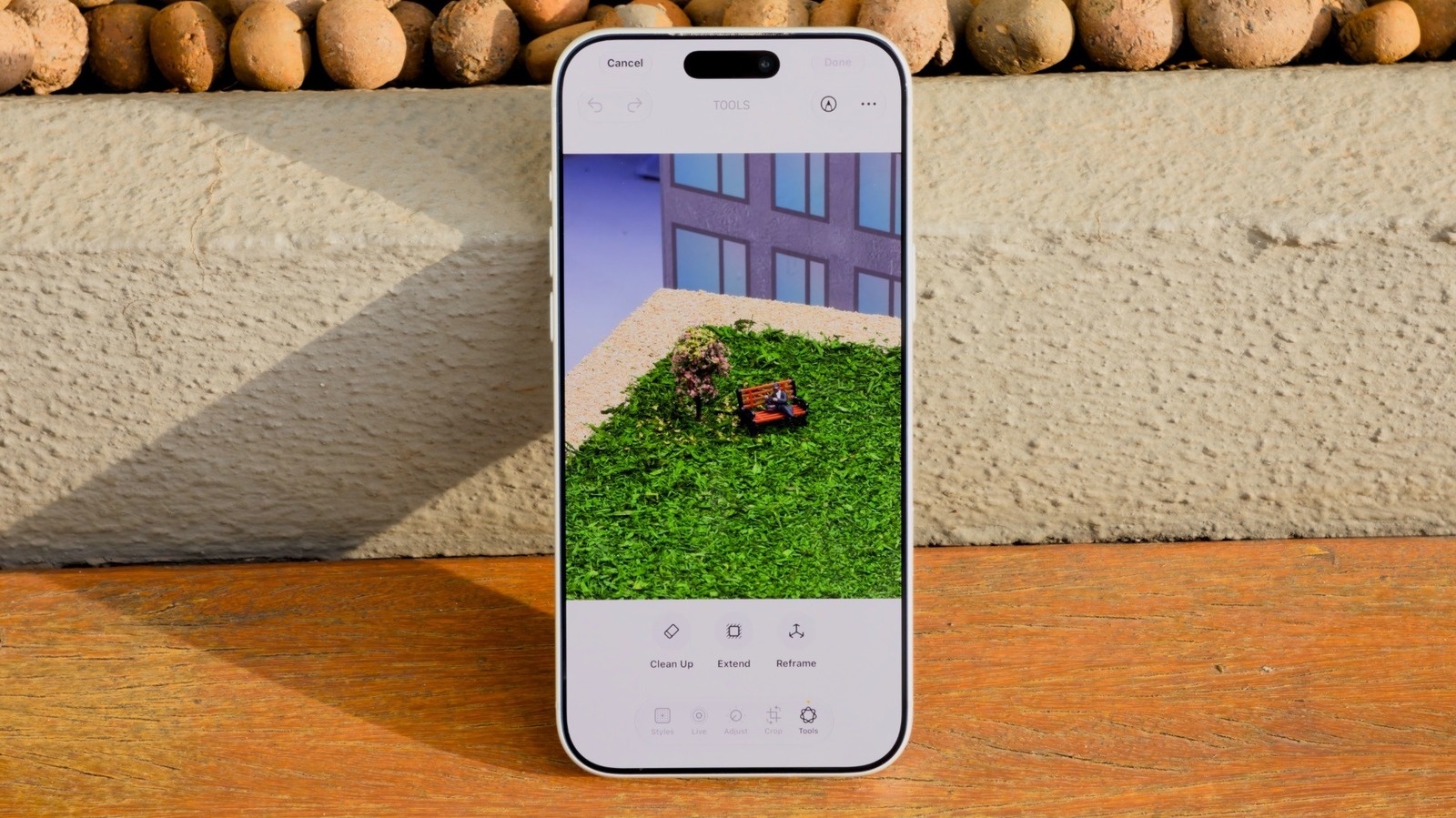
How to use the AI Clean Up tool in iOS 27 to remove unwanted objects in iPhone Photos
Apple's iOS 27 introduces significant enhancements to the Clean Up tool, a feature originally debuted in iOS 18 for removing unwanted elements from im…

As Apple's highly anticipated product event approaches, speculation regarding the branding of its first foldable device has reached a fever pitch. Whi…