
How to disconnect CarPlay so it will stop auto-connecting to your phone
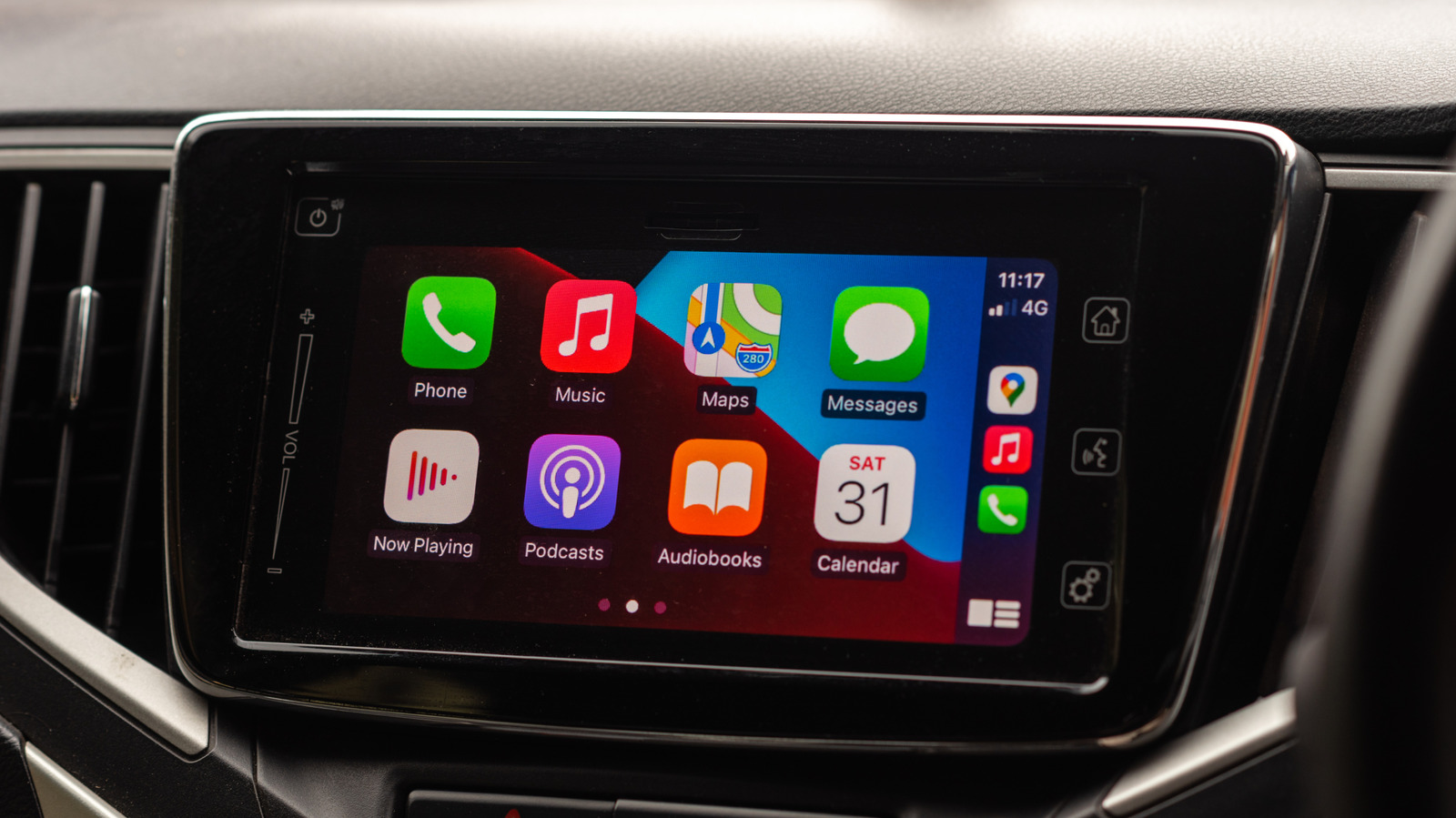
Apple CarPlay is designed for convenience, but its automatic connection feature can sometimes be intrusive for drivers who prefer a manual experience or need to disconnect their device temporarily. To stop your iPhone from automatically linking to your vehicle's infotainment system, users can navigate to the Settings app on their iOS device. By selecting 'General' and then 'CarPlay,' you can choose your specific vehicle from the list and toggle off the 'CarPlay' option. Alternatively, you can 'forget' the car entirely from the list to prevent any future automatic pairing. These steps provide users with greater control over their in-car connectivity, ensuring that the phone only integrates with the vehicle's dashboard when explicitly desired. This simple configuration adjustment helps manage digital distractions and improves the overall driving experience for those who find the persistent auto-launch feature of CarPlay to be more of a hindrance than a helpful tool.
This is a summary. Read the full article at the original source:
EngadgetRelated stories
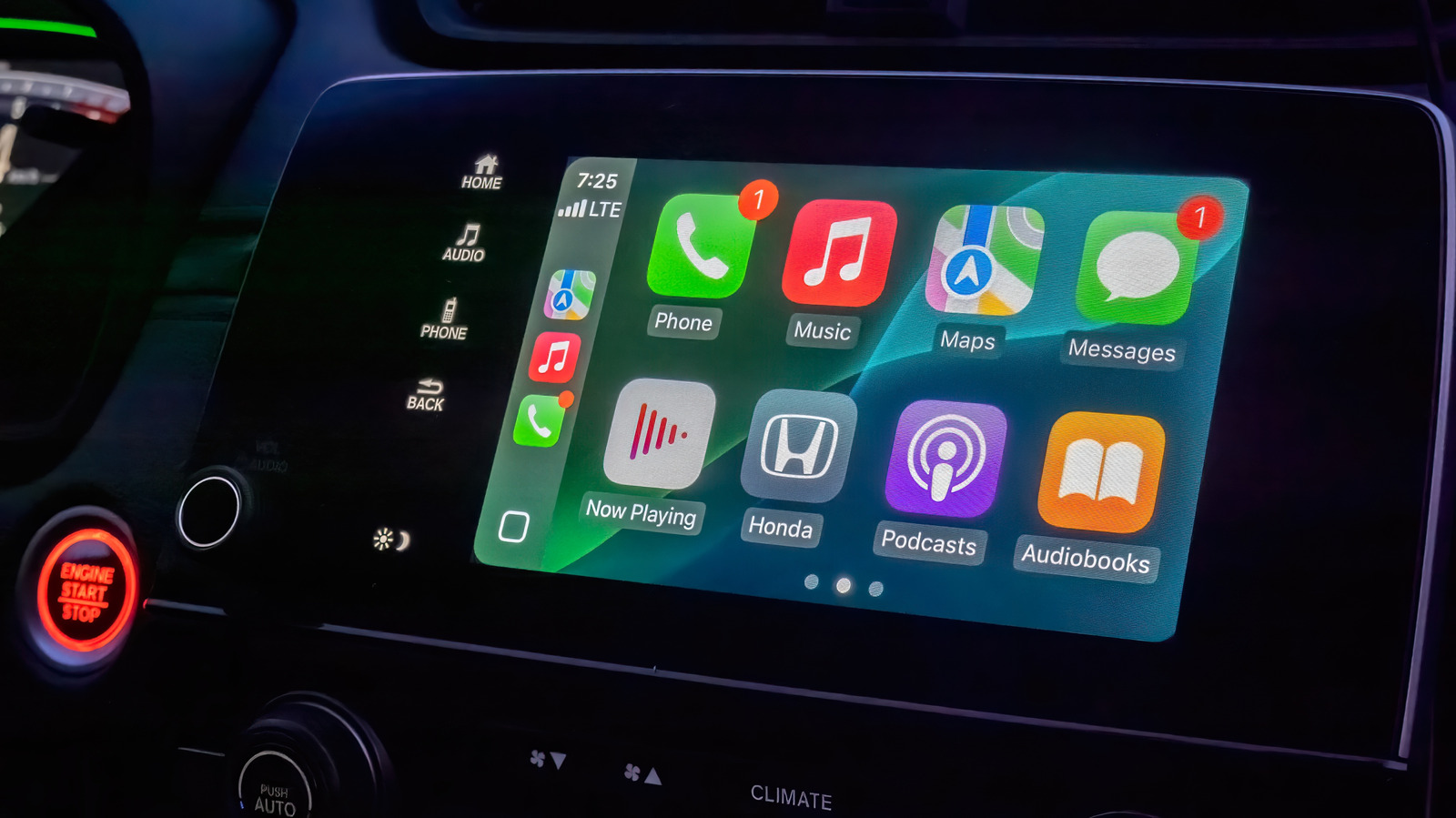
Apple CarPlay offers a streamlined interface for drivers, but while it lacks extensive customization options, users can still optimize their experienc…
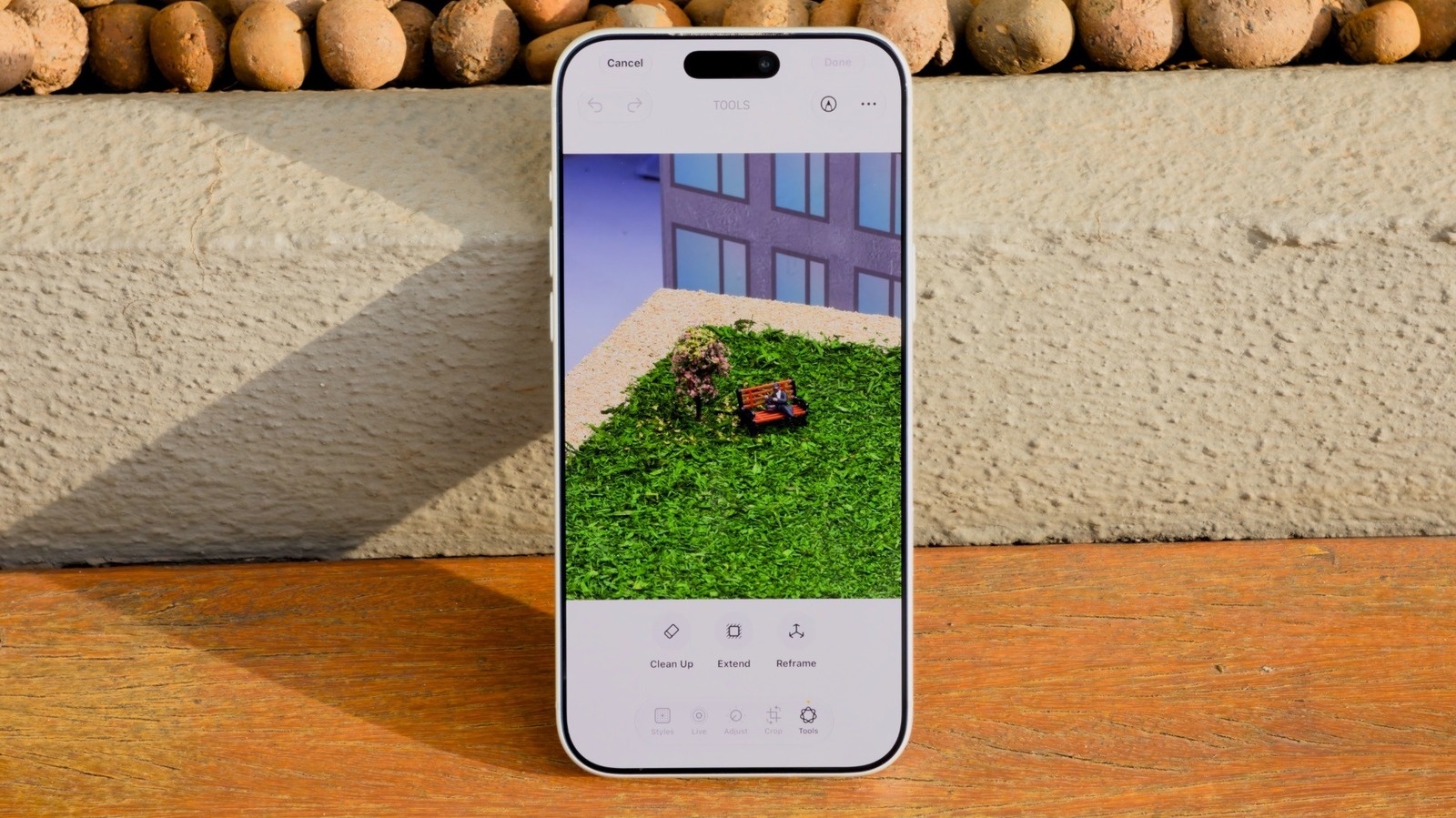
How to use the AI Clean Up tool in iOS 27 to remove unwanted objects in iPhone Photos
Apple's iOS 27 introduces significant enhancements to the Clean Up tool, a feature originally debuted in iOS 18 for removing unwanted elements from im…

As Apple's highly anticipated product event approaches, speculation regarding the branding of its first foldable device has reached a fever pitch. Whi…