
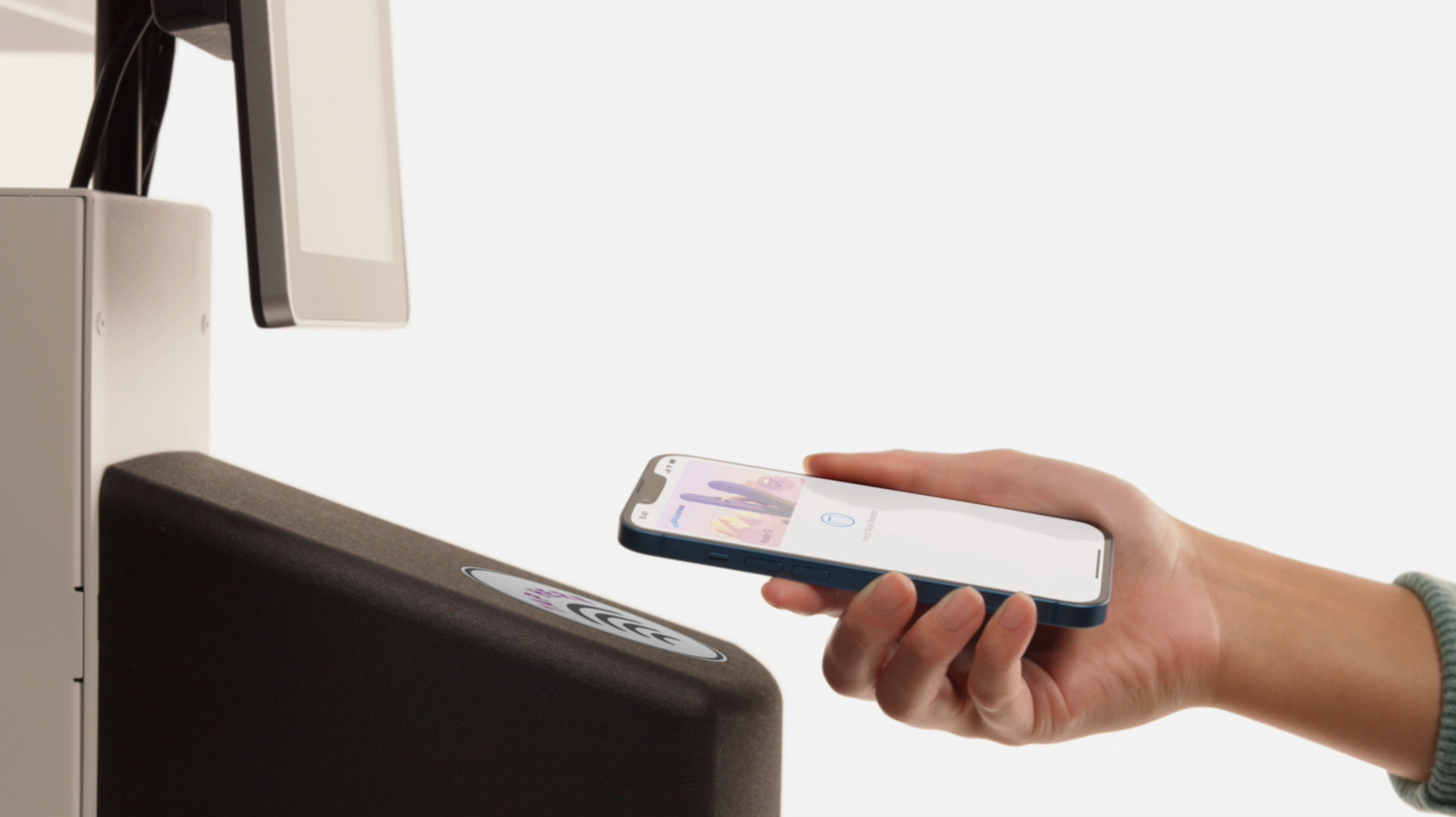
Apple Wallet has evolved far beyond a simple digital repository for credit cards and boarding passes. While many users primarily utilize the app for contactless payments, it offers a variety of features that can streamline daily routines and reduce physical clutter. The platform now supports a wide range of digital items, including event tickets, loyalty cards, hotel keys, and even government-issued identification in select regions. By exploring the app's deeper settings and integration capabilities, users can automate ticket updates, manage shared keys, and organize transit passes more effectively. This guide highlights six practical strategies to optimize your Apple Wallet experience, ensuring you get the most utility out of your device's digital storage. Whether you are looking to simplify your travel experience or digitize your entire physical wallet, these tips provide a comprehensive overview of how to leverage Apple's ecosystem for maximum convenience and security.
This is a summary. Read the full article at the original source:
EngadgetRelated stories
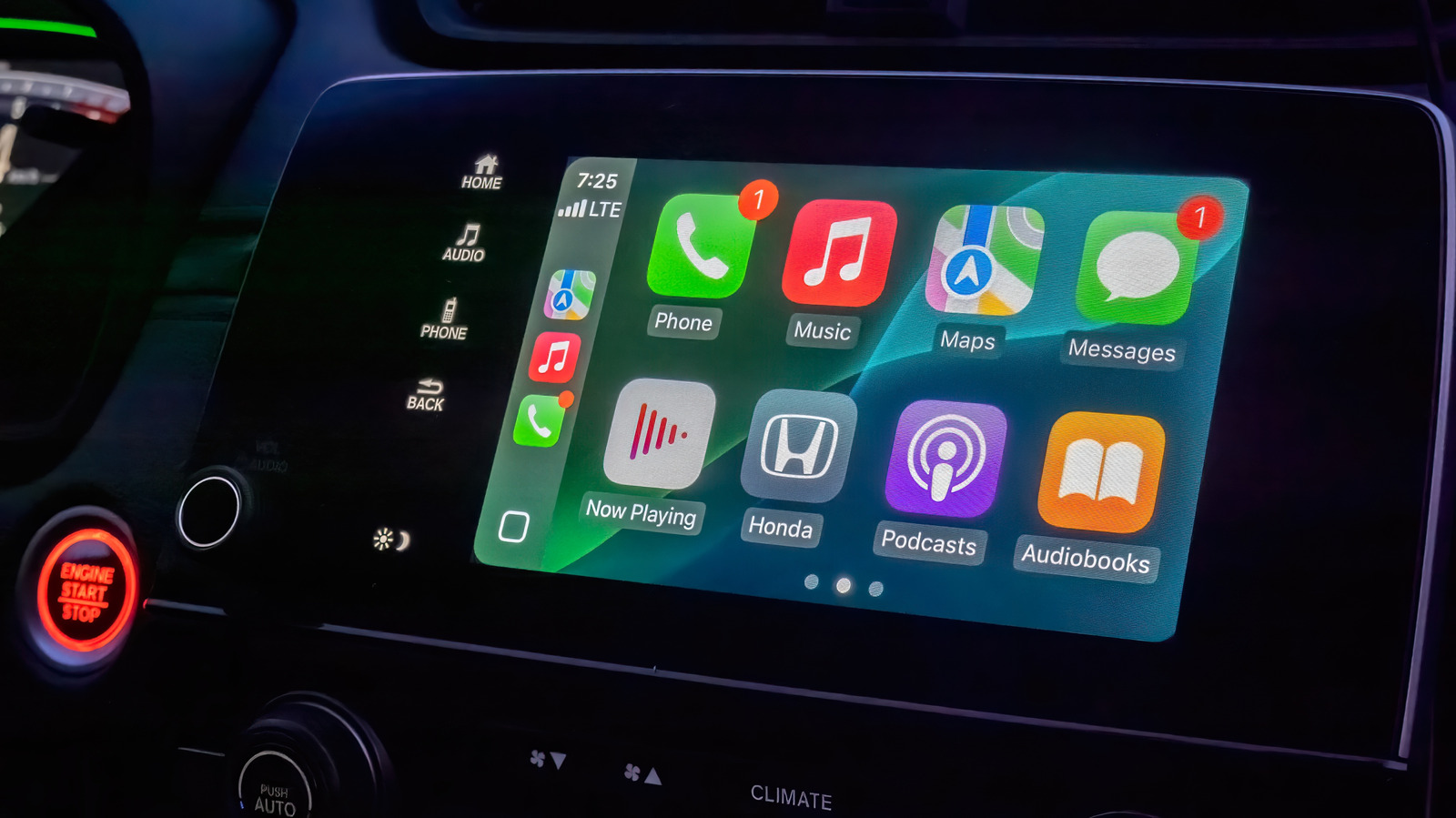
Apple CarPlay offers a streamlined interface for drivers, but while it lacks extensive customization options, users can still optimize their experienc…

How to use the AI Clean Up tool in iOS 27 to remove unwanted objects in iPhone Photos
Apple's iOS 27 introduces significant enhancements to the Clean Up tool, a feature originally debuted in iOS 18 for removing unwanted elements from im…

As Apple's highly anticipated product event approaches, speculation regarding the branding of its first foldable device has reached a fever pitch. Whi…