
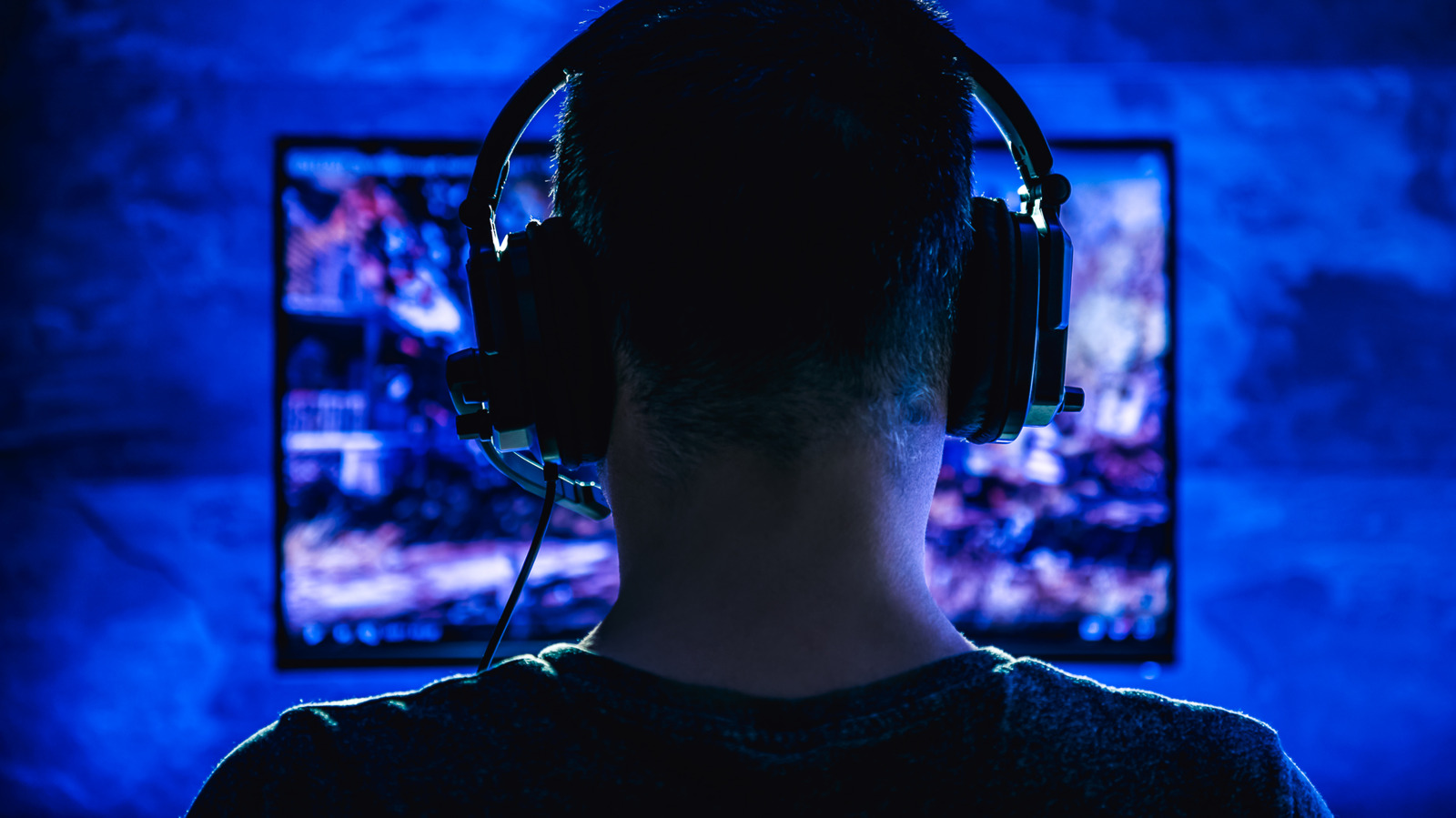
Screen tearing is a common visual artifact that occurs when a graphics card sends frames to a monitor that are out of sync with the display's refresh rate. This results in a horizontal line across the screen where two different frames are displayed simultaneously, creating a jarring experience for gamers. The issue typically arises when the GPU's output frame rate exceeds or fluctuates significantly compared to the monitor's refresh rate. To resolve this, users can employ several synchronization techniques. Enabling V-Sync is the most traditional method, though it can introduce input lag. Modern solutions like NVIDIA G-Sync and AMD FreeSync offer more sophisticated hardware-level synchronization, adjusting the monitor's refresh rate dynamically to match the GPU's output. Additionally, limiting the frame rate or adjusting in-game settings can help mitigate the problem, ensuring a smoother and more consistent visual experience during gameplay.
This is a summary. Read the full article at the original source:
EngadgetRelated stories
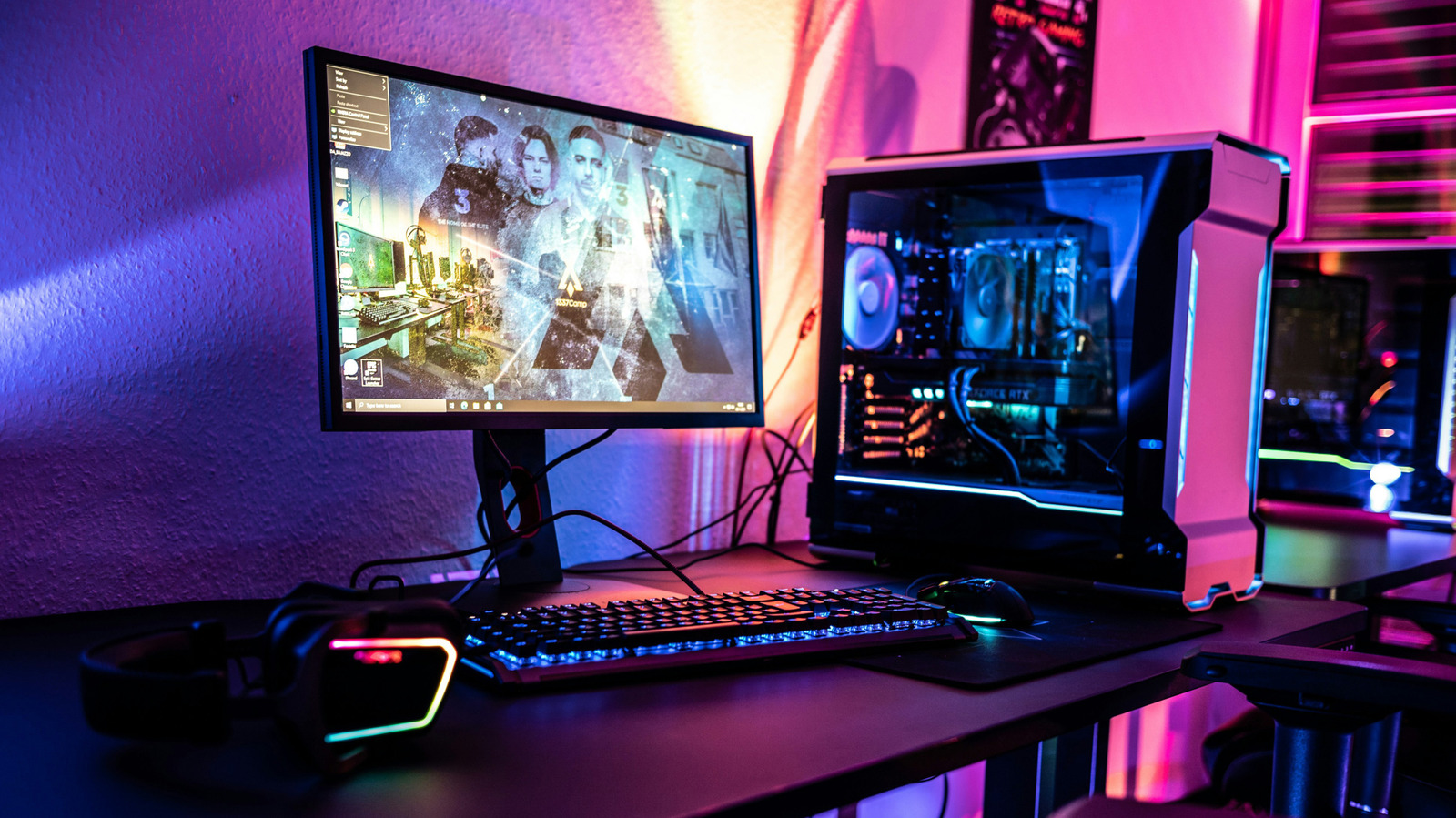
Vertical Synchronization, commonly known as V-Sync, is a graphics technology designed to synchronize a game's frame rate with the refresh rate of a mo…
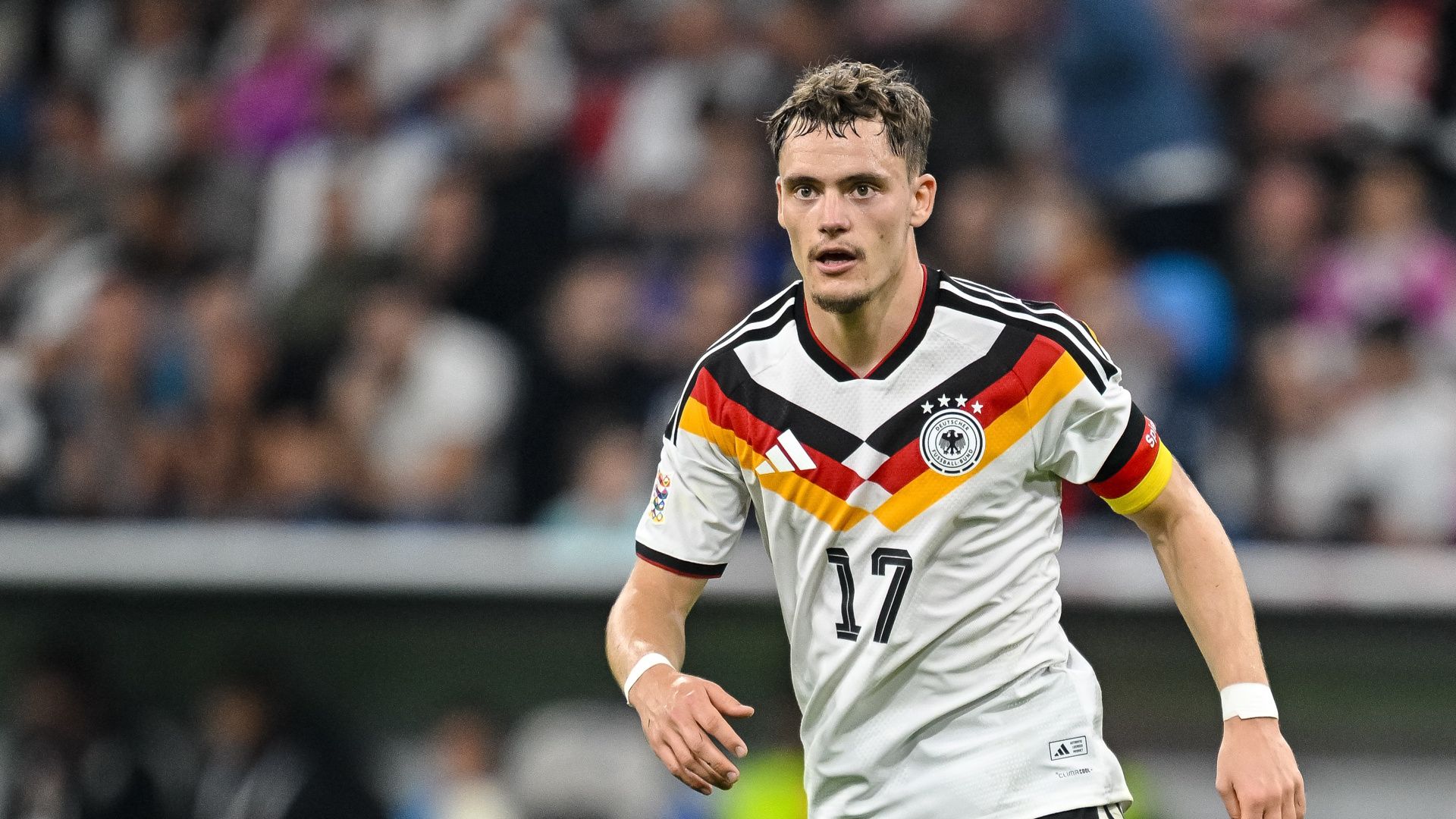
The Greece vs. Germany UEFA Nations League match is set to take place at Toumba Stadium in Thessaloniki. Greece enters the fixture at the top of Group…
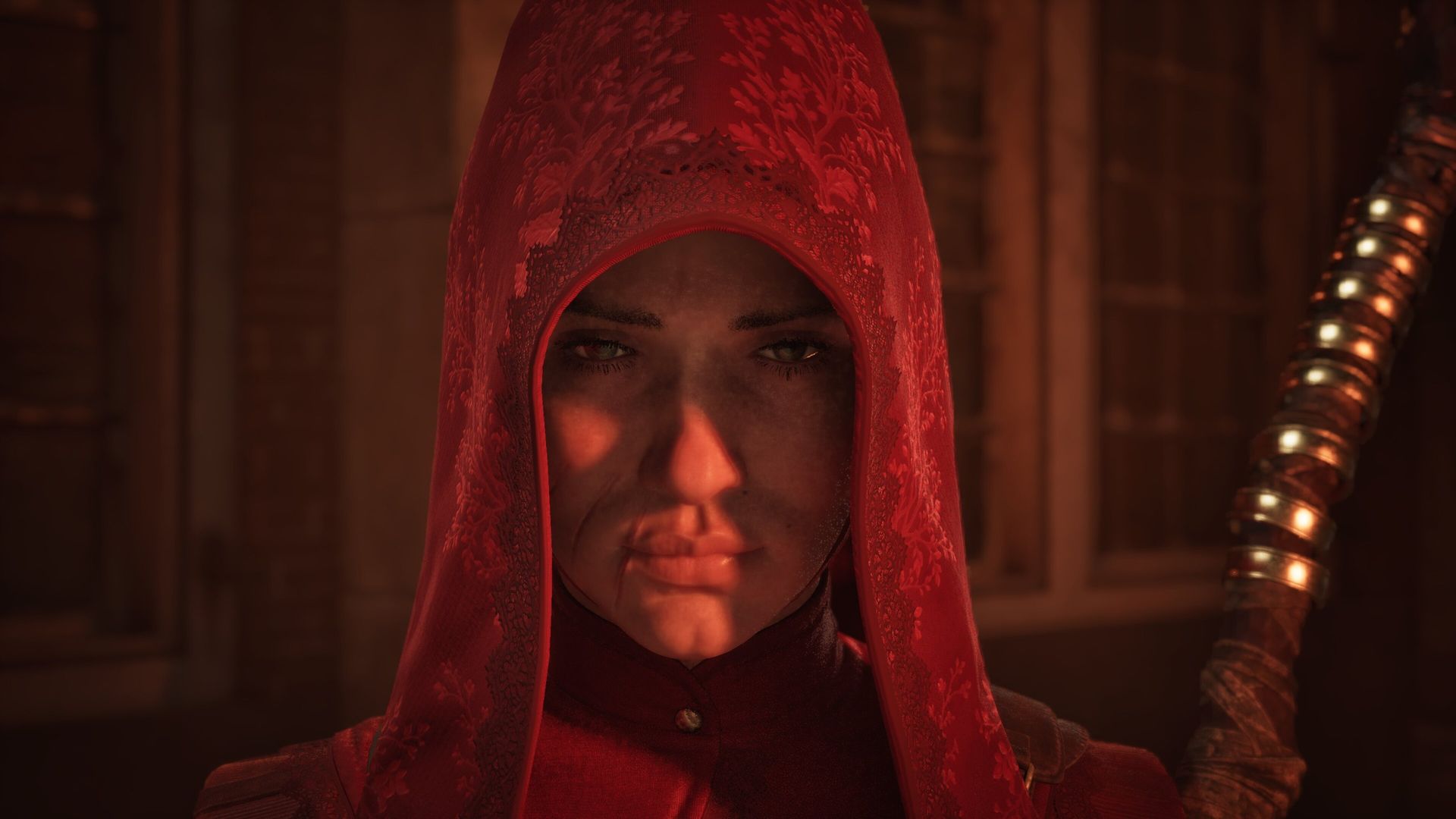
1666: Amsterdam is the long-lost sequel to Assassin’s Creed: Brotherhood, 15 years in the making
After 13 years in development, 1666: Amsterdam, the brainchild of Patrice Désilets, has finally entered Steam Early Access. Originally conceived as a…