
How to use Google's Find My Device to locate your Android phone
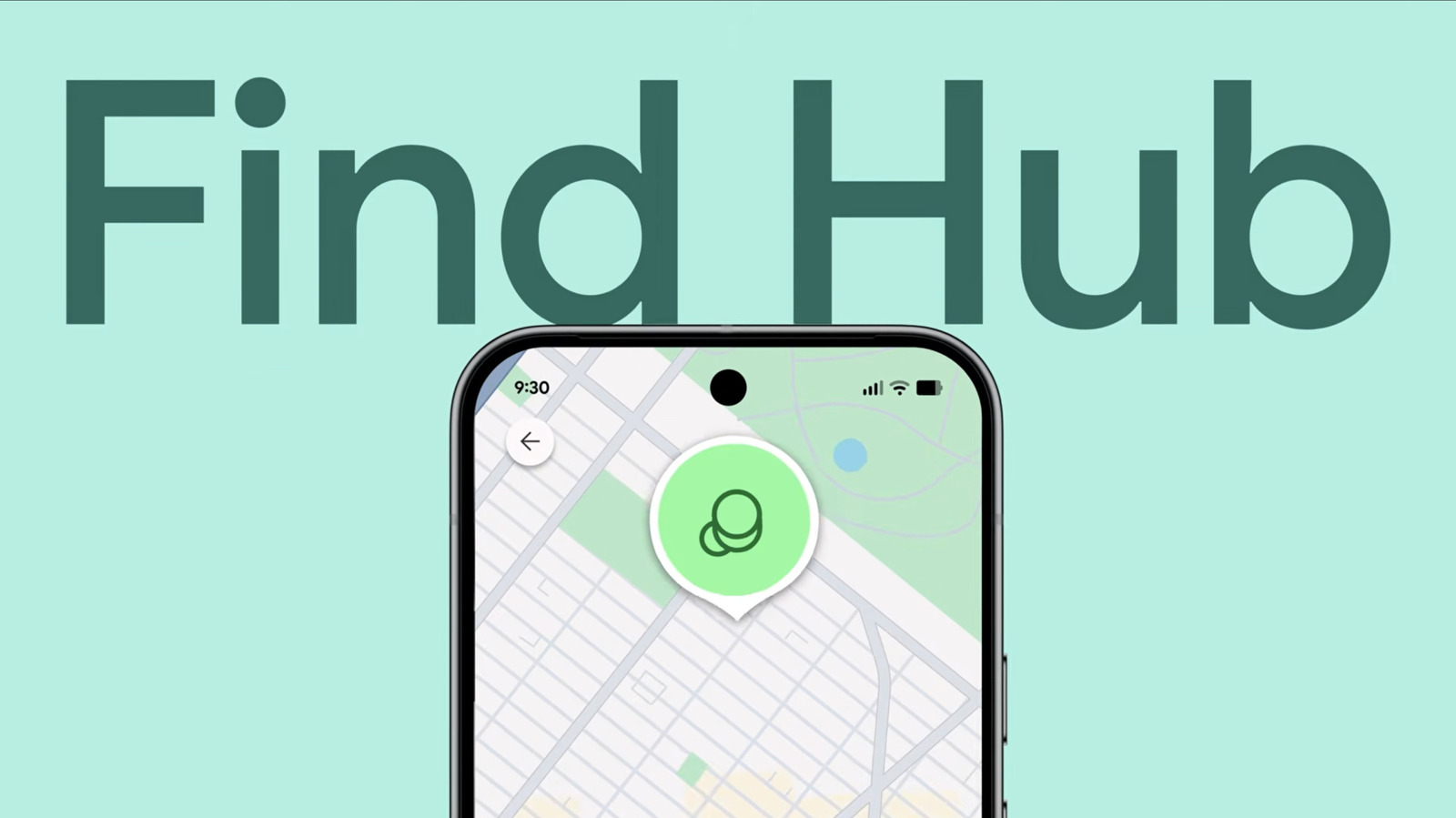
Losing an Android smartphone can be a stressful experience, but Google provides a robust solution through its Find My Device network. This service allows users to track the real-time location of their missing devices via a web browser or the dedicated app. To utilize this feature, users must ensure that their device is linked to a Google account, has location services enabled, and is connected to the internet. The Find My Device interface offers several critical capabilities, including the ability to play a sound on the device to help locate it nearby, remotely lock the phone to protect personal data, or perform a factory reset if the device is deemed unrecoverable. By proactively configuring these settings, Android users can significantly improve their chances of recovering lost hardware or securing sensitive information against unauthorized access.
This is a summary. Read the full article at the original source:
EngadgetRelated stories

Motorola has officially announced the Signature 27, marking the company as the first manufacturer to integrate Qualcomm’s cutting-edge Snapdragon 8 El…

Snapdragon 8 Elite Gen 6 vs 8 Elite Extreme Gen 6: Qualcomm explains how (and why) its two newest flagship mobile chipsets differ
Qualcomm has unveiled its latest flagship mobile processors, the Snapdragon 8 Elite Gen 6 and the Snapdragon 8 Elite Extreme Gen 6. Both chipsets are…
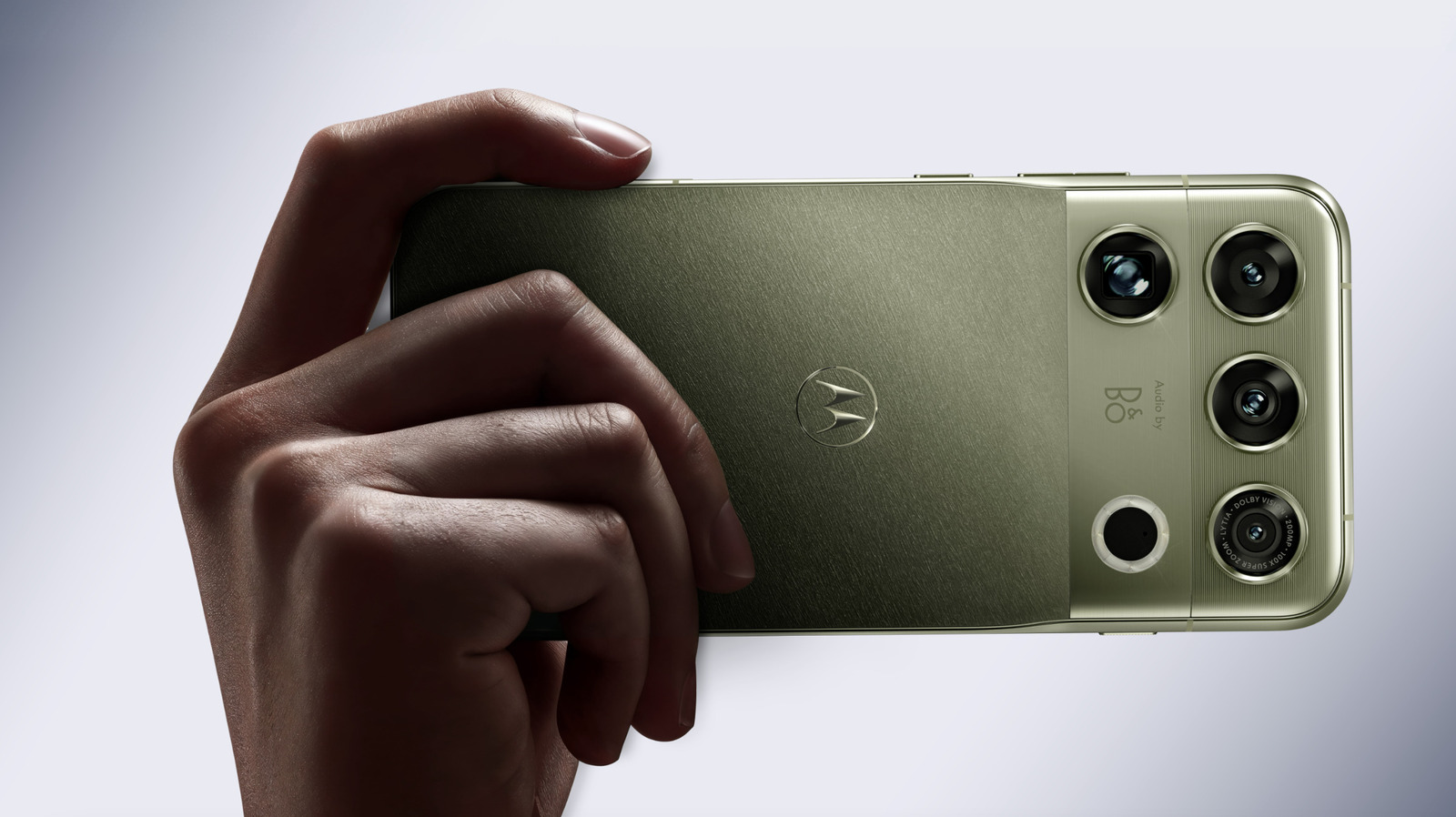
Motorola's new Signature 27 is among the first smartphone to use the Snapdragon 8 Elite Extreme Gen 6 processor
Motorola has officially unveiled its latest flagship device, the Signature 27, marking a significant milestone in mobile hardware performance. The dev…