
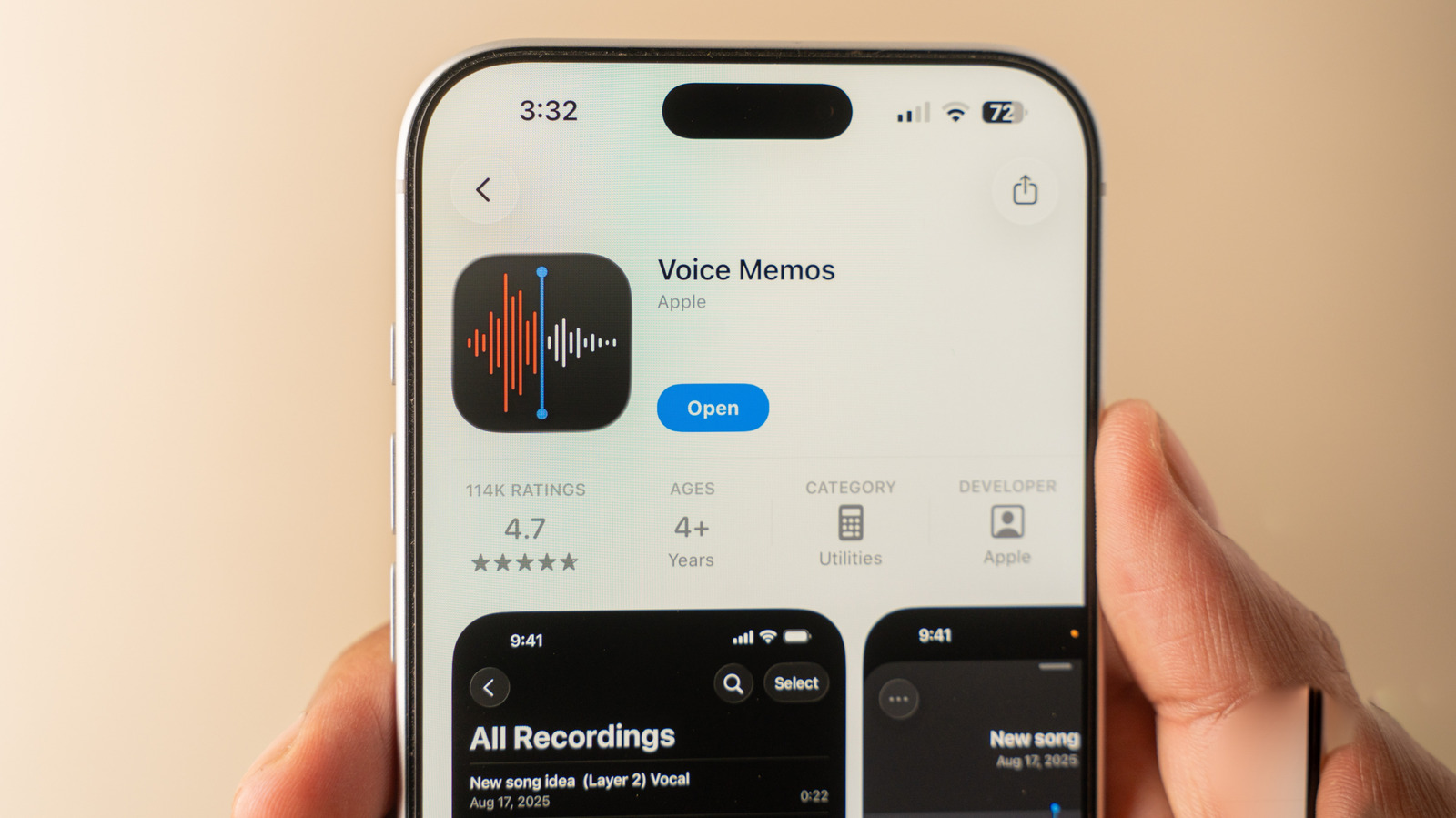
Recording audio on an iPhone is a straightforward process that eliminates the need to capture unnecessary video when you only need to save a meeting, a song, or a personal memo. Apple provides built-in tools that make high-quality audio capture accessible to all users without requiring third-party software. By utilizing the Voice Memos app, users can easily start, pause, and manage their recordings directly from their device. This functionality is particularly useful for students, professionals, and anyone looking to document information quickly. The interface is designed for simplicity, allowing for instant playback and basic editing features such as trimming or replacing segments. Whether you are capturing a lecture or a quick reminder, the iPhone’s native audio recording capabilities offer a reliable and efficient solution for everyday tasks, ensuring that important information is preserved clearly and conveniently.
This is a summary. Read the full article at the original source:
EngadgetRelated stories

Recent reports suggest that Apple is planning a significant design shift for its future iPhone lineup, potentially culminating in the iPhone 20 Pro. I…

Apple's latest A20 Pro chip, featured in the iPhone 18 Pro and Pro Max, has demonstrated industry-leading performance in recent synthetic benchmark te…

As the tech industry anticipates the upcoming launch of Apple's first foldable device, the iPhone Duo, Ookla has released a comprehensive benchmark re…