
How to join a FaceTime call with your Android phone or Windows PC
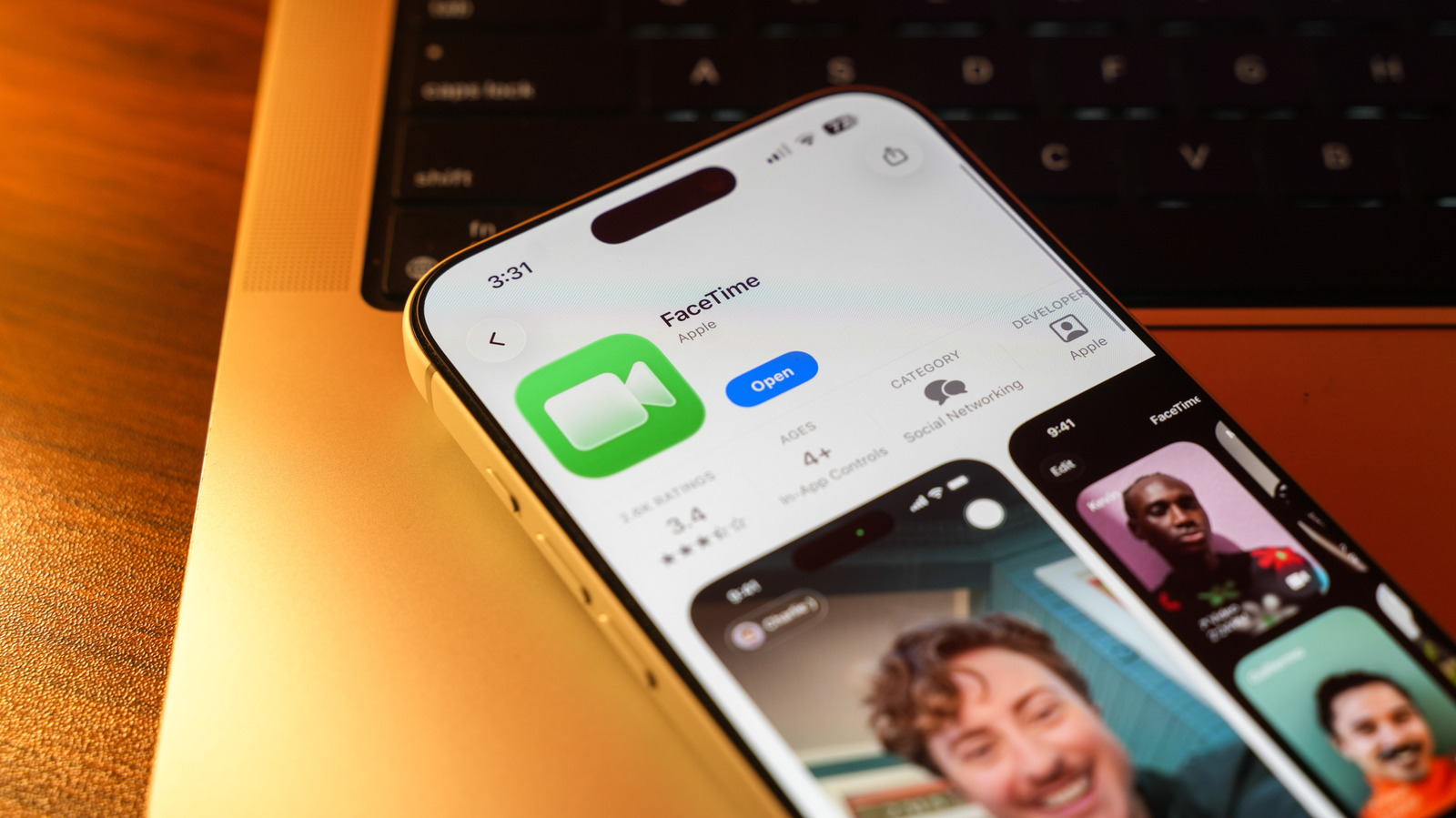
While FaceTime is primarily known as an Apple-exclusive service, users on Android and Windows devices can still participate in calls. Apple introduced the ability for non-Apple users to join FaceTime sessions via web browsers, effectively breaking down the platform's walled garden for video conferencing. To join a call, an Apple user must first create a link and share it with the participant. Once the link is received, the Android or Windows user can open it in a compatible browser, such as Chrome or Edge, to enter the virtual meeting room. While these participants do not have access to the full suite of FaceTime features available on iOS or macOS, the functionality provides a convenient way to communicate across different operating systems. This cross-platform compatibility makes FaceTime a more versatile tool for group calls, ensuring that hardware differences do not prevent users from connecting with friends or colleagues.
This is a summary. Read the full article at the original source:
EngadgetRelated stories

Recent reports suggest that Apple is planning a significant design shift for its future iPhone lineup, potentially culminating in the iPhone 20 Pro. I…

Apple's latest A20 Pro chip, featured in the iPhone 18 Pro and Pro Max, has demonstrated industry-leading performance in recent synthetic benchmark te…

As the tech industry anticipates the upcoming launch of Apple's first foldable device, the iPhone Duo, Ookla has released a comprehensive benchmark re…