
How to improve CarPlay navigation if you use Google Maps over Apple Maps
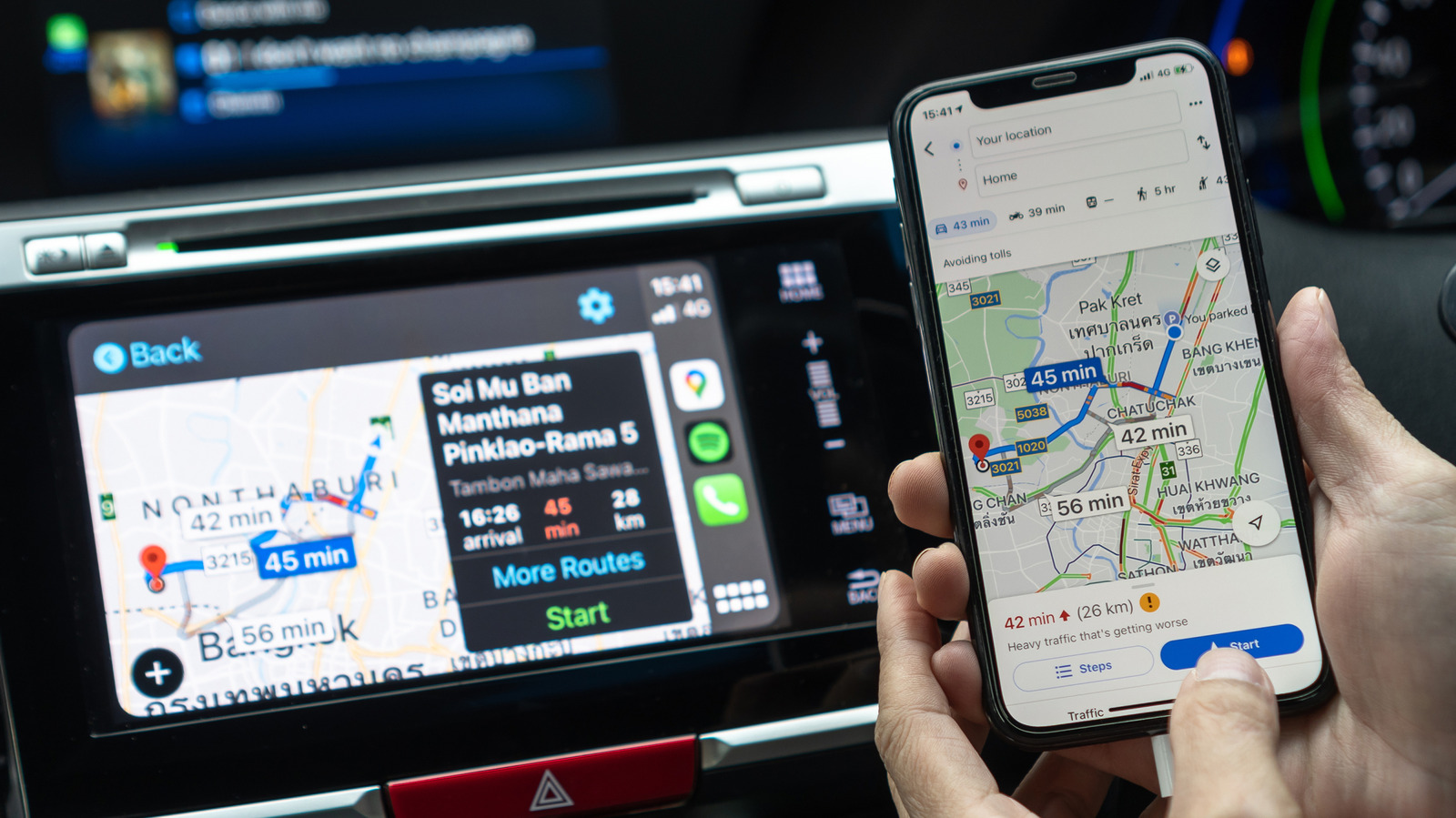
While Apple CarPlay does not allow users to set Google Maps as the default navigation application in most regions, there are several ways to optimize the experience for drivers who prefer Google's mapping service. The integration between iOS and third-party navigation apps can sometimes feel restrictive, but users can streamline their workflow by organizing the CarPlay dashboard and utilizing voice commands via Siri effectively. By rearranging the app icons on the CarPlay home screen, users can ensure Google Maps is always within easy reach. Additionally, leveraging Google Maps' robust features, such as offline maps and real-time traffic data, can significantly enhance navigation reliability during commutes. This guide highlights practical tips for maintaining a seamless driving experience, ensuring that despite Apple's ecosystem limitations, drivers can still rely on their preferred navigation tools without compromising safety or convenience while behind the wheel.
This is a summary. Read the full article at the original source:
EngadgetRelated stories
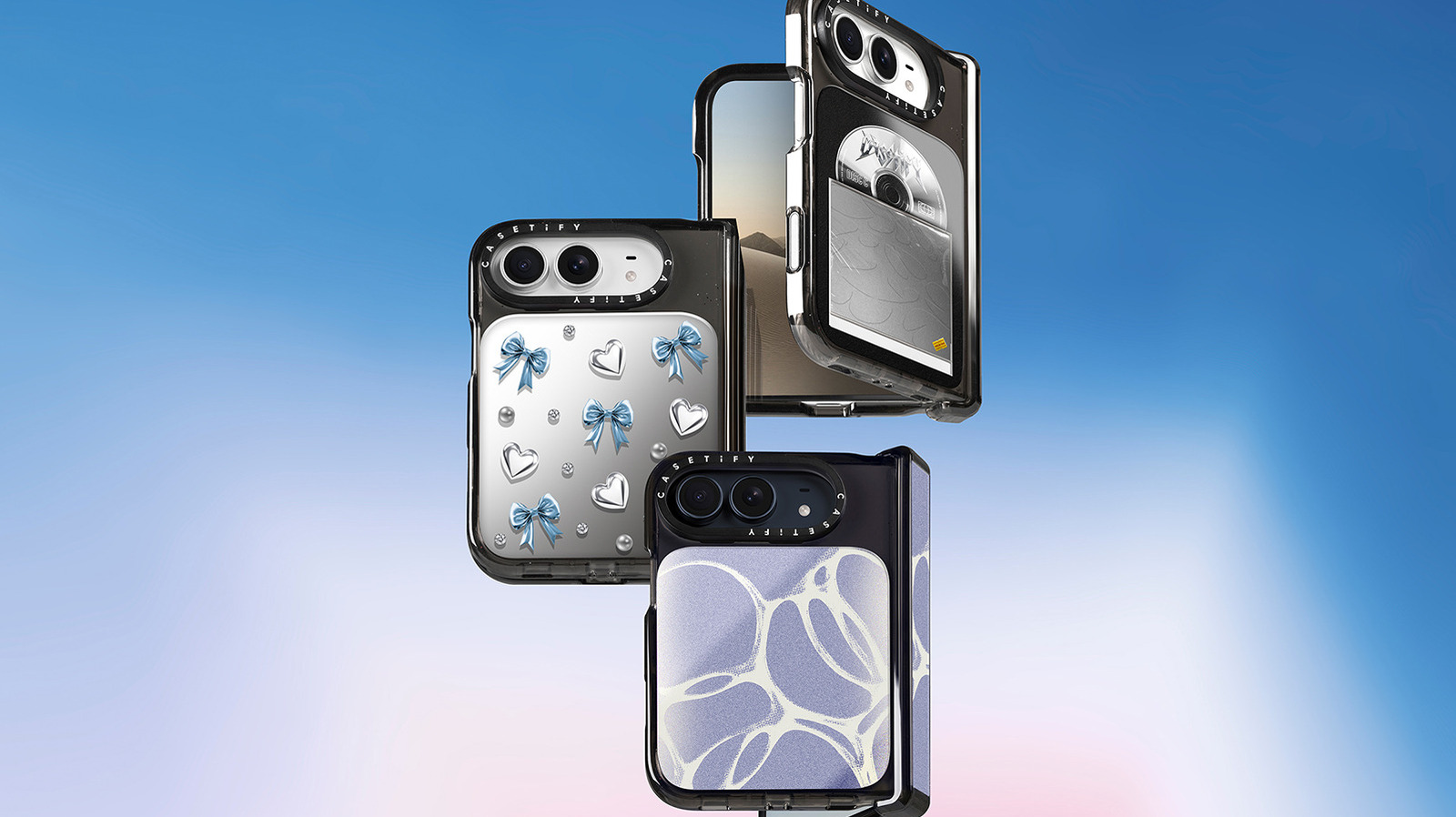
Foldable smartphones present unique structural challenges compared to traditional bar-style devices, particularly regarding their complex hinge mechan…

The mobile application landscape in 2026 presents a stark contrast between market saturation and revenue distribution. While the volume of new app lau…

As foldable smartphone technology matures, consumers are increasingly considering whether these devices can effectively replace traditional tablets. M…