
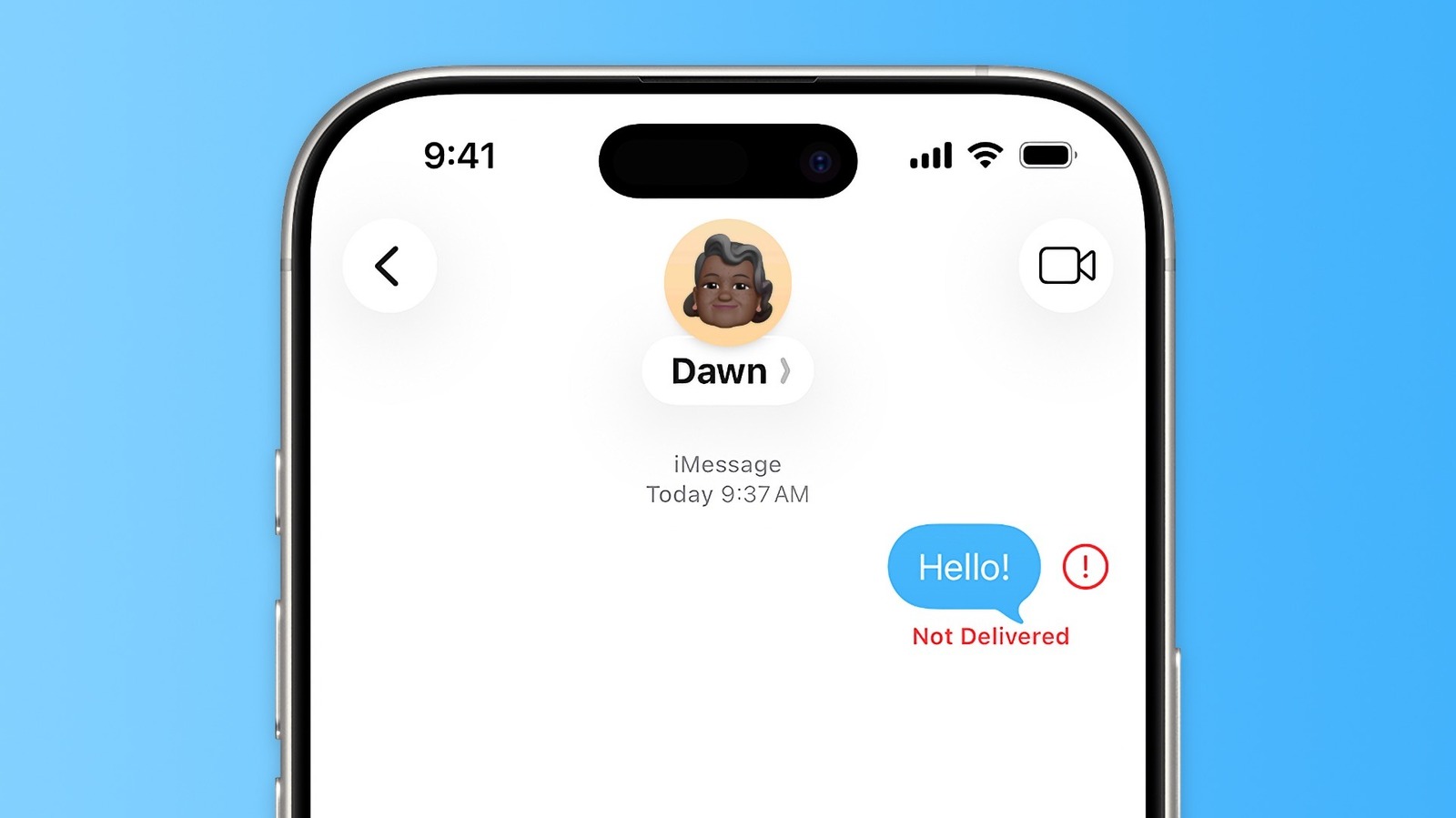
iMessage is generally a reliable communication tool for iPhone users, but occasionally, messages may fail to send, resulting in a "Not Delivered" error. This issue can be frustrating, but it is often caused by simple connectivity problems or software glitches. To resolve this, users should first check their internet connection, ensuring that both Wi-Fi and cellular data are functioning correctly. Toggling Airplane Mode on and off can also help reset network connections. Additionally, ensuring that iMessage is enabled in the settings menu is crucial. If the problem persists, restarting the device or checking for the latest iOS updates can often clear up underlying software conflicts. By systematically verifying network settings and application configurations, most users can restore iMessage functionality without needing professional technical support.
This is a summary. Read the full article at the original source:
EngadgetRelated stories
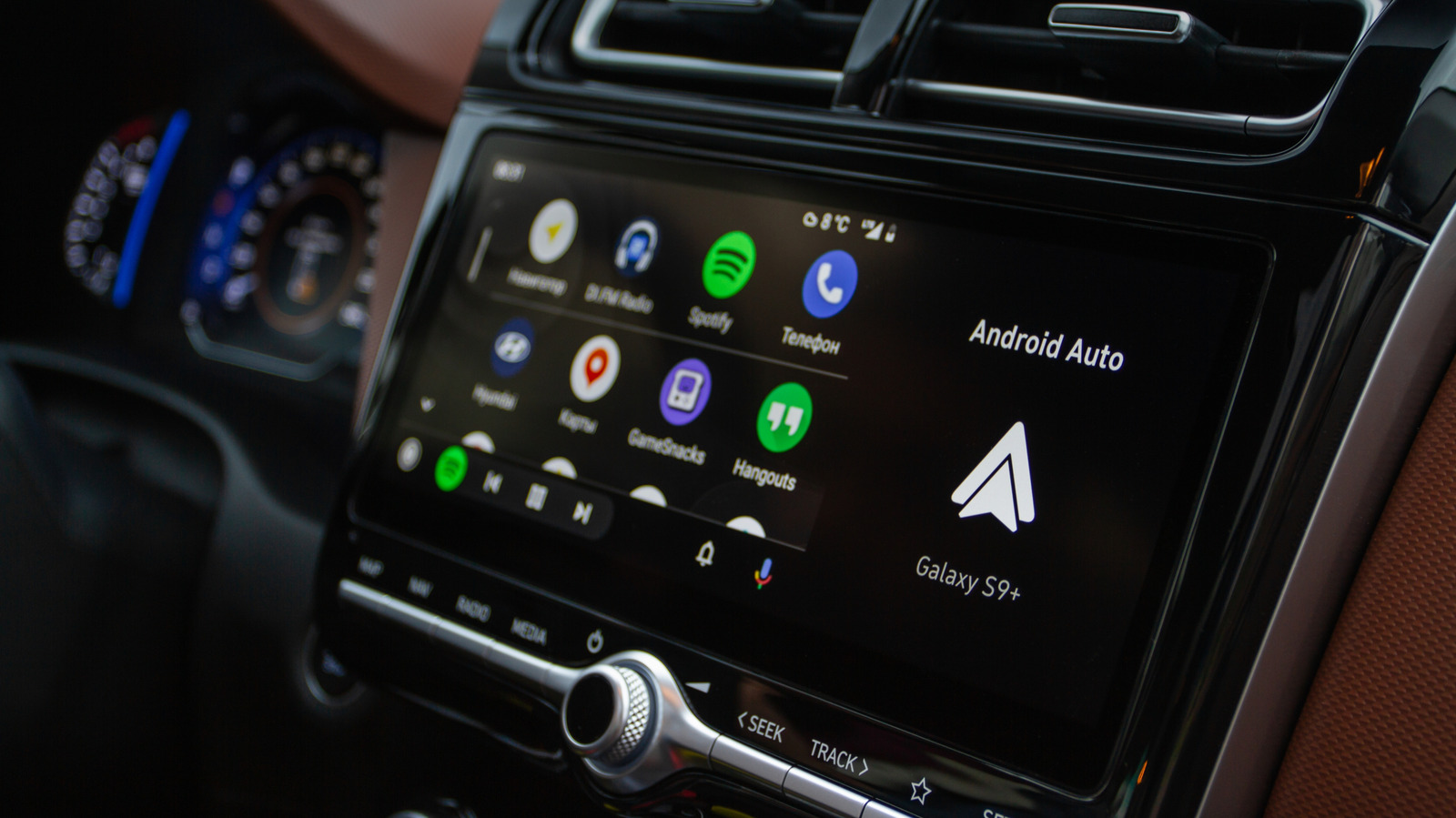
Android Auto has introduced a new feature designed to enhance the infotainment experience during long drives. This update aims to improve how drivers…
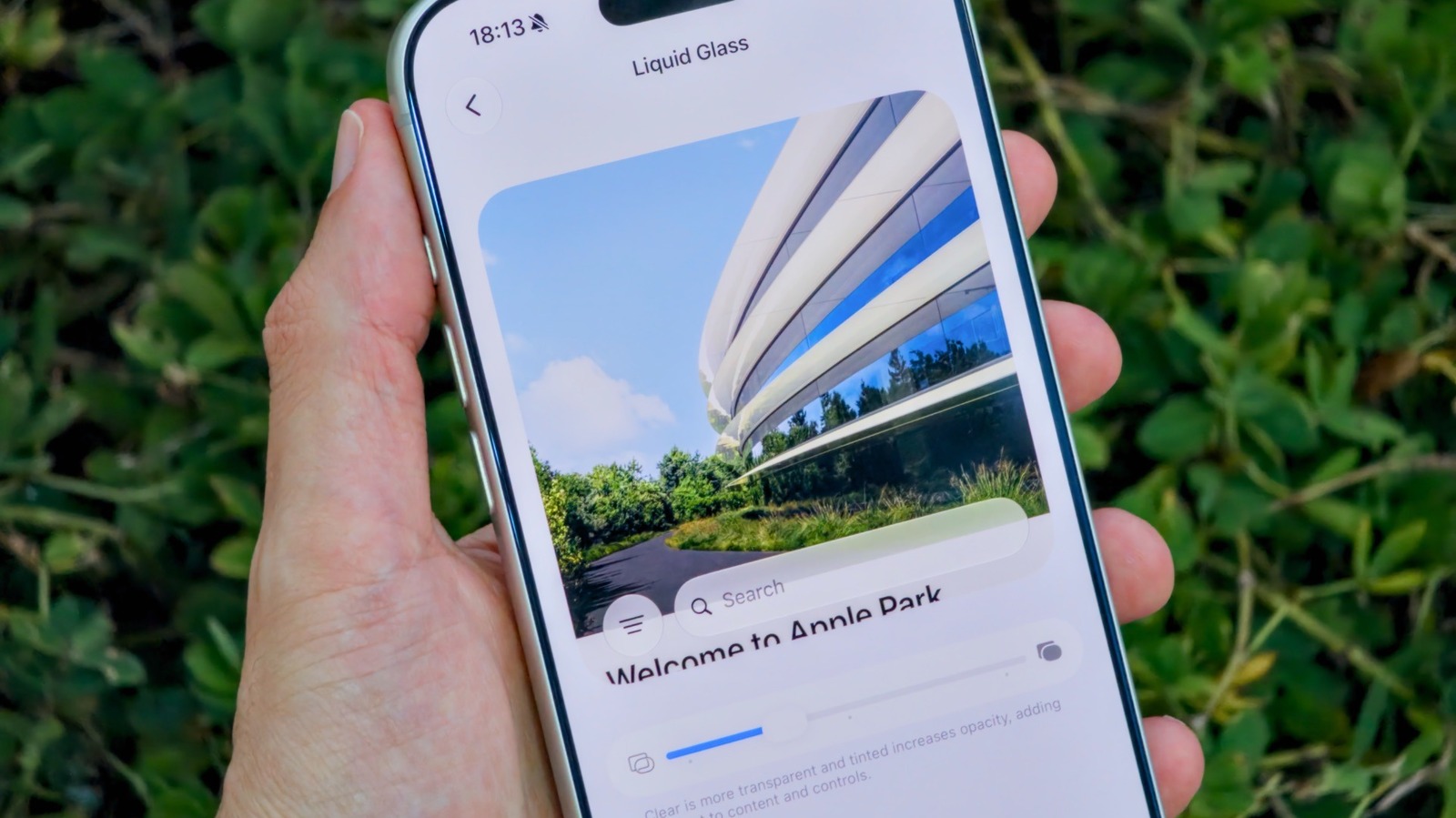
Apple has introduced new customization features in iOS 27, specifically targeting the Liquid Glass visual effect on iPhones. For users who have previo…

iPhone Duo vs. Galaxy Z Fold 8 Ultra: Apple’s and Samsung’s Premium Foldables Compared
The foldable smartphone market is heating up as Apple and Samsung position their premium devices to capture the high-end consumer segment. This compar…