
How to adjust the Liquid Glass effect on your iPhone with iOS 27
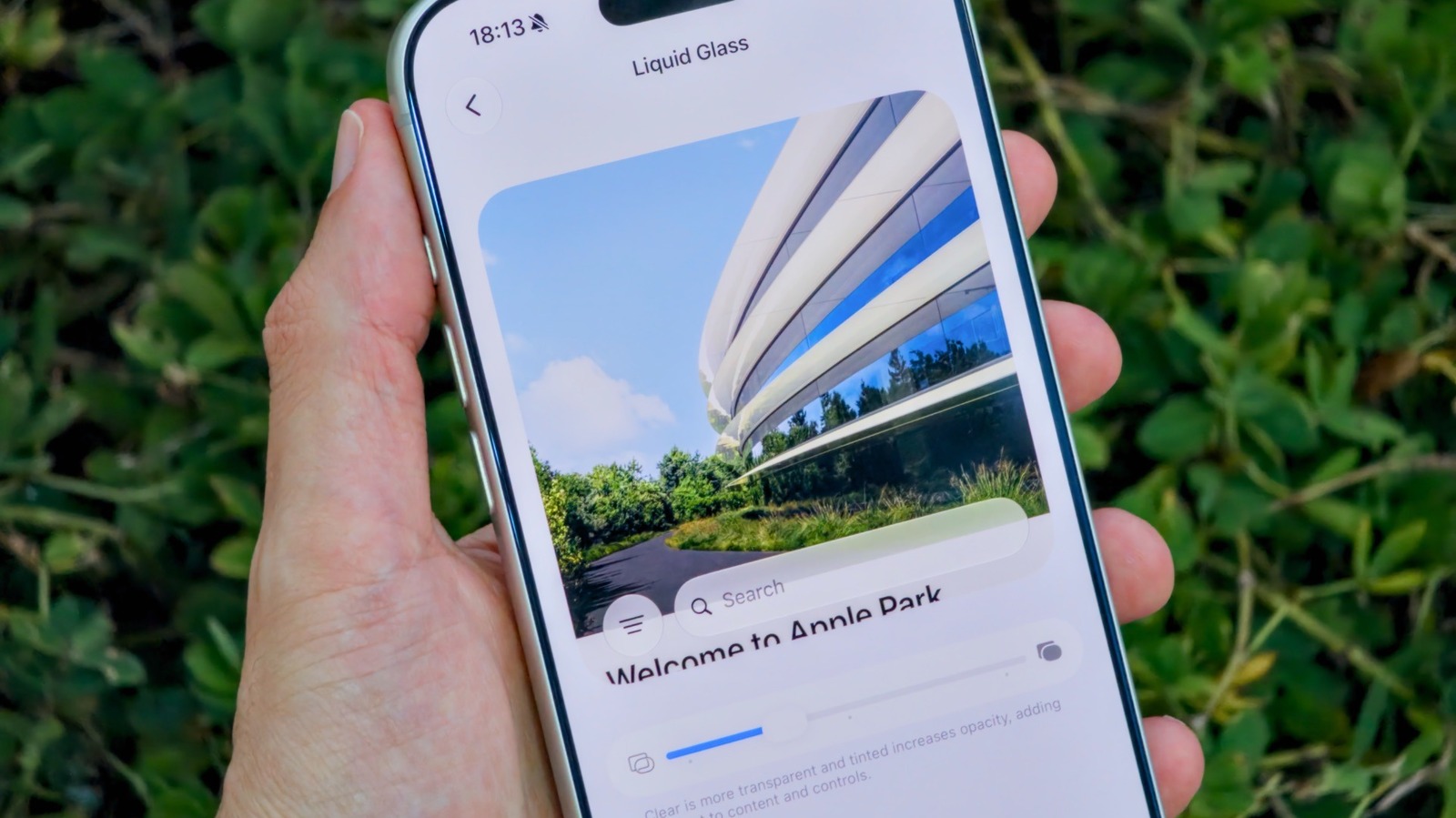
Apple has introduced new customization features in iOS 27, specifically targeting the Liquid Glass visual effect on iPhones. For users who have previously found the default implementation of this feature unsatisfactory, the latest software update provides granular control to adjust the aesthetic and behavior of the effect. By navigating to the display settings within the iOS 27 menu, users can now tweak parameters that were previously locked by the system. This update reflects Apple's ongoing effort to offer more personalized user experiences, allowing iPhone owners to tailor their interface to their specific preferences. Whether you want to reduce the intensity of the glass-like reflections or modify how the effect interacts with system animations, these new settings offer a significant improvement in UI flexibility. The update is currently rolling out to compatible devices, marking a notable change in how Apple handles system-level visual customization.
This is a summary. Read the full article at the original source:
EngadgetRelated stories
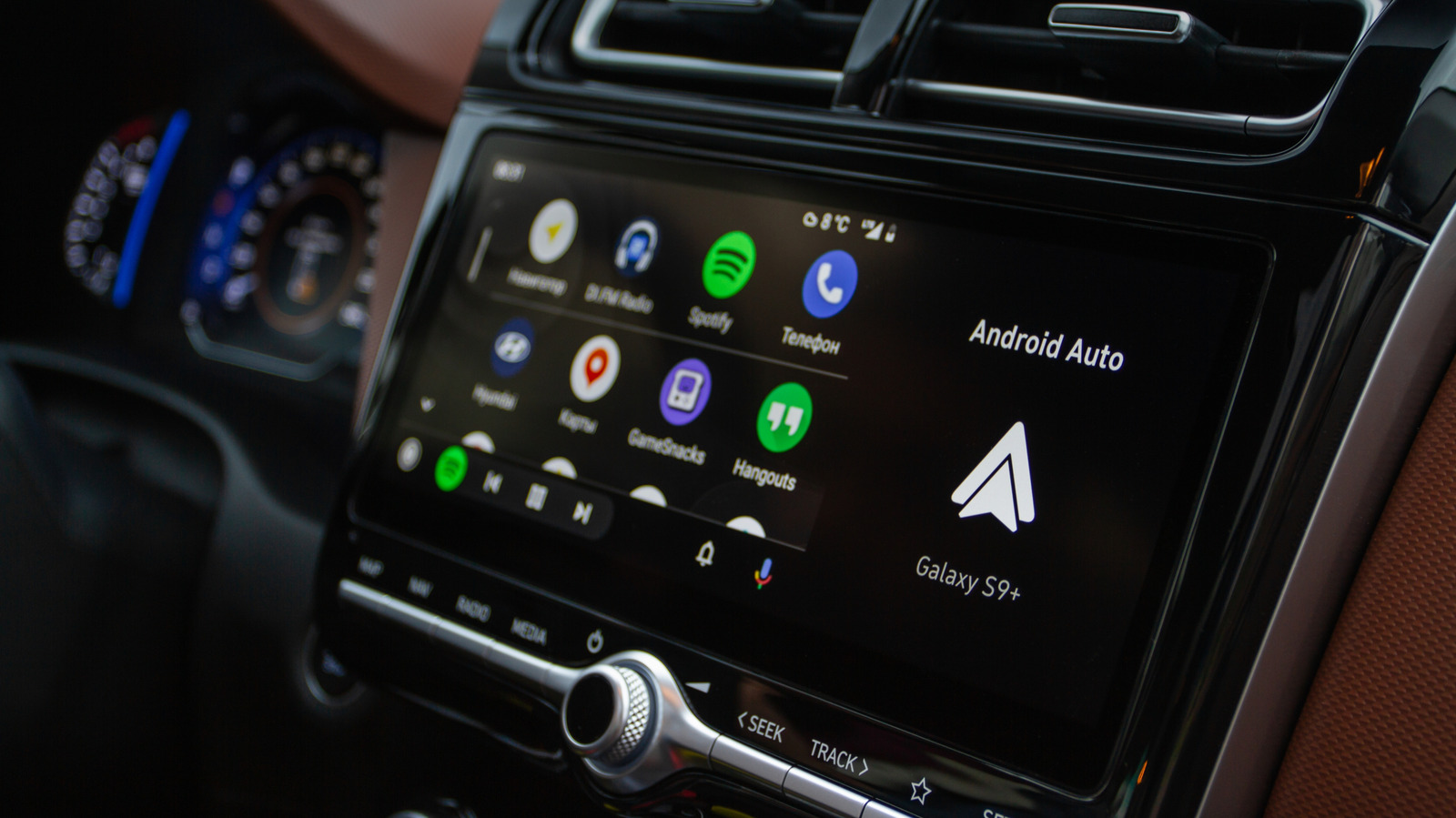
Android Auto has introduced a new feature designed to enhance the infotainment experience during long drives. This update aims to improve how drivers…
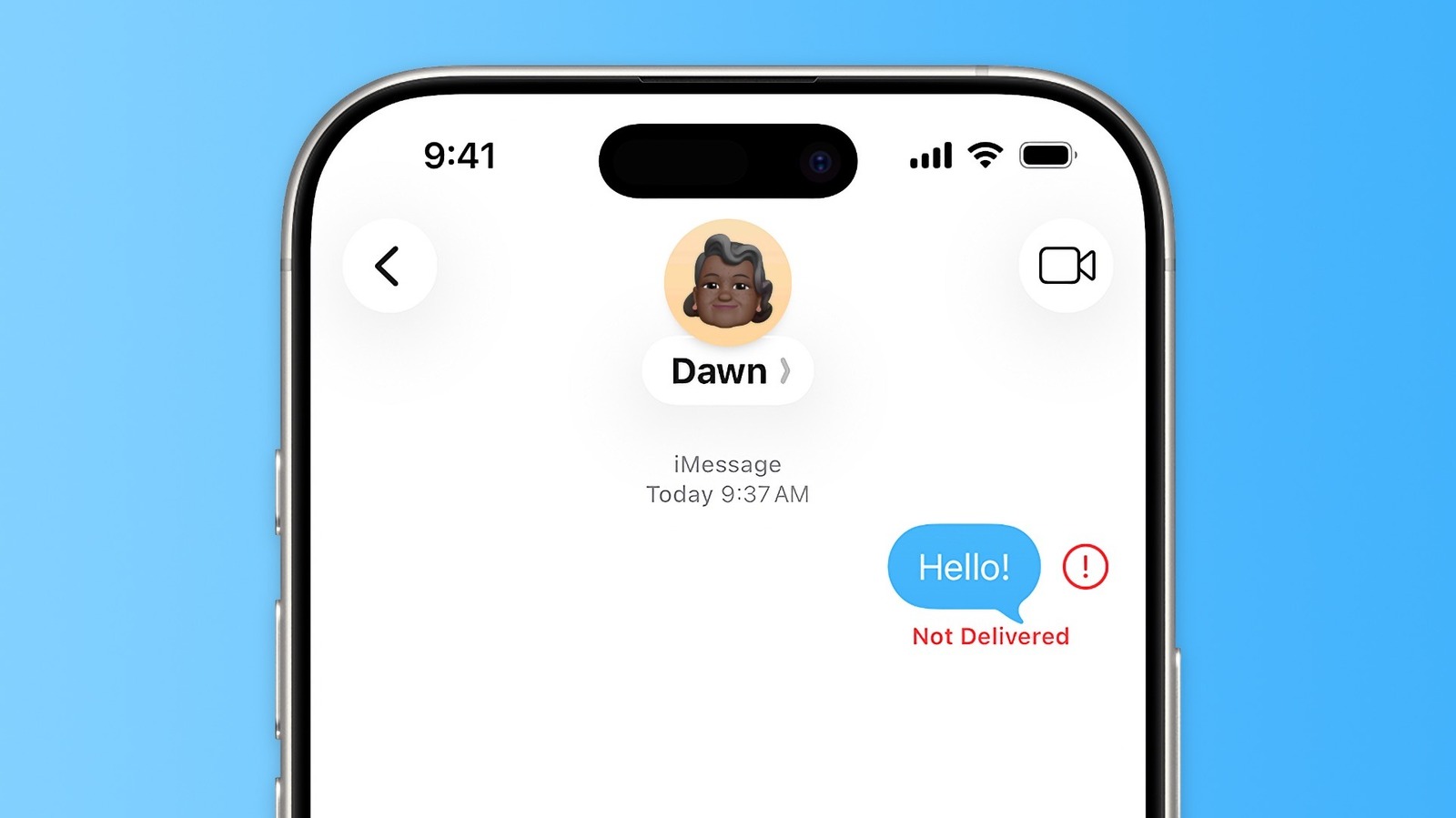
iMessage is generally a reliable communication tool for iPhone users, but occasionally, messages may fail to send, resulting in a "Not Delivered" erro…

iPhone Duo vs. Galaxy Z Fold 8 Ultra: Apple’s and Samsung’s Premium Foldables Compared
The foldable smartphone market is heating up as Apple and Samsung position their premium devices to capture the high-end consumer segment. This compar…