
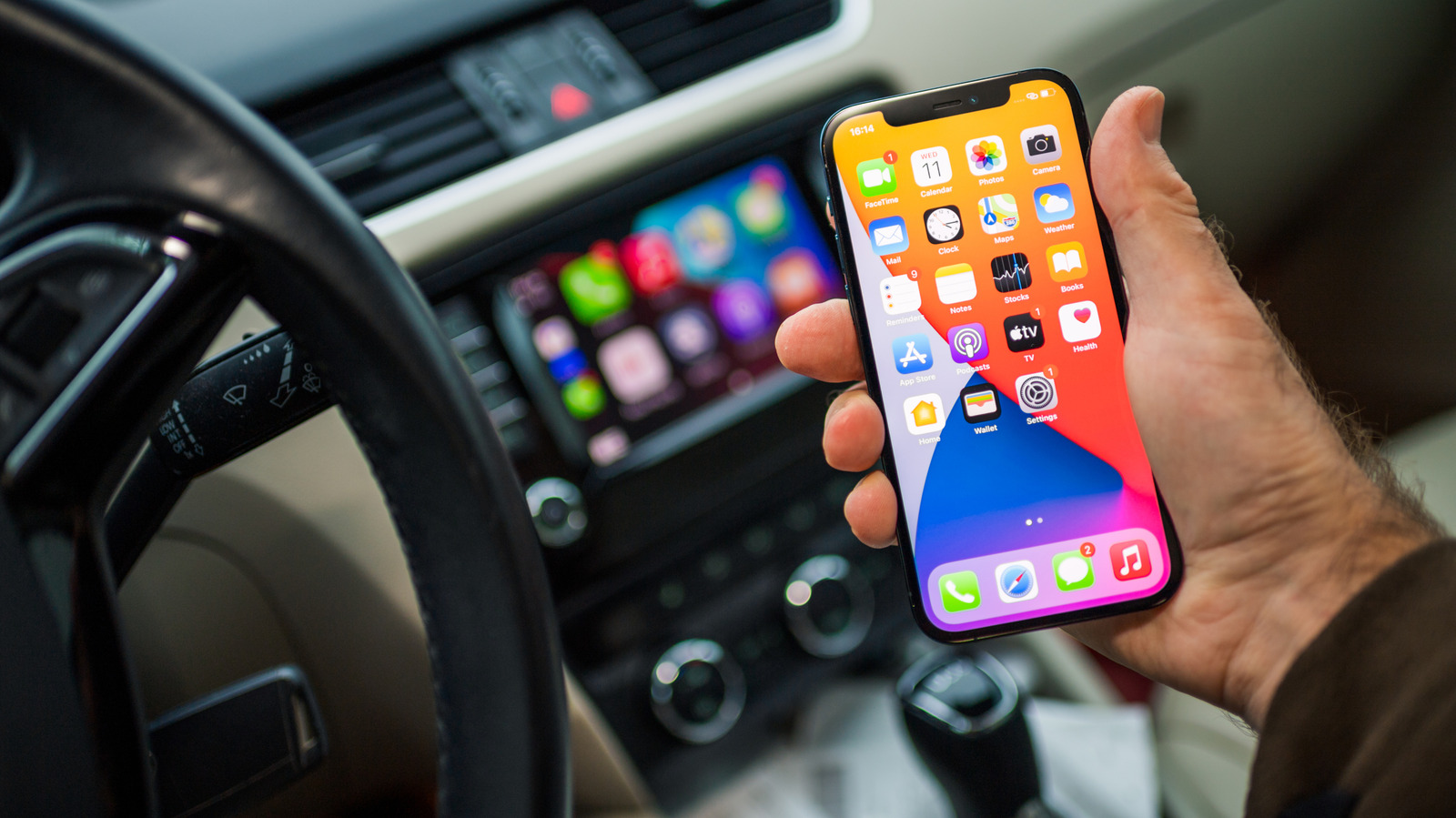
Apple's CarPlay interface offers a dashboard view that allows users to integrate widgets for quick access to essential information. These widgets are particularly useful for monitoring data from apps that may not have full-screen support or to keep track of navigation, music, and calendar events simultaneously. To customize the dashboard, users must ensure their iPhone is connected to the vehicle's infotainment system. By accessing the CarPlay settings menu on the iPhone, users can rearrange the order of their apps and add or remove specific widgets to suit their driving preferences. This functionality enhances the user experience by providing a glanceable interface that minimizes distractions while on the road. Whether you are looking to prioritize your music controls or keep your next destination front and center, CarPlay’s widget system provides a flexible way to tailor the in-car digital environment to your specific needs.
This is a summary. Read the full article at the original source:
EngadgetRelated stories

Retailer Woot has initiated a significant promotional event featuring substantial discounts on various Android devices ahead of the official Prime Day…
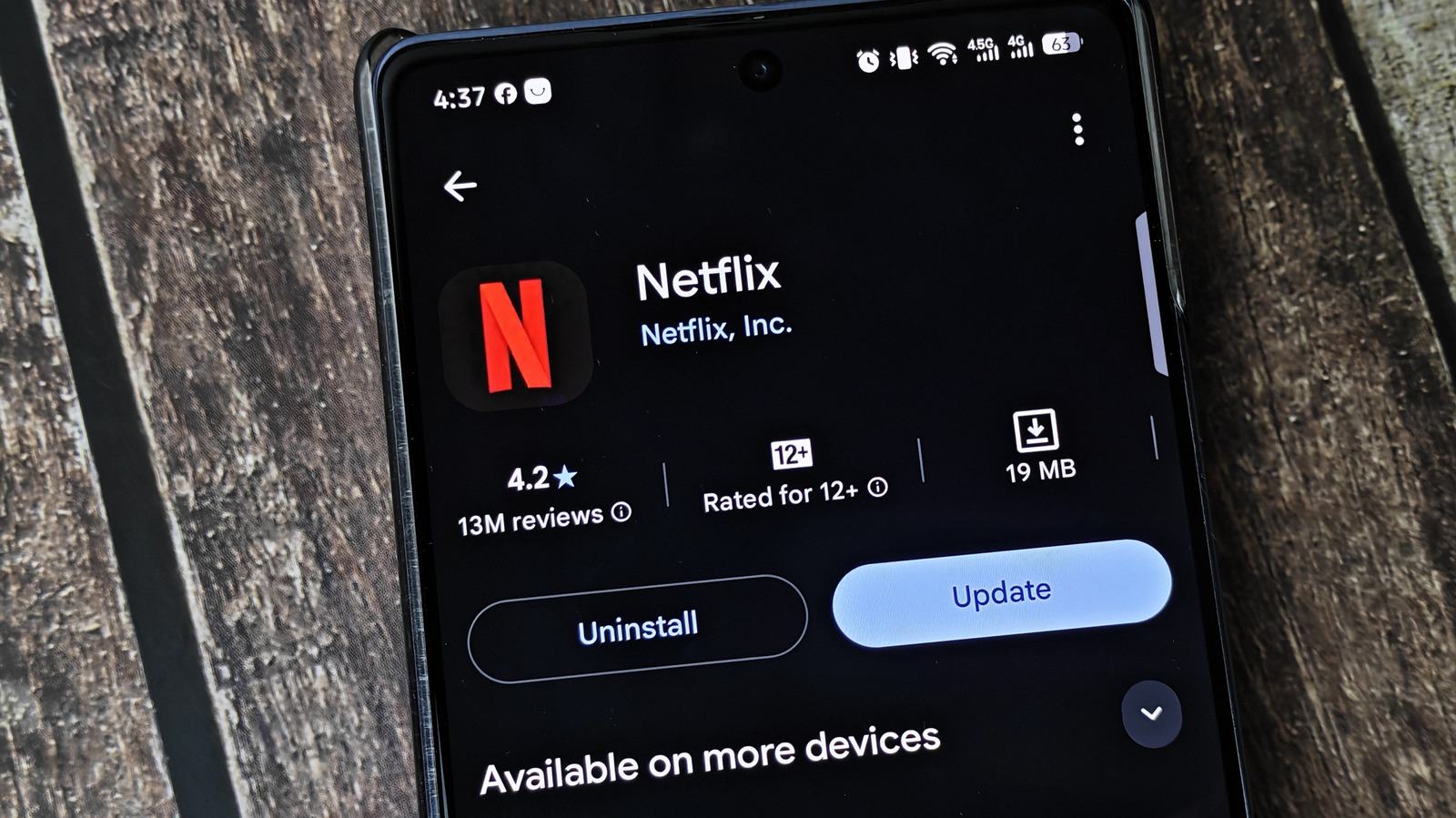
Modern smartphone operating systems, such as iOS and Android, have become increasingly sophisticated at managing background processes, including the a…
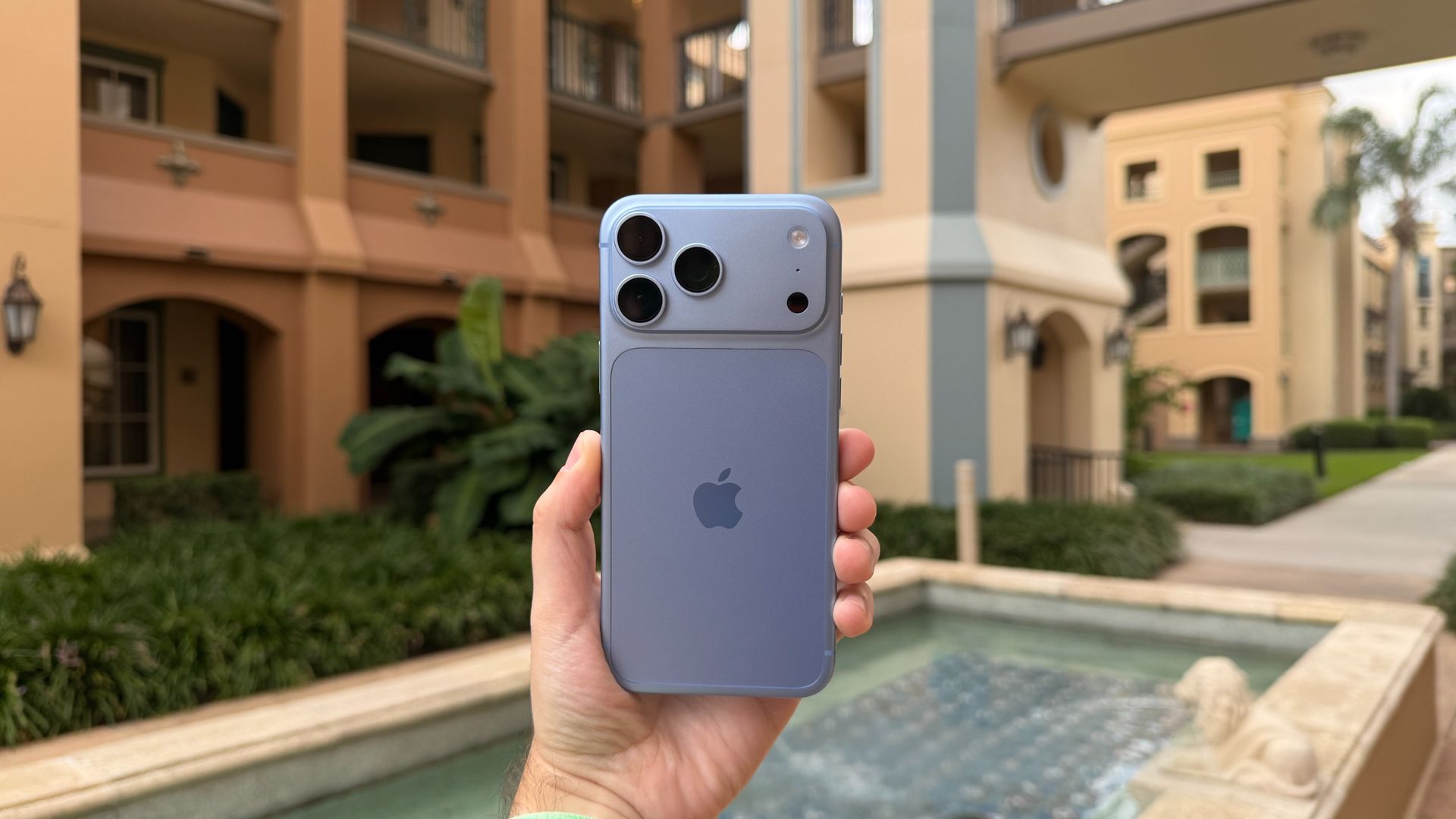
Apple has identified a critical, unfixable cellular glitch affecting a limited number of iPhone 18 Pro Max devices connected to the AT&T network. User…