
How removing certain USB devices can boost your Wi-Fi performance

A recent report highlights a common but overlooked cause of poor Wi-Fi connectivity: interference from USB 3.0 devices. Many peripherals, such as external hard drives, flash drives, and hubs, can emit radio frequency noise in the 2.4GHz spectrum, which is the same frequency used by many Wi-Fi routers. This interference can lead to slower data speeds, dropped connections, and increased latency for devices operating nearby. Experts suggest that users experiencing persistent network issues should consider disconnecting unnecessary USB peripherals or moving them further away from their routers and wireless adapters. Additionally, using high-quality, shielded USB cables can help mitigate signal leakage. By decluttering your workspace and optimizing the placement of hardware, you can significantly improve your wireless network stability without needing to purchase expensive new networking equipment.
This is a summary. Read the full article at the original source:
EngadgetRelated stories
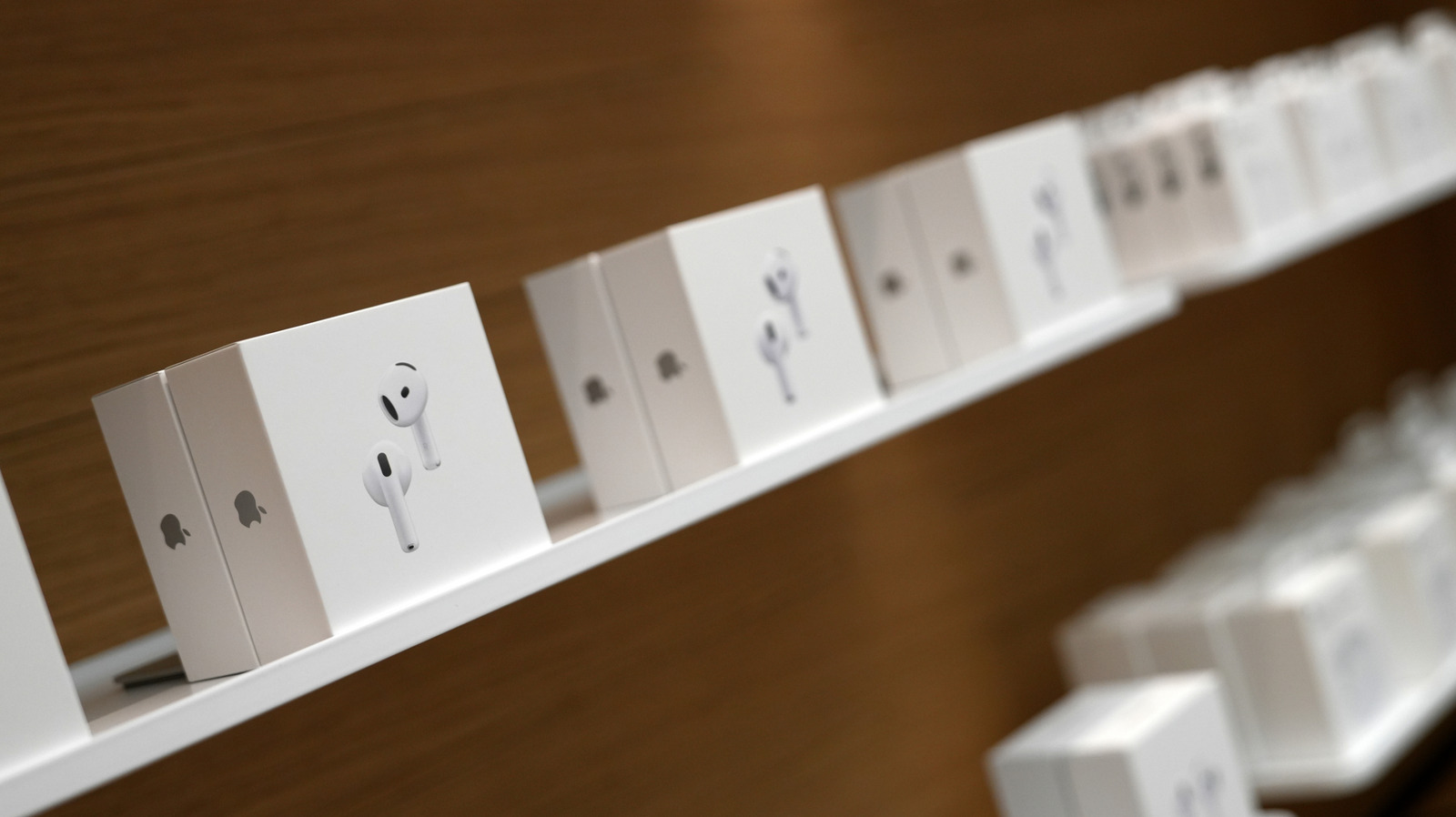
Experiencing audio issues where only one AirPod functions can be frustrating, but Apple provides several troubleshooting steps to resolve the problem.…
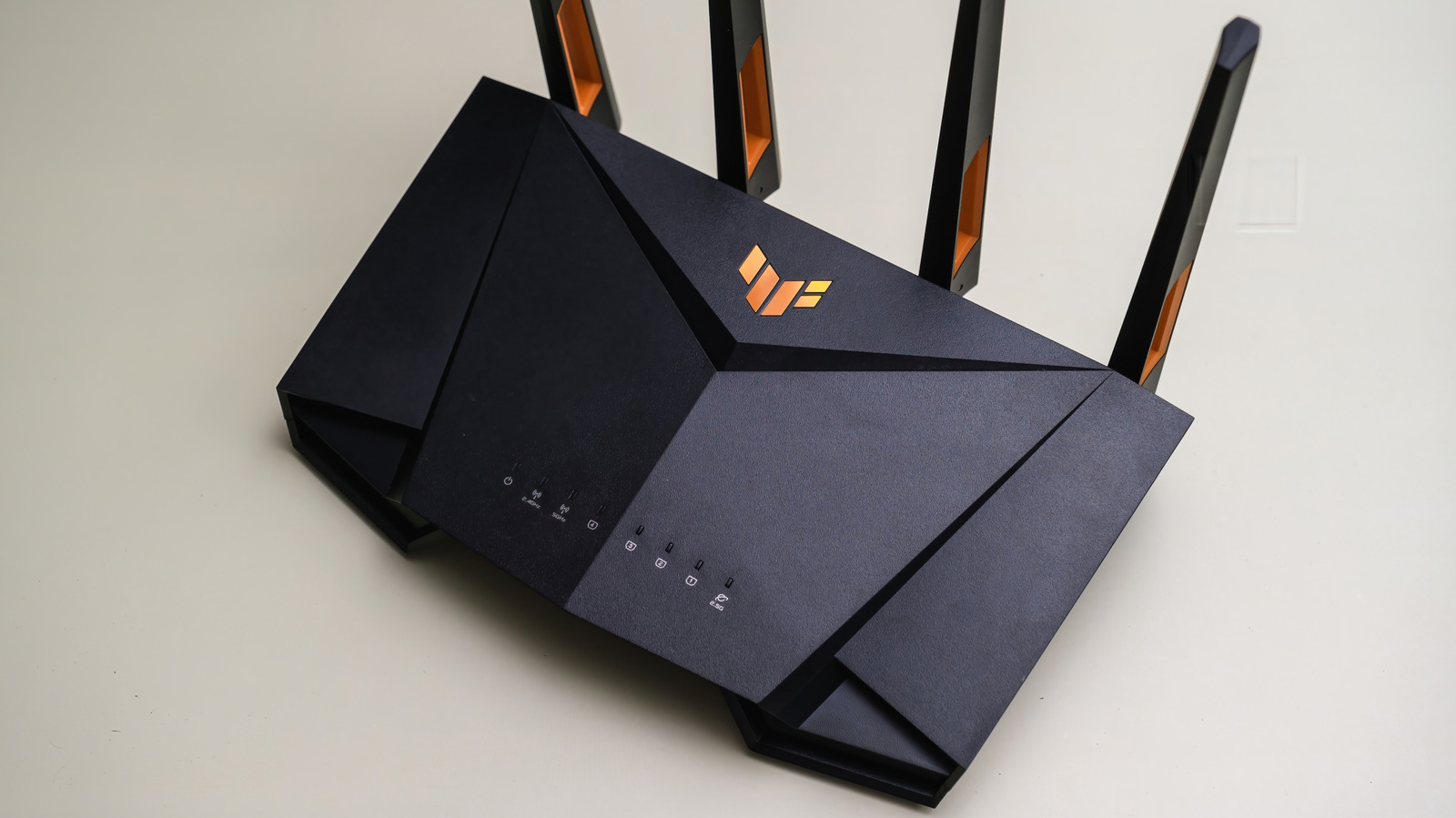
Gaming routers are often marketed with aggressive aesthetics and specialized software features designed to prioritize traffic for competitive players.…

OhSnap has introduced a new modular, lever-action card wallet designed to attach magnetically to smartphones. This latest accessory builds on the comp…