
Why some monitors feature dual USB ports and how to utilize them
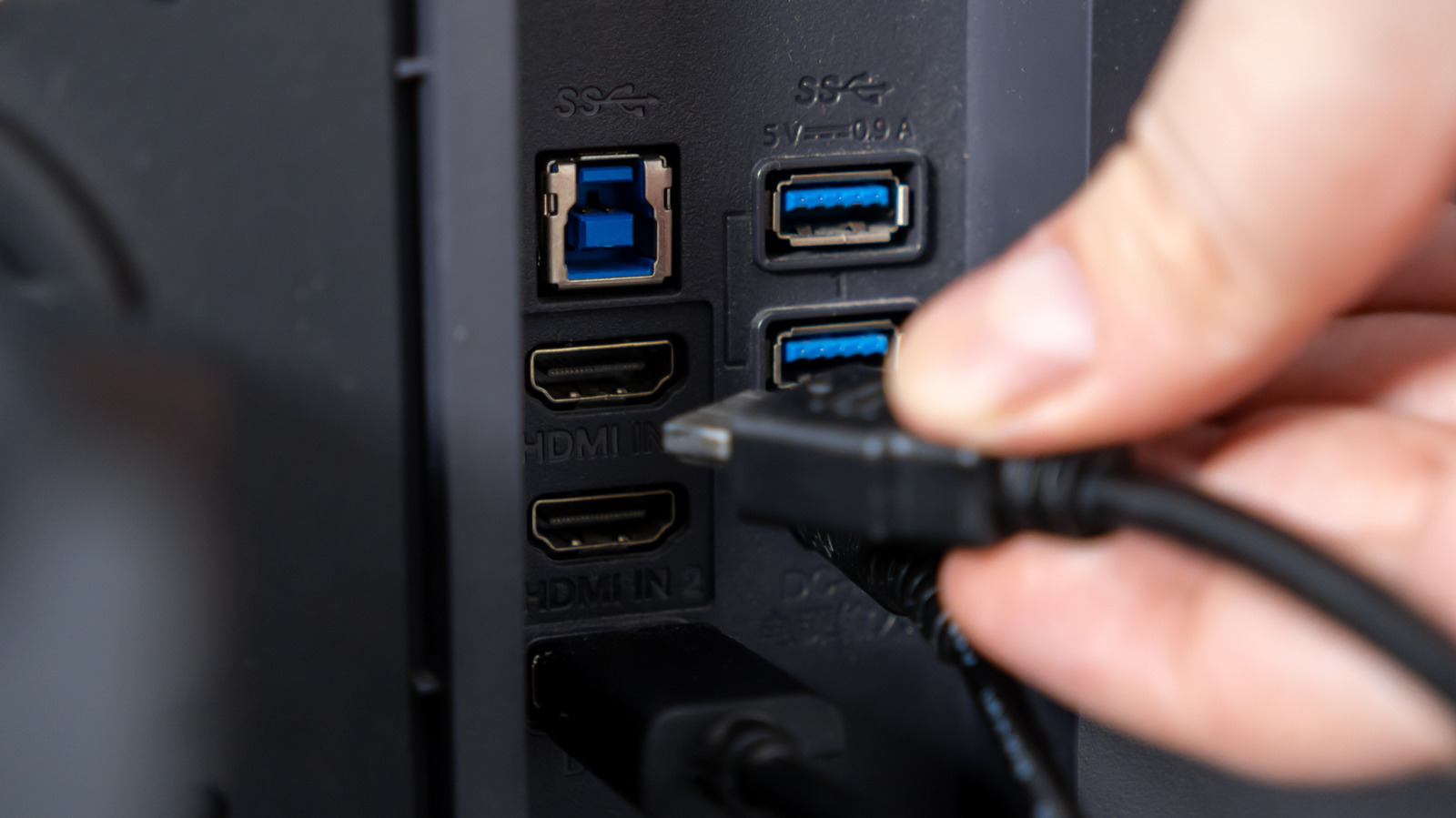
Many modern monitors come equipped with built-in USB ports, functioning as a convenient hub for your workspace. These ports allow users to connect peripherals such as keyboards, mice, and external drives directly to the display rather than the computer itself. This design helps reduce cable clutter and simplifies the process of connecting and disconnecting devices when moving a laptop between different workstations. By utilizing the monitor as a central connection point, users can maintain a cleaner desk setup while expanding the connectivity options of their primary machine. The article explains that these ports often require an upstream cable connection to the PC to function, and it offers practical advice on how to maximize this feature for improved productivity and cable management in both home and office environments.
This is a summary. Read the full article at the original source:
EngadgetRelated stories
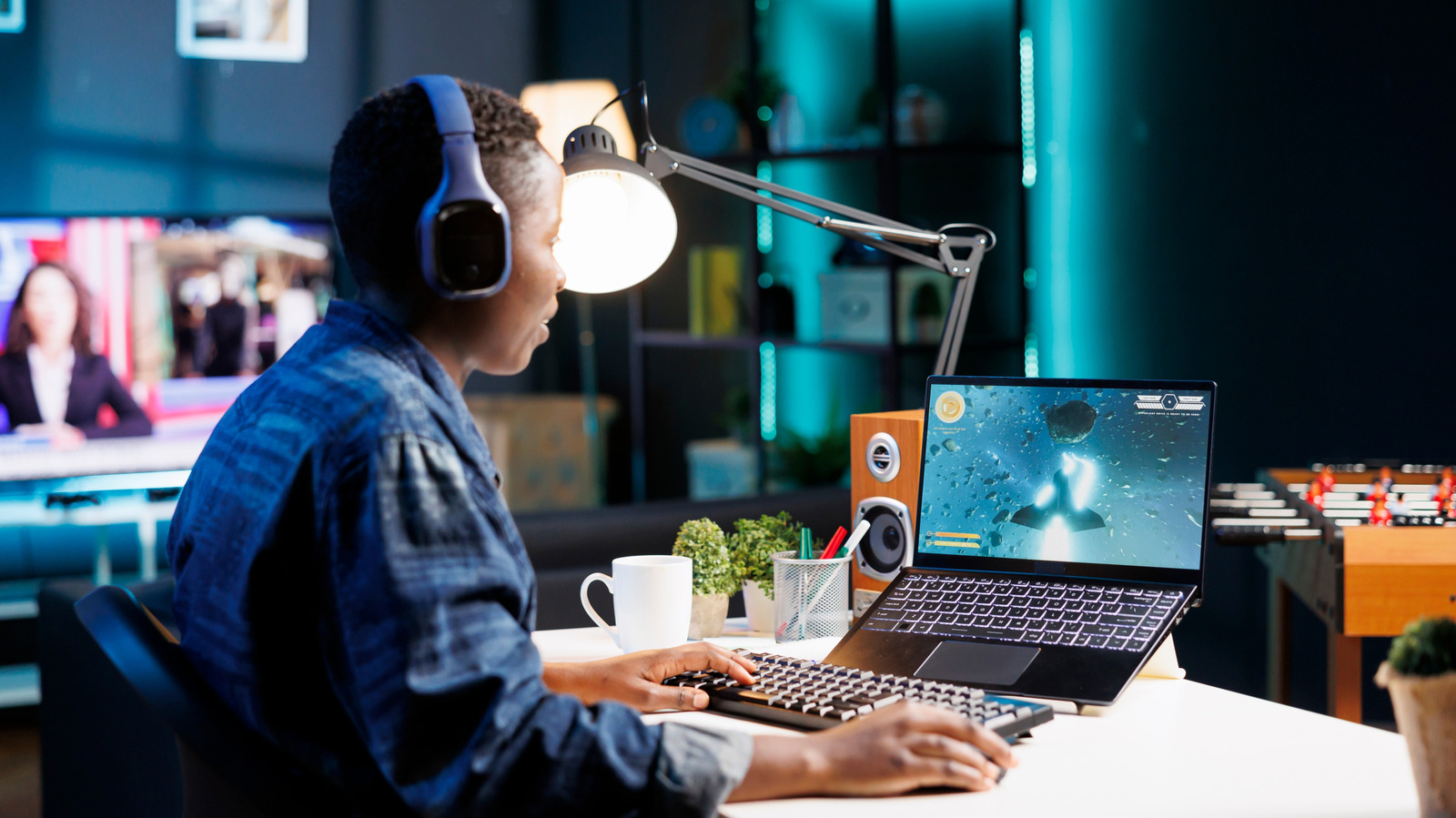
Laptop fans are essential components designed to dissipate heat and prevent internal hardware from overheating. However, when these fans begin to run…

This article provides a detailed technical overview of the legendary 8-bit Zilog Z80 processor (model Z84C008PEC), which remains relevant nearly 50 ye…

Xiaomi has officially rolled out version 2.6 of its MiMo platform, continuing the company's expansion into integrated smart hardware ecosystems. This…