
What is the star button on your Roku remote for?
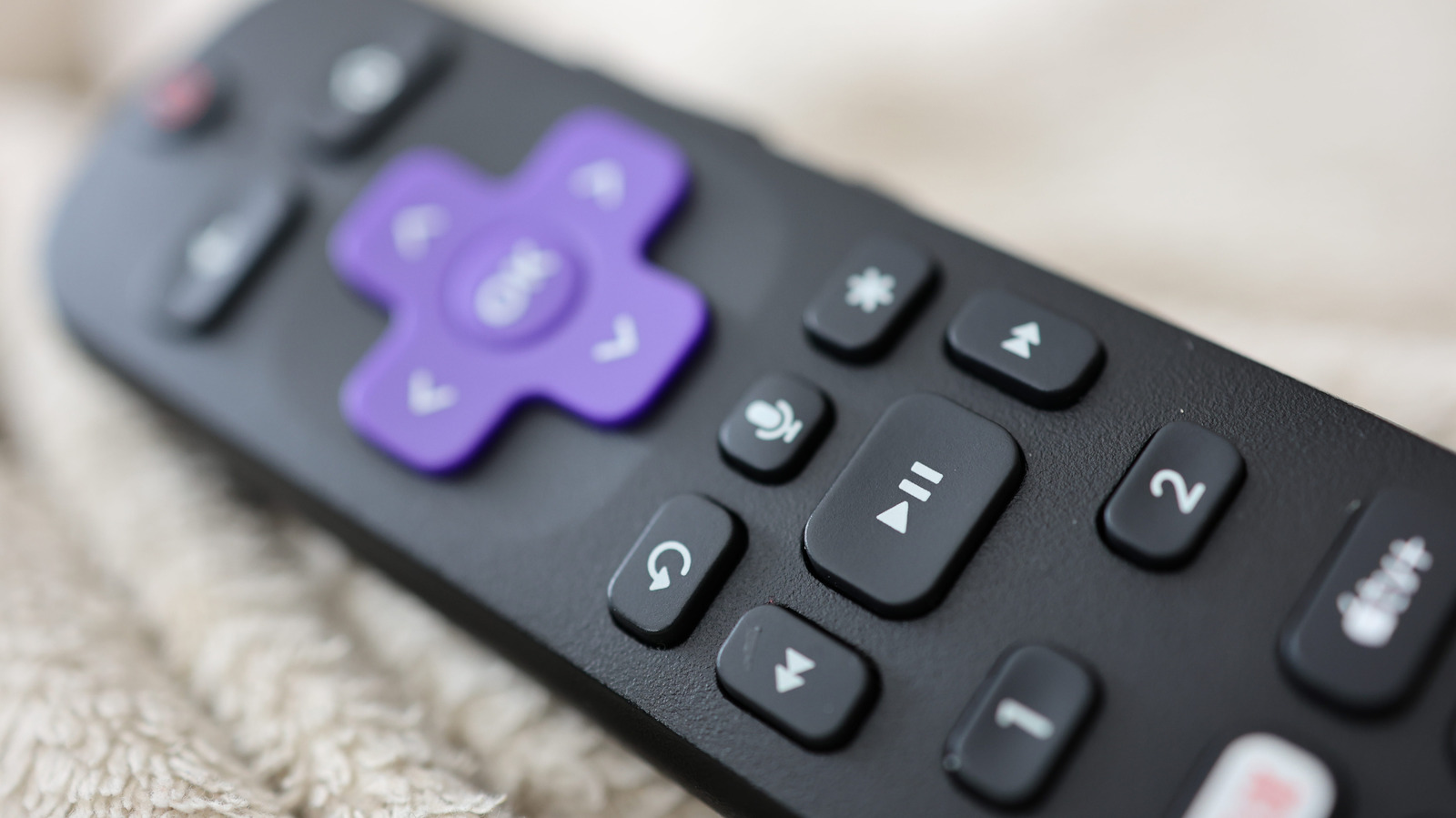
The Roku remote is known for its simplicity, yet many users remain puzzled by the function of the star button. Located prominently on the device, this button serves as a context-sensitive shortcut that changes depending on the screen or application currently in use. When navigating the Roku home screen, pressing the star button allows users to move or remove channels from their list. Within streaming apps, it often provides quick access to playback settings, such as toggling closed captions or adjusting audio tracks. By acting as a dynamic menu trigger, the star button helps streamline the user experience, allowing for faster navigation and configuration without needing to dive deep into general system settings. Understanding this feature can significantly enhance how users interact with their Roku devices, making it a vital tool for efficient media consumption.
This is a summary. Read the full article at the original source:
EngadgetRelated stories

Sony ULT Tower 7 review: a top-class party speaker with pounding bass
The Sony ULT Tower 7 has emerged as a powerful contender in the party speaker market, featuring a seven-driver configuration that delivers 420W of aud…
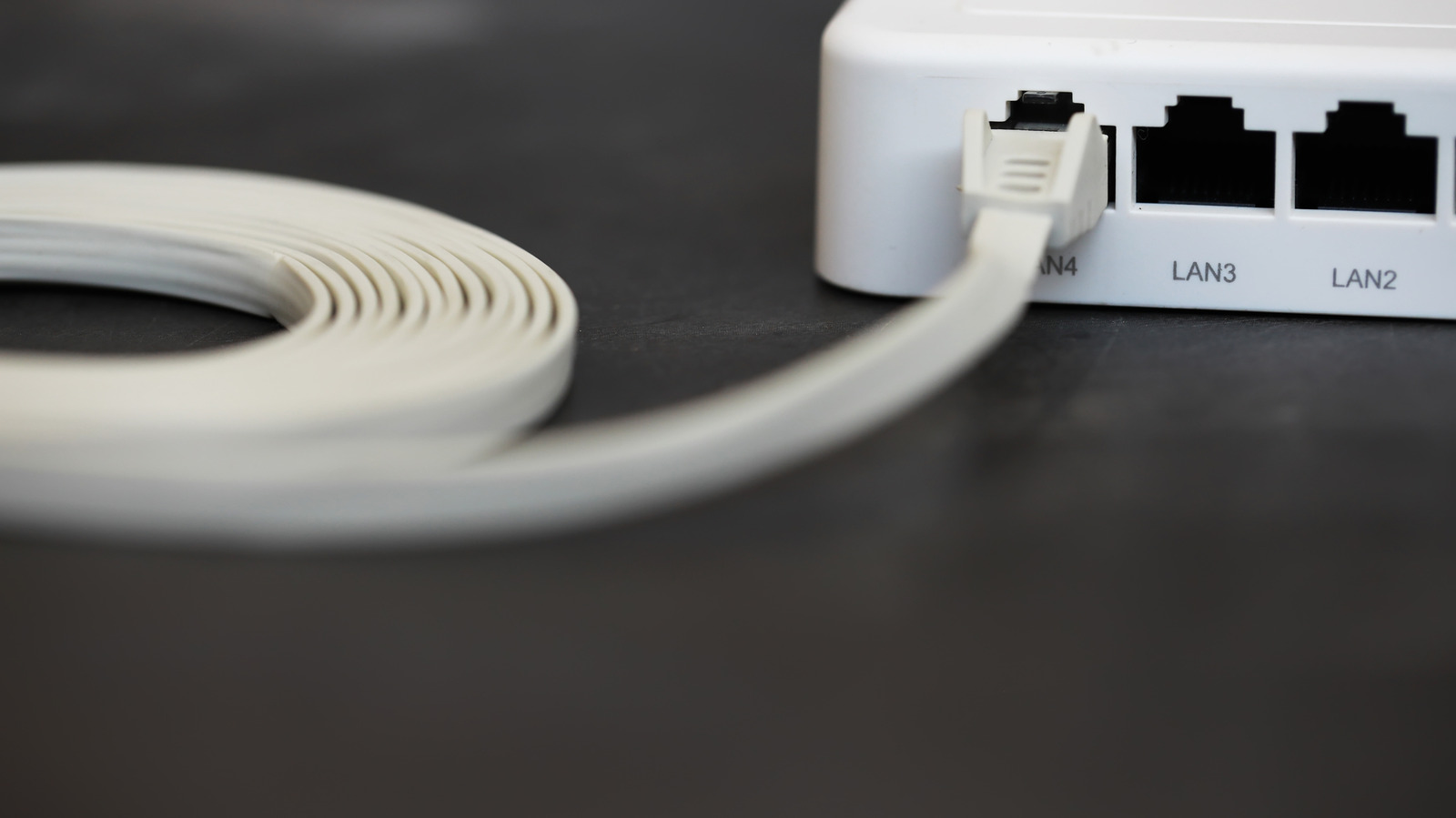
Flat Ethernet cables are likely not the solution for your home networking issues
While flat Ethernet cables are often marketed for their convenience and ease of installation under carpets or around tight corners, they frequently co…

Lenovo Yoga Pro 7i Aura Edition Gen 11 Review: A Powerful Creative Tool at a Steep Price
The Lenovo Yoga Pro 7i Aura Edition Gen 11 enters the market as a robust, high-performance laptop tailored for creative professionals. Featuring a stu…