
What is the purpose of a battery symbol next to a USB Port?
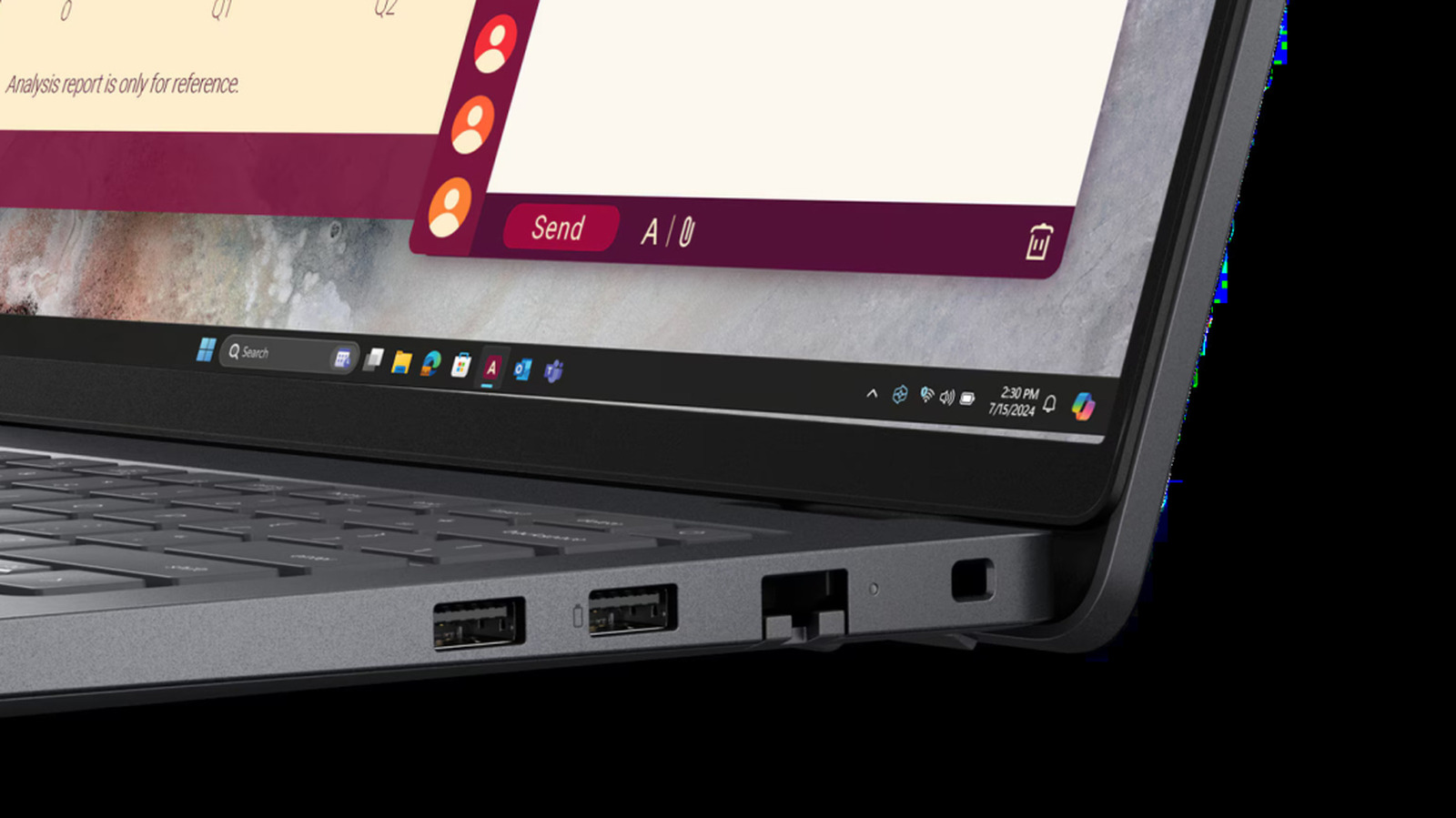
Many users have noticed a small battery icon located next to USB ports on laptops and docking stations, often wondering about its specific function. According to recent insights, this symbol typically indicates that the port supports advanced power delivery features. Specifically, it signifies that the port is capable of faster charging speeds compared to standard USB ports. Furthermore, such ports often support bi-directional charging, allowing the device to either charge external peripherals or receive power from a connected source. This feature is increasingly common in modern hardware, designed to provide users with more flexibility when managing power for smartphones, tablets, and other accessories. Recognizing these symbols can help users identify the most efficient port for their charging needs, ensuring faster power delivery and better device compatibility in their daily workflow.
This is a summary. Read the full article at the original source:
EngadgetRelated stories

October Prime Day 2026: Live updates on Apple, Kindle, Lego, and Samsung deals
Amazon has officially launched its annual Prime Big Deal Days event, scheduled for October 6 and 7, 2026. As consumers look for relief from rising tec…

October Prime Day MacBook Deals: Save Up to $600 on Air and Pro Models
Ahead of the official October Prime Day (Prime Big Deal Days) event, Amazon has launched significant discounts on Apple's latest MacBook lineup. Shopp…

A new educational course on FPGA programming has been featured on Habr, offering an alternative approach to learning hardware design. Unlike tradition…