
What is the difference between a dead pixel and a stuck pixel?

Display issues can be frustrating, but understanding the difference between a dead pixel and a stuck pixel is the first step toward troubleshooting. A stuck pixel typically appears as a bright, static dot—often red, green, or blue—because it is constantly receiving power but failing to change color. In contrast, a dead pixel appears as a black dot because it is completely unresponsive and receives no power at all. While stuck pixels can sometimes be fixed using software tools that rapidly cycle colors to 'unstick' the transistor, dead pixels are usually permanent hardware failures. This guide from Engadget explains the technical distinction between these two common screen defects and provides practical advice on how to identify them on your monitor or smartphone display. Knowing the difference helps users determine if a screen repair or replacement is necessary or if the issue might be resolved through simple software intervention.
This is a summary. Read the full article at the original source:
EngadgetRelated stories
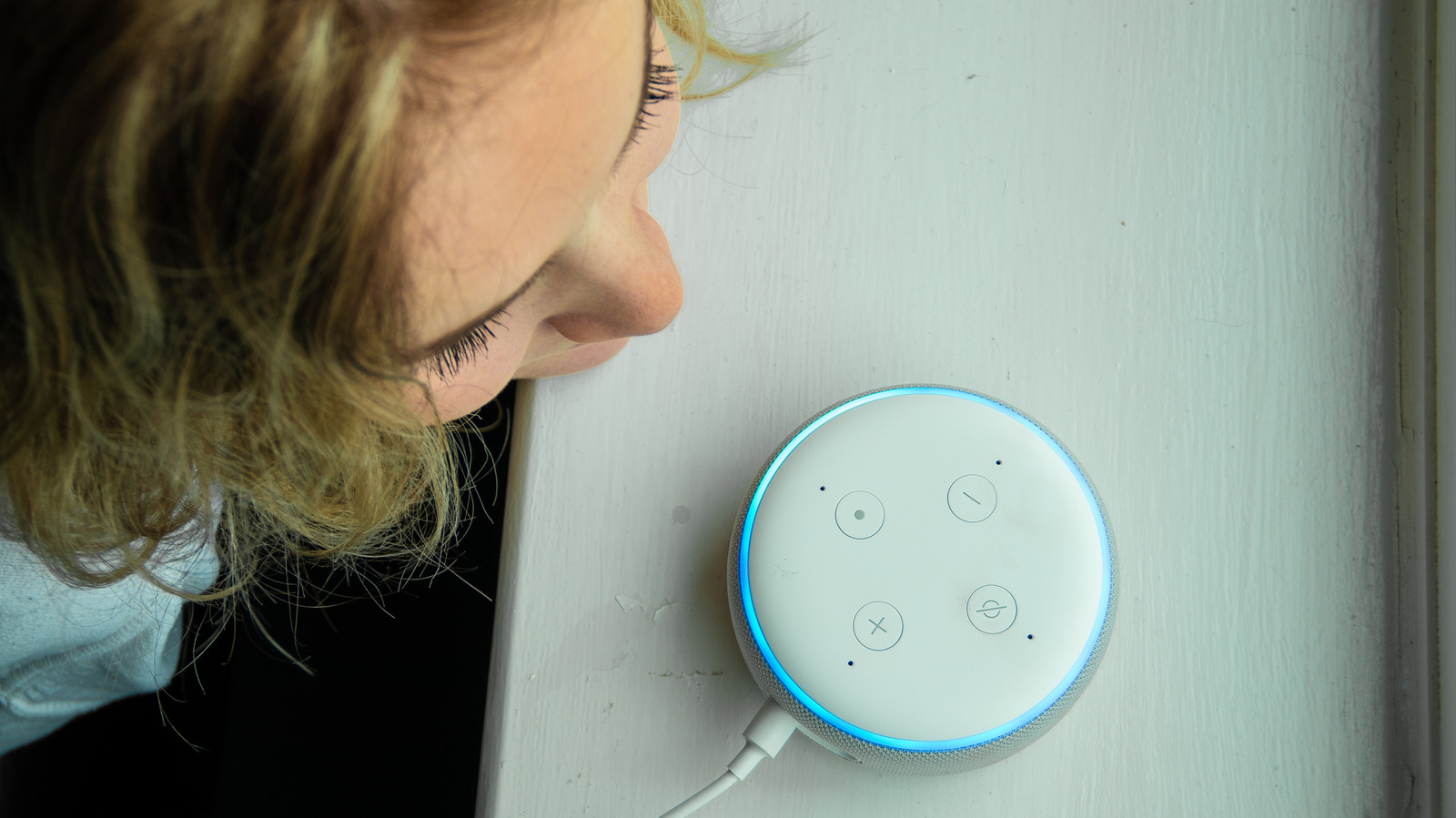
Amazon has expanded the customization options for its Alexa voice assistant, allowing users to personalize their experience by changing the assistant'…

Japanese technology giant NEC has officially ceased its development of quantum hardware, concluding nearly three decades of research into superconduct…
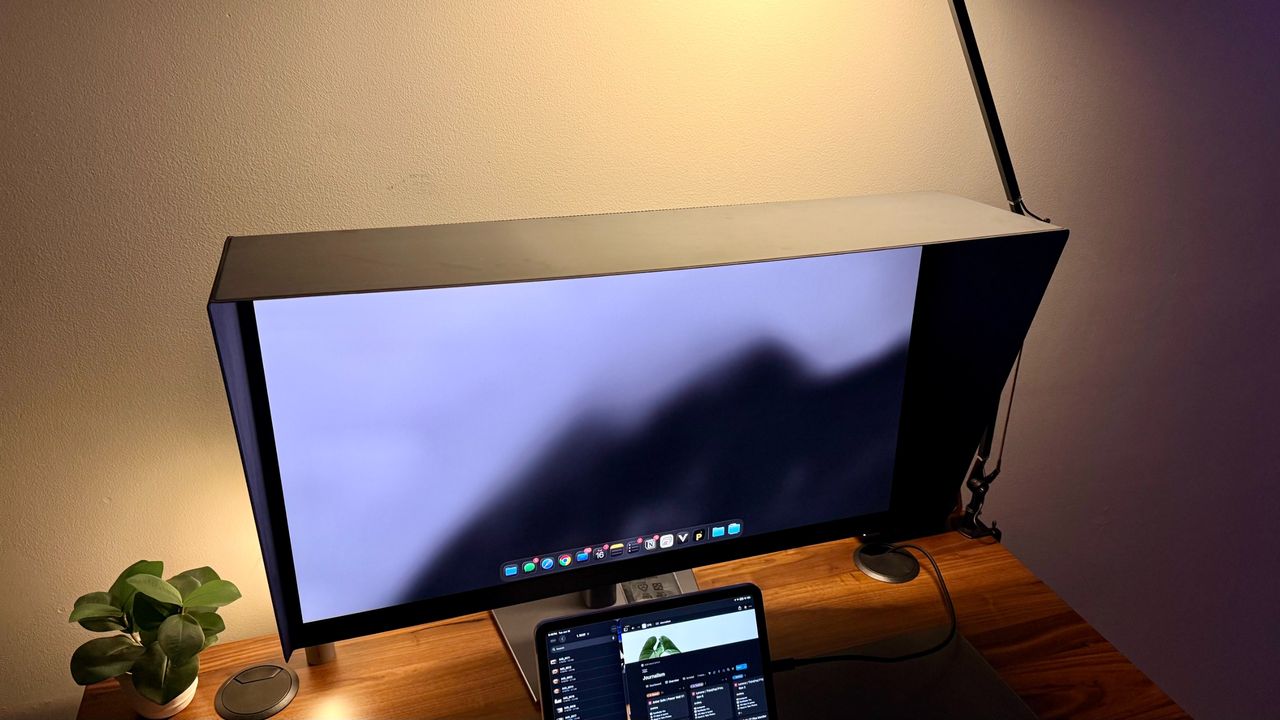
Dell UltraSharp U3226Q 32-inch 4K QD-OLED monitor review: A creator's dream panel with a premium price
The Dell UltraSharp U3226Q 32-inch 4K QD-OLED monitor has arrived as a high-performance display tailored for color-critical creative workflows. Featur…