
What happens when you run the Windows Memory Diagnostic tool?
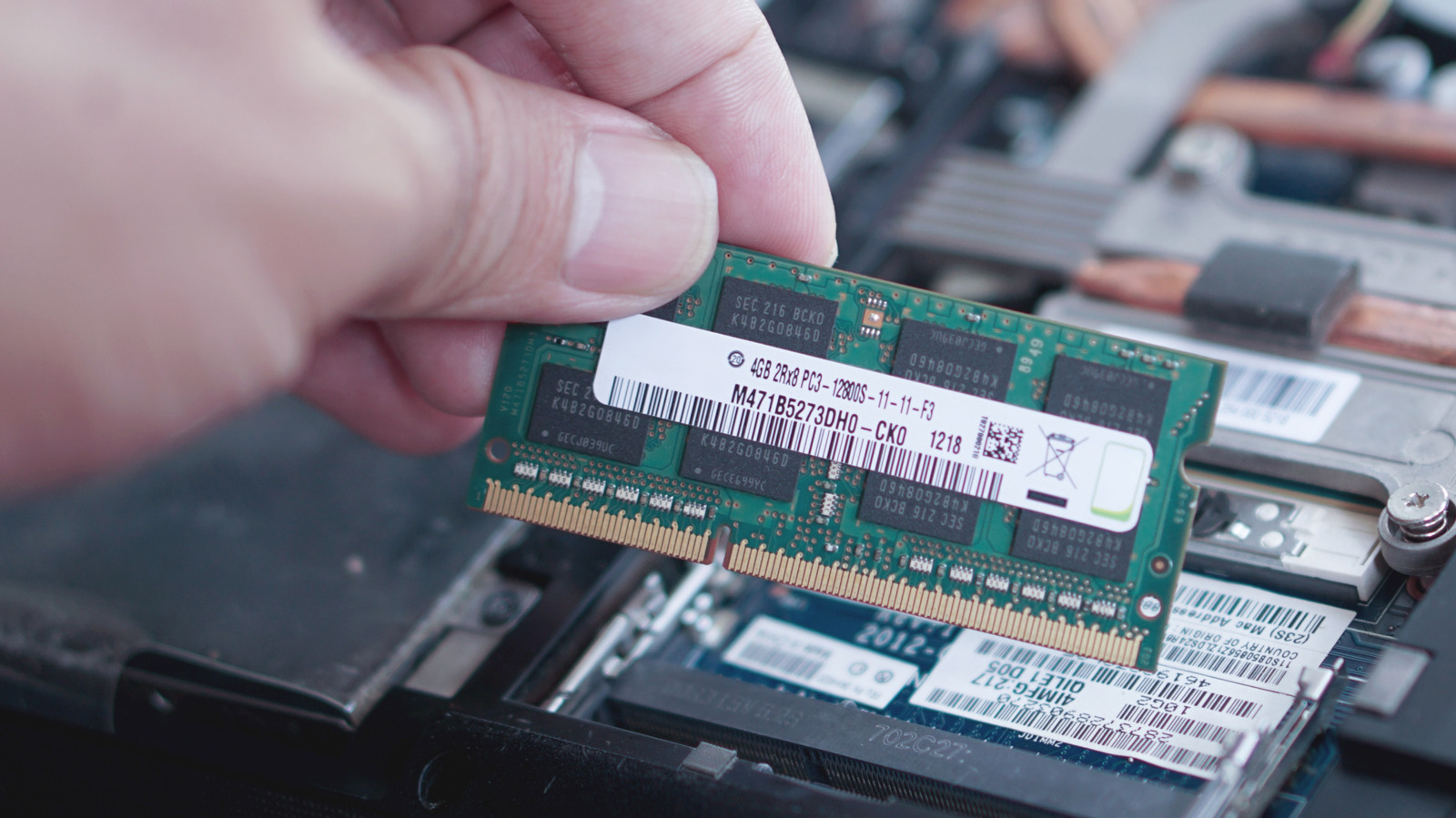
Performance issues, application crashes, and unexpected system restarts are often symptoms of underlying RAM problems. To address these concerns, Windows includes a built-in utility known as the Windows Memory Diagnostic tool. This diagnostic software performs a comprehensive check of your computer's physical memory to identify potential hardware defects. When initiated, the tool requires a system restart to operate outside of the active Windows environment, ensuring it can scan the memory modules without interference from running applications. Upon completion, the system reboots and provides a report detailing any detected errors. This utility serves as a critical first step for users troubleshooting stability issues, allowing them to determine if faulty hardware is the root cause of their PC's erratic behavior before considering more complex repairs or component replacements.
This is a summary. Read the full article at the original source:
EngadgetRelated stories

Restarting your computer is a piece of advice that has persisted for decades, but its relevance in the modern computing landscape is often debated. Wh…

From Wearables to Robots to Tabletop Trinkets, the AI Hardware Scene Is Booming
At IFA 2026, the consumer electronics landscape showcased a significant shift toward dedicated AI hardware. Moving beyond software-based integrations,…

In a detailed technical breakdown, developer Nishant Joshi explores the complex engineering challenges involved in building a functional printer from…