
How to use your phone as a remote for any smart TV
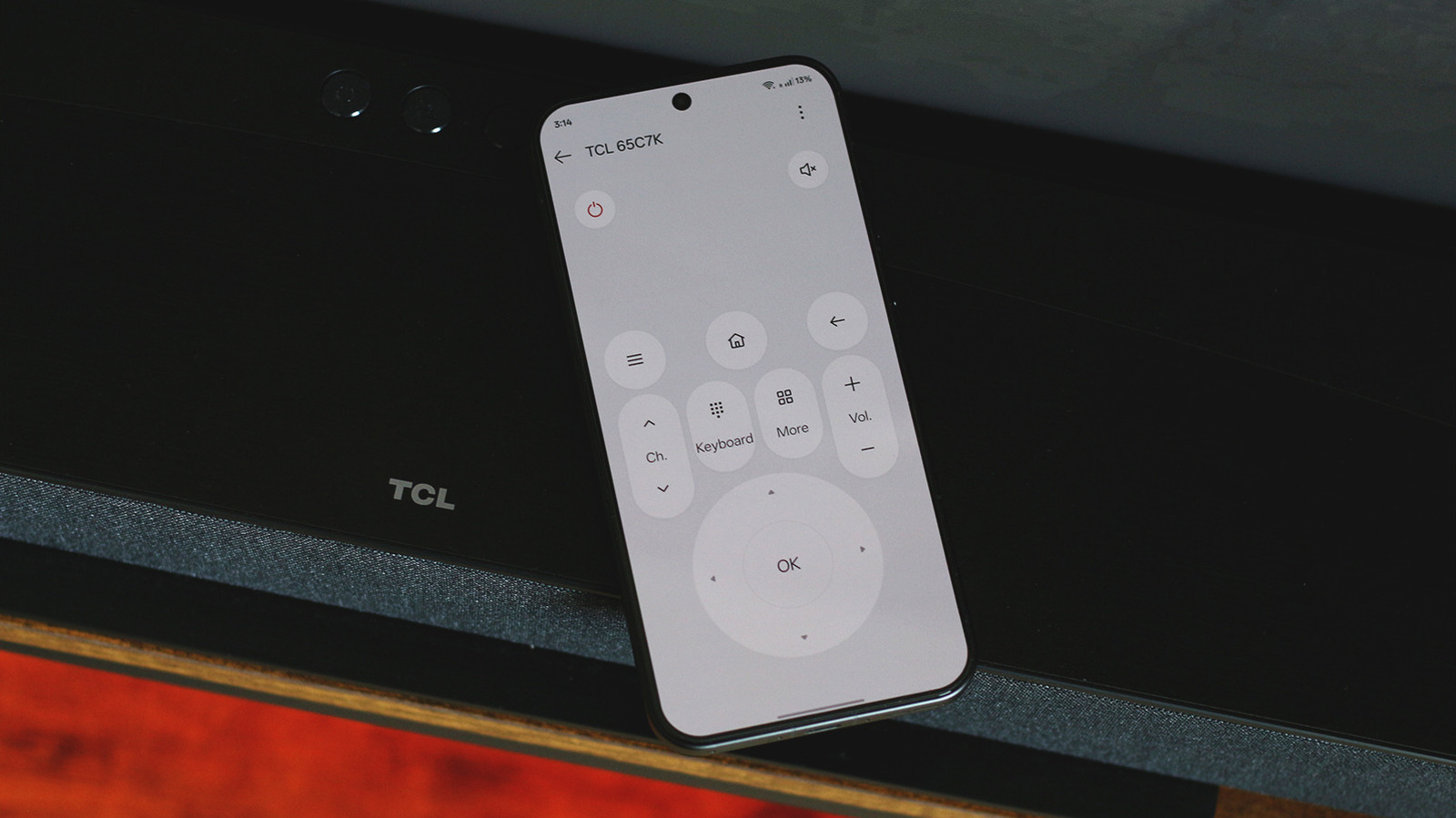
Modern smartphones have evolved into versatile universal remotes, capable of controlling almost any smart TV. While some older or specialized devices feature built-in IR blasters that mimic traditional infrared remotes, most contemporary phones rely on wireless connectivity to bridge the gap. By utilizing Wi-Fi or Bluetooth, users can connect their mobile devices to smart TVs to navigate menus, adjust volume, and launch streaming applications with ease. Most major TV manufacturers offer dedicated companion apps that provide a seamless interface, often superior to standard physical remotes. Even for those without specific manufacturer apps, third-party solutions and universal casting protocols allow for broad compatibility across different brands and operating systems. This guide explores the various methods to sync your phone with your television, ensuring that you can maintain control of your home entertainment system even if you misplace your physical remote.
This is a summary. Read the full article at the original source:
EngadgetRelated stories
Laptop fans are essential components designed to dissipate heat and prevent internal hardware from overheating. However, when these fans begin to run…

This article provides a detailed technical overview of the legendary 8-bit Zilog Z80 processor (model Z84C008PEC), which remains relevant nearly 50 ye…

Xiaomi has officially rolled out version 2.6 of its MiMo platform, continuing the company's expansion into integrated smart hardware ecosystems. This…