
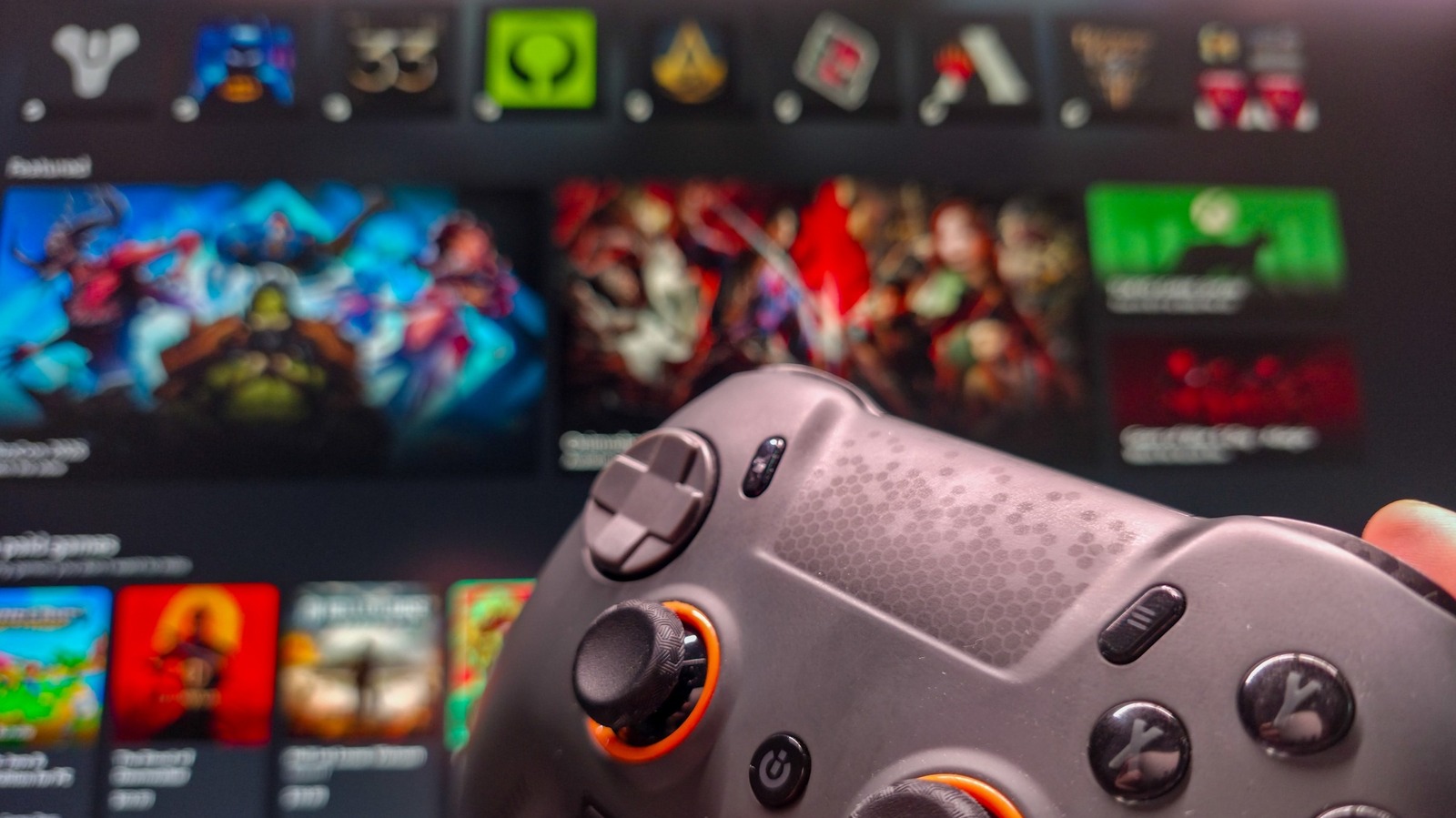
Microsoft offers a specialized interface for Windows PCs known as Xbox mode, designed to provide a console-like experience for gamers. Similar to Steam's Big Picture Mode, this feature optimizes the Windows interface for navigation using a game controller rather than a mouse and keyboard. By activating this mode, users can easily browse their game library, access social features, and launch titles directly from a simplified, full-screen dashboard. This functionality is particularly useful for those who connect their PCs to televisions or prefer a living-room gaming setup. The interface streamlines the transition from desktop computing to immersive gaming, ensuring that players can manage their library and settings without needing traditional PC peripherals. This guide outlines the necessary steps to enable and navigate this mode, helping Windows users maximize their gaming experience by leveraging the full potential of the Xbox ecosystem on their personal computers.
This is a summary. Read the full article at the original source:
EngadgetRelated stories
The New York Times has released the latest edition of its popular word puzzle game, Strands. For game #933, dated September 22, the theme is 'Day and…
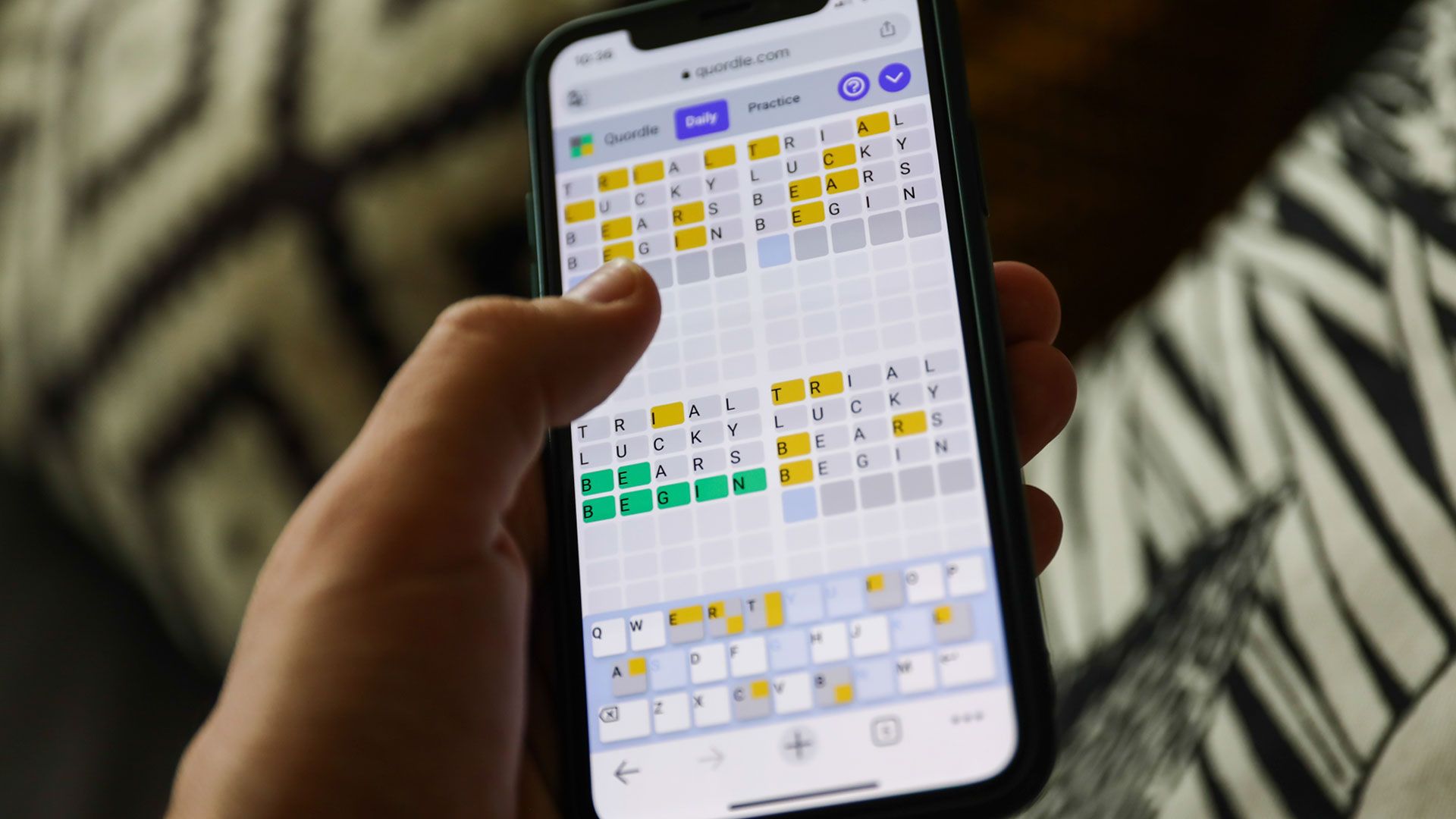
TechRadar has released the daily hints and solutions for Quordle puzzle #1702, dated September 22, 2026. As a popular alternative to the viral Wordle…

The New York Times Connections puzzle for September 22, 2026 (game #1199) has been released, challenging players to group sixteen words into four dist…