
How to use the Windows 11 Media Creation Tool to create a bootable USB drive
Creating a bootable USB drive for Windows 11 is a straightforward process that allows users to perform clean installations or troubleshoot system issues effectively. Microsoft provides the official Media Creation Tool, a utility designed to simplify the download and installation process. To get started, users must download the tool from the official Microsoft website and ensure they have a USB flash drive with at least 8GB of storage space. The utility automatically formats the drive and prepares the necessary installation files. Once the process is complete, the USB drive can be used to boot a computer directly into the Windows 11 setup environment. This method is highly recommended over third-party alternatives to ensure system stability and security. By keeping a bootable drive on hand, users can easily recover their systems or upgrade new hardware without needing an active internet connection during the initial setup phase.
This is a summary. Read the full article at the original source:
EngadgetRelated stories
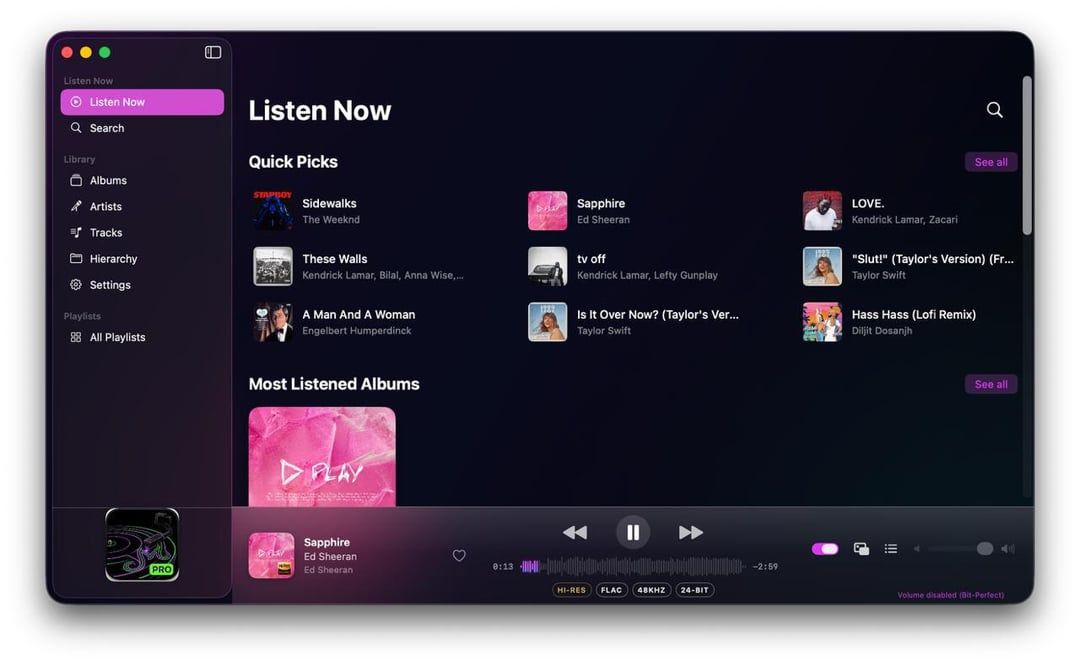
A new open-source music player, YM Pro, has launched on the Mac App Store, offering Mac users a 'bit-perfect' playback experience. Designed for Apple…
Developer James Ryan has released a new open-source project, fcbnerd, designed to bridge the gap between MIDI hardware and macOS automation. The tool…

Save 25% on HP’s HyperX Omen Max 16 Gaming Laptop with Limited-Time Offer
HP is currently offering a significant discount on its high-performance HyperX Omen Max 16 gaming laptop. Customers can take advantage of a 25% price…