
How to turn on Developer Mode on your Chromebook

Enabling Developer Mode on a Chromebook provides users with advanced access to the device's underlying software, allowing for greater customization and the installation of non-standard applications. This mode is specifically designed for developers and power users who wish to explore the ChromeOS file system or install alternative operating systems like Linux distributions. However, it is important to note that activating this mode typically triggers a powerwash, which wipes all local data from the device. Additionally, enabling Developer Mode may compromise certain security features and could void the manufacturer's warranty. Users should proceed with caution and ensure they have backed up all essential files before initiating the process. By following the specific key combinations during the boot sequence, users can unlock these administrative capabilities, transforming their standard laptop into a more flexible development environment for testing and experimentation.
This is a summary. Read the full article at the original source:
EngadgetRelated stories

Recent reports from industry analyst Mark Gurman suggest that Apple is preparing to launch a new MacBook Pro featuring an OLED display. The upcoming m…

Nvidia has implemented a substantial $100 price increase for its Shield TV Pro streaming device. The company attributes this adjustment to the ongoing…
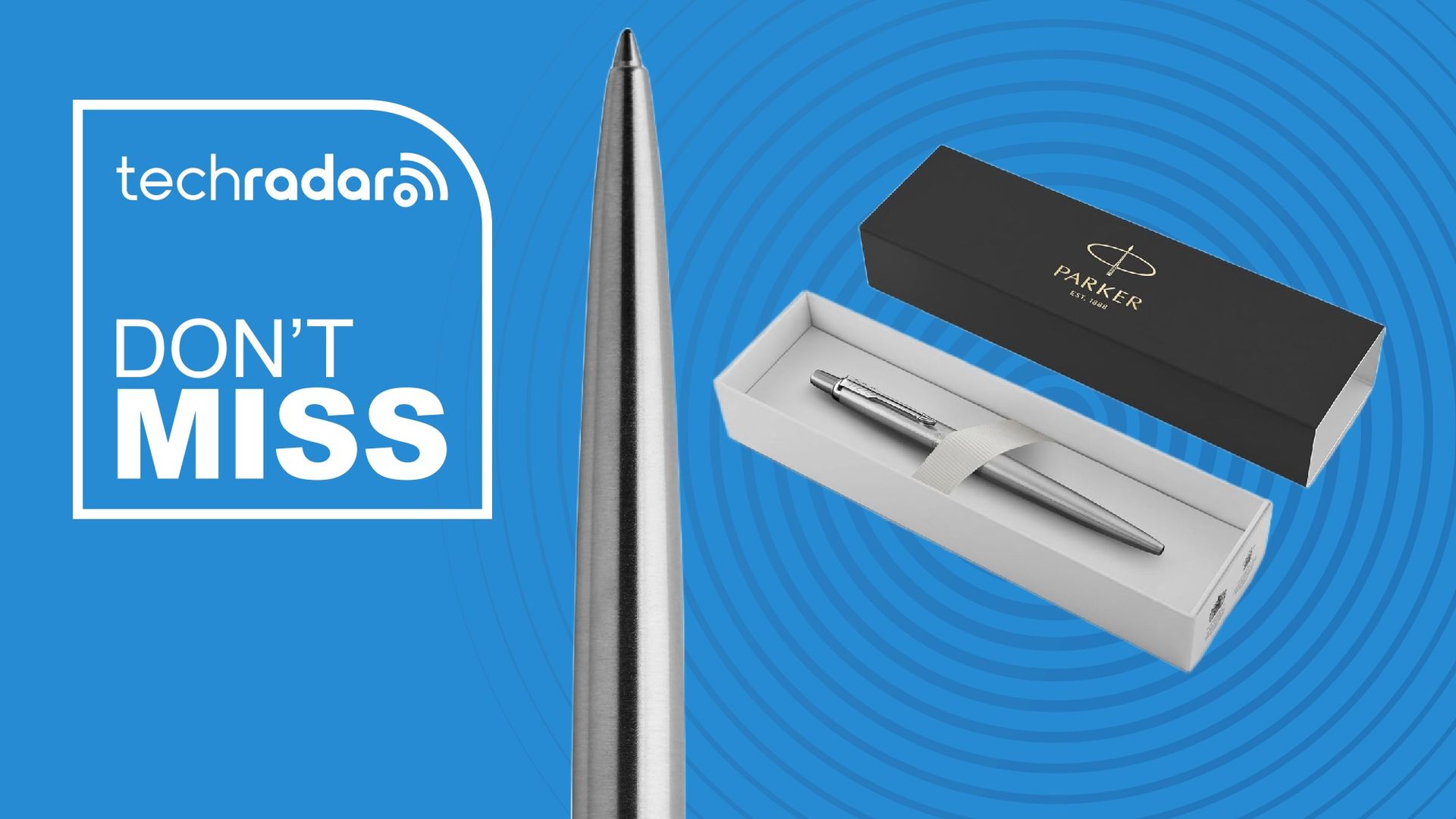
Iconic Parker Jotter pen from GoldenEye receives James Bond Day discount
To celebrate James Bond Day, the classic Parker Jotter ballpoint pen, famously featured in the 1995 film GoldenEye, has received a price reduction on…