
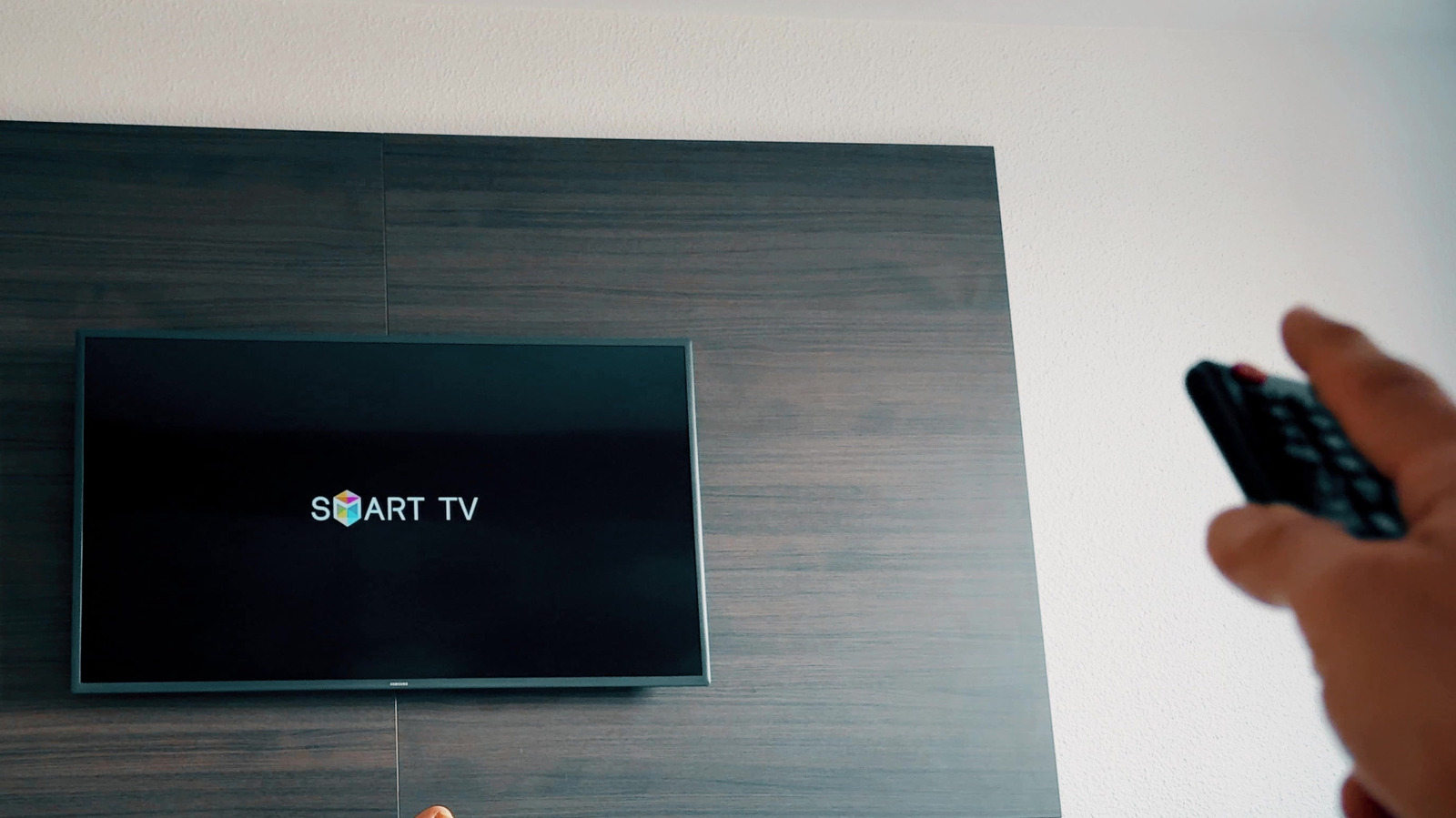
HDMI-CEC, branded as Anynet+ on Samsung televisions, is a powerful feature that allows users to control multiple connected devices using a single remote control. By enabling this protocol, users can streamline their home entertainment setup, reducing the need for juggling several remotes. The process involves navigating to the TV's settings menu, typically found under the 'External Device Manager' section, and toggling the Anynet+ (HDMI-CEC) option to the 'On' position. Once activated, the TV can automatically detect and communicate with compatible devices like game consoles, soundbars, and streaming players. This integration simplifies power management and input switching, significantly improving the overall user experience. Proper configuration ensures that turning on one device can trigger the entire system, making it an essential setup step for anyone looking to optimize their home theater environment.
This is a summary. Read the full article at the original source:
EngadgetRelated stories

At IFA 2026, RayNeo introduced the iO smart glasses, a camera-free wearable designed to address privacy concerns while maintaining AI-powered function…

A recent report from Engadget warns laptop users to take immediate action if they notice their trackpad shifting or popping out of the chassis. This p…

How to watch Zverev vs Shelton: US Open 2026 Men's Final Live Streams
The 2026 US Open Men's Final features a high-stakes matchup between Alexander Zverev and Ben Shelton at Arthur Ashe Stadium. Zverev, the top seed, aim…