
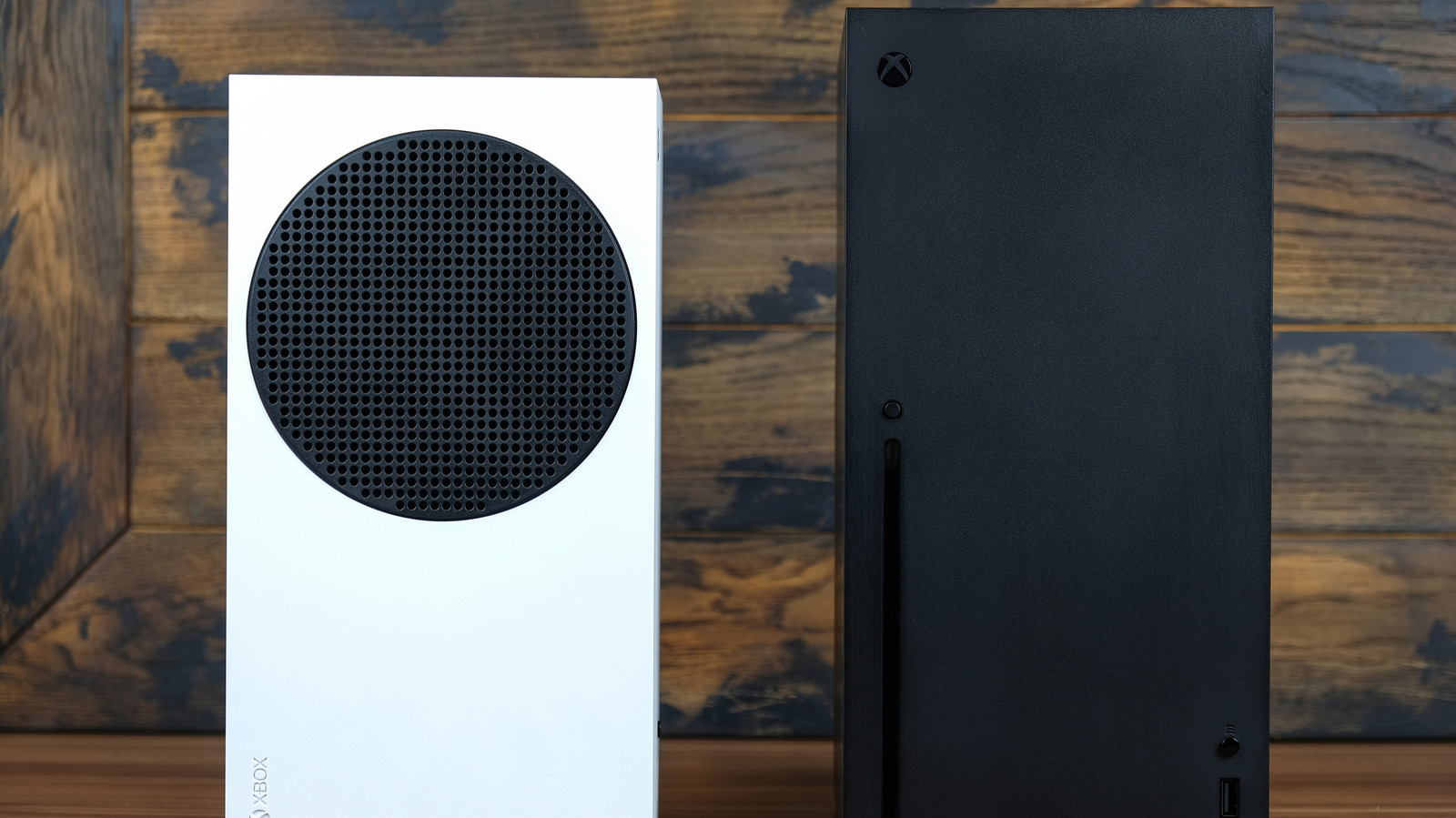
Xbox consoles offer robust support for immersive audio experiences, allowing users to configure 5.1 or 7.1 surround sound systems for enhanced gaming. To set this up, users should navigate to the Xbox settings menu, select 'General,' and then 'Volume & audio output.' From there, the 'Speaker audio' section allows for the selection of specific formats such as uncompressed 5.1 or 7.1, or bitstream options like Dolby Atmos or DTS. It is essential to ensure that the console is connected to a compatible receiver or soundbar via HDMI to enable these advanced audio settings. Proper configuration not only improves spatial awareness in competitive titles but also provides a more cinematic experience for media consumption. By following these steps, players can easily optimize their home theater setups to take full advantage of the high-fidelity audio capabilities built into modern Xbox hardware.
This is a summary. Read the full article at the original source:
EngadgetRelated stories

The Game Bakers creative director discusses studio's commitment to unique, memorable experiences
Emeric Thoa, creative director at The Game Bakers, recently discussed the studio's philosophy of prioritizing memorable, high-impact gaming experience…

Director Zach Cregger has breathed new life into the Resident Evil film franchise with a recent reboot that critics are calling a standout success. Fo…

As the gaming community prepares for the upcoming October Prime Day, retailers are beginning to roll out significant discounts on popular titles. A no…