
How to see what's taking up space on your Windows PC
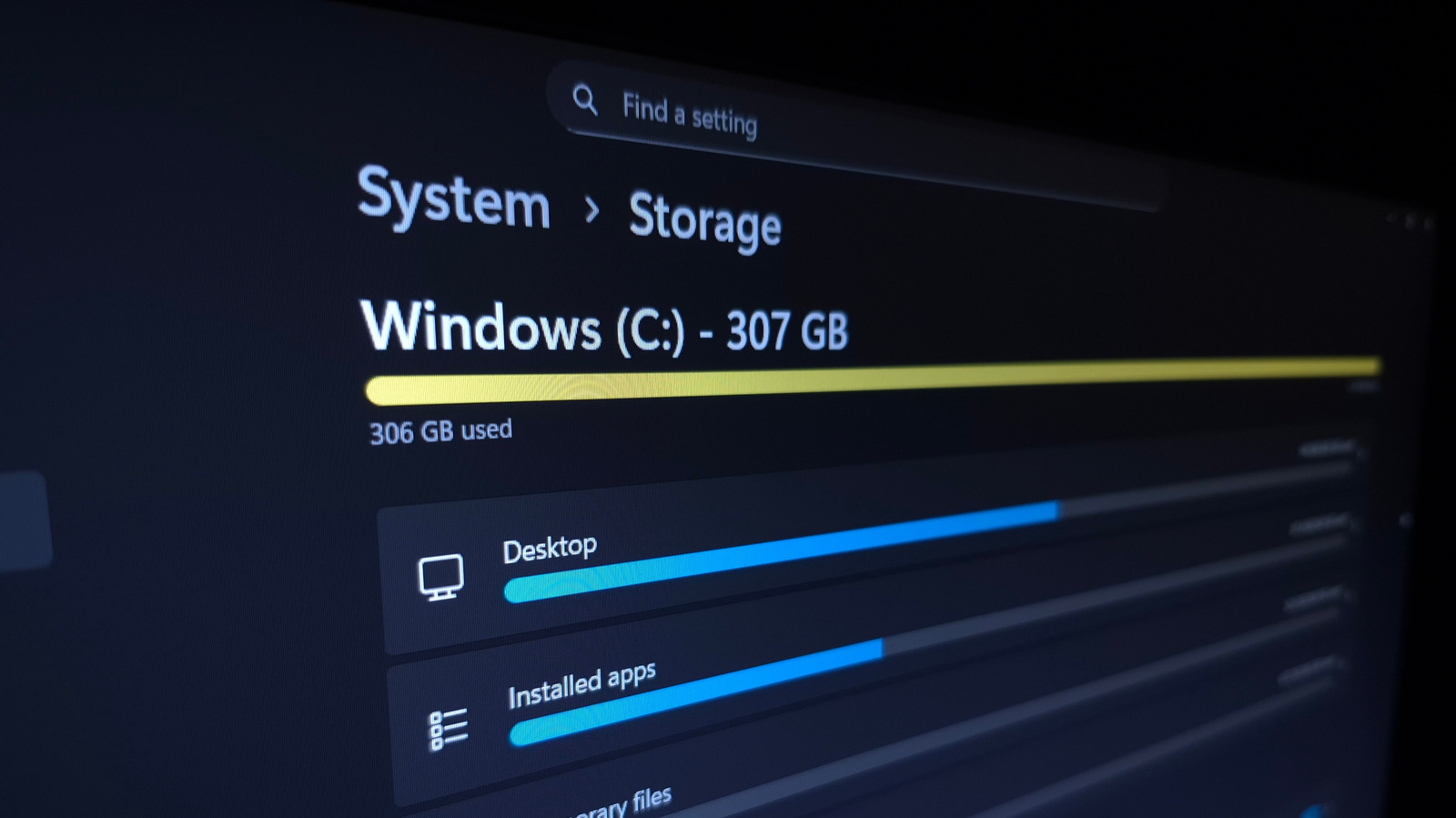
Managing storage on a Windows PC is a common challenge for users as files, applications, and system updates accumulate over time. Engadget provides a comprehensive guide on how to identify and remove unnecessary data to reclaim disk space. The article suggests using built-in Windows tools, such as the Storage Settings menu, which offers a detailed breakdown of how space is allocated across apps, temporary files, and system data. By following a methodical approach, users can pinpoint large, forgotten files or bloated applications that are consuming valuable storage. The guide emphasizes the importance of regular maintenance to keep a computer running efficiently. Whether you are dealing with a full drive or simply looking to optimize your system's performance, these practical steps offer a straightforward way to clean up your PC without the need for complex third-party software.
This is a summary. Read the full article at the original source:
EngadgetRelated stories

Restarting your computer is a piece of advice that has persisted for decades, but its relevance in the modern computing landscape is often debated. Wh…

From Wearables to Robots to Tabletop Trinkets, the AI Hardware Scene Is Booming
At IFA 2026, the consumer electronics landscape showcased a significant shift toward dedicated AI hardware. Moving beyond software-based integrations,…

In a detailed technical breakdown, developer Nishant Joshi explores the complex engineering challenges involved in building a functional printer from…