
How to remap your keyboard keys for better productivity
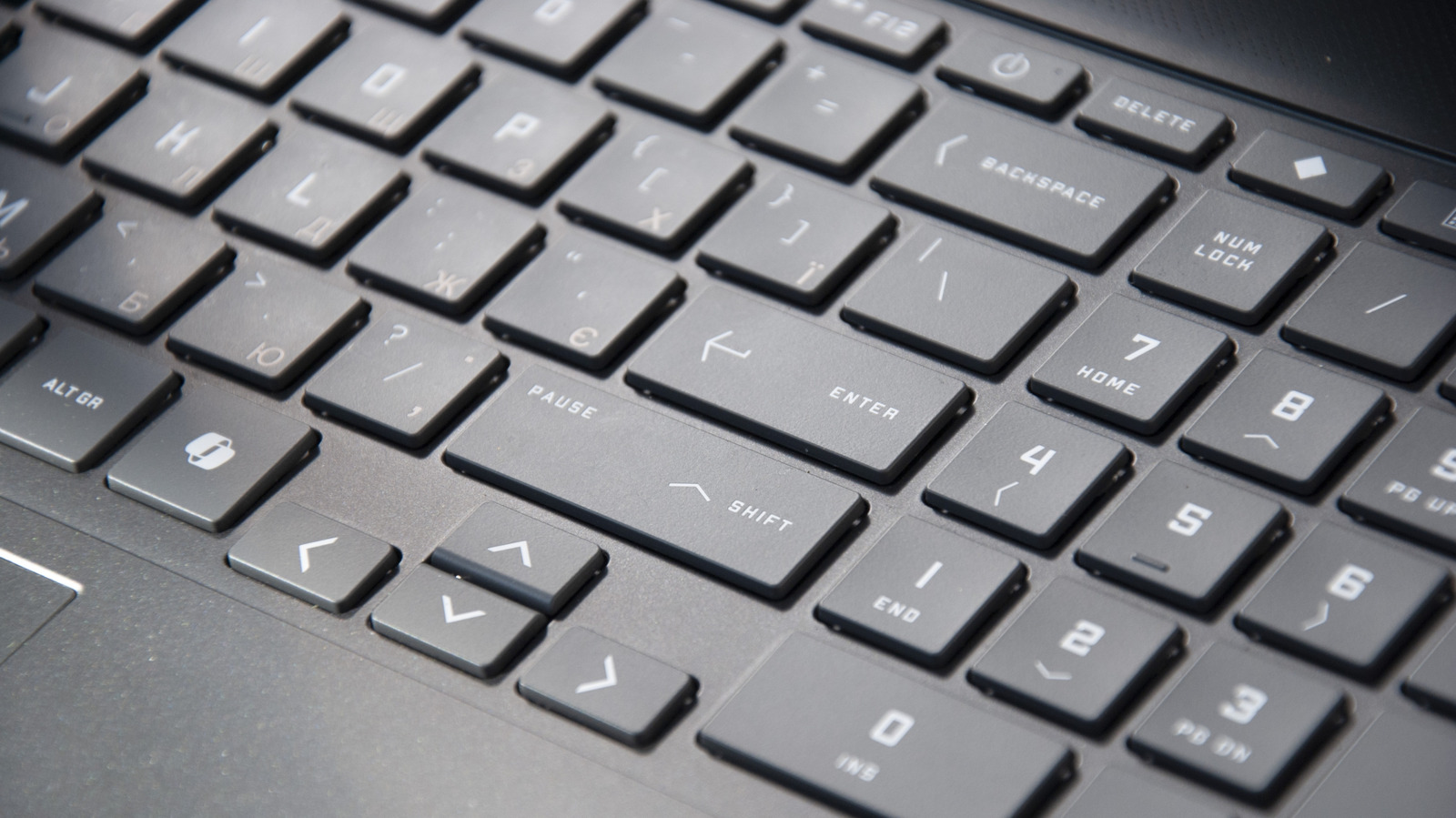
Many users leave certain keys on their keyboards completely unused, missing out on opportunities to streamline their workflow. A recent guide from Engadget highlights the benefits of remapping these underutilized keys to perform custom functions. By assigning specific shortcuts or macros to keys like Caps Lock, Scroll Lock, or dedicated media buttons, users can significantly improve their efficiency. The process typically involves using dedicated software tools such as Microsoft's PowerToys, which provides a user-friendly interface for remapping keys on Windows systems. This customization allows individuals to tailor their input devices to their specific needs, turning neglected hardware into powerful productivity shortcuts. Whether you are a gamer looking for faster command execution or a professional aiming to reduce repetitive tasks, remapping is a simple yet effective way to optimize your daily computer usage and make your keyboard work harder for you.
This is a summary. Read the full article at the original source:
EngadgetRelated stories

Restarting your computer is a piece of advice that has persisted for decades, but its relevance in the modern computing landscape is often debated. Wh…

From Wearables to Robots to Tabletop Trinkets, the AI Hardware Scene Is Booming
At IFA 2026, the consumer electronics landscape showcased a significant shift toward dedicated AI hardware. Moving beyond software-based integrations,…

In a detailed technical breakdown, developer Nishant Joshi explores the complex engineering challenges involved in building a functional printer from…