

Recording your smartphone screen has become an essential feature for sharing tutorials, troubleshooting technical issues, or capturing gameplay. Modern mobile operating systems, including iOS and Android, now include robust, built-in screen recording tools that eliminate the need for third-party software. On iPhones, users can easily access the screen recording feature via the Control Center, while Android devices typically offer a similar toggle within the Quick Settings menu. For older devices or those lacking native support, various inexpensive or free applications are available on the App Store and Google Play Store to bridge the gap. This guide outlines the straightforward steps required to activate these tools across different platforms, ensuring that users can document their digital activities efficiently. Whether you are demonstrating a software feature or saving a fleeting moment, these integrated solutions provide a seamless experience for capturing high-quality video directly from your device's display.
This is a summary. Read the full article at the original source:
WiredRelated stories
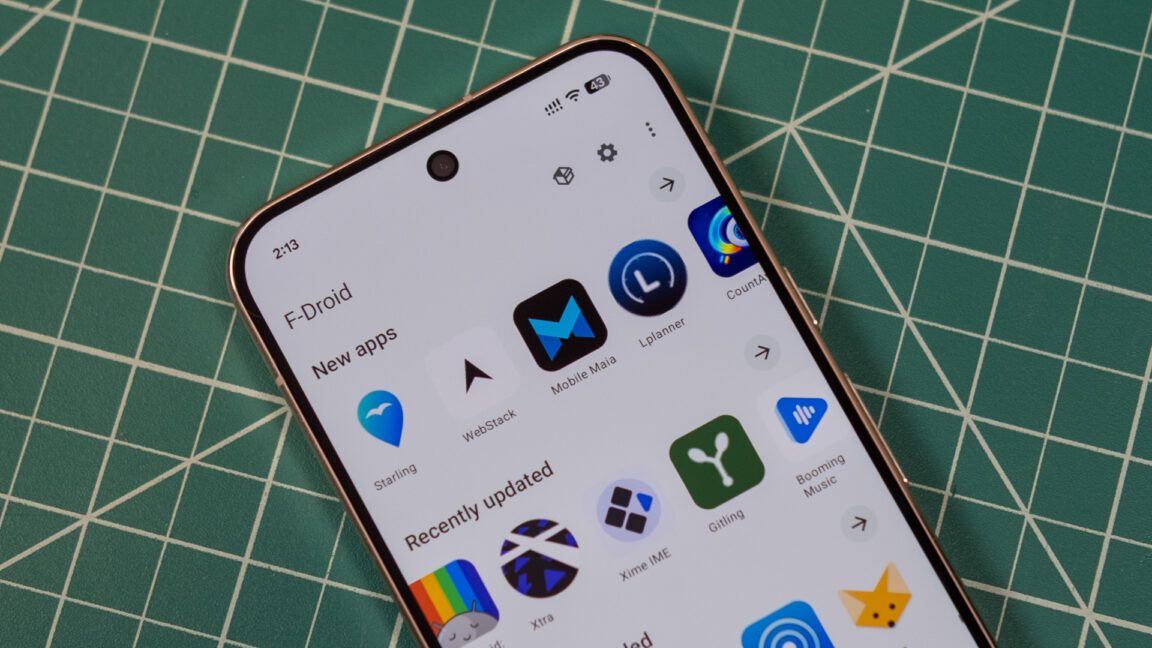
F-Droid releases major 2.0 update with redesigned UI and improved installation flow
F-Droid, the long-standing repository for free and open-source Android applications, has officially launched version 2.0, marking its most significant…

Apple has released the public beta for iOS 27.2, offering users an early look at upcoming features. Notably, the update includes a redesigned Health a…

Google has introduced a new feature called 'Call for Me' exclusively for its Pixel 11 series smartphones, leveraging the power of its Gemini AI model.…