
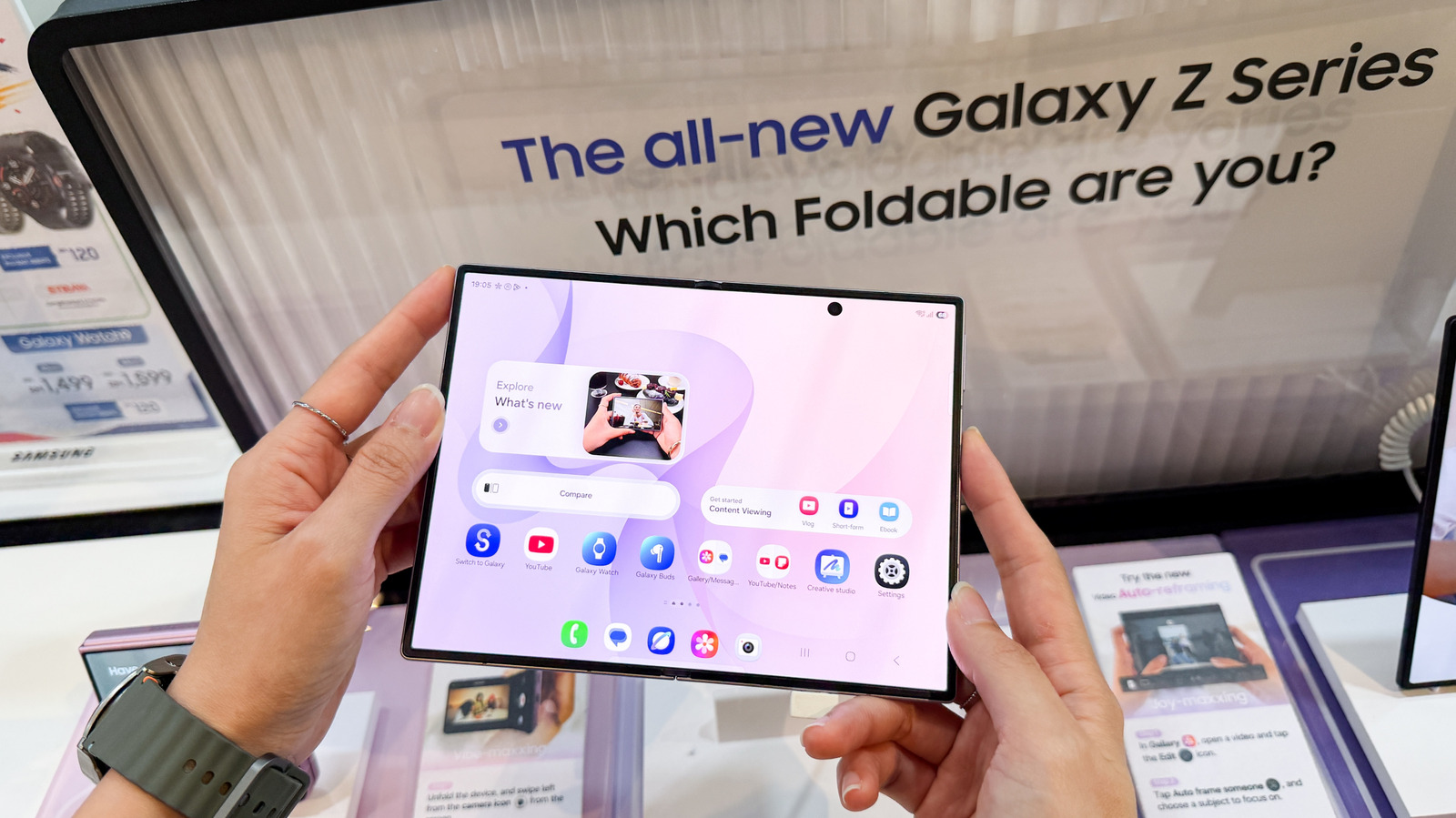
Samsung provides a straightforward method for users to verify the remaining warranty period on their Galaxy devices. Instead of relying on guesswork or searching through physical paperwork, owners can access this information directly through the Samsung Members app or the company's official support website. By entering the device's serial number or IMEI, users can instantly view their coverage status, including expiration dates and service eligibility. This feature is particularly useful for those considering selling their device, buying a used model, or planning for potential repairs. Samsung's streamlined approach ensures that customers remain informed about their hardware protection without needing to contact customer support directly. This transparency helps users manage their device lifecycle more effectively and avoid unexpected repair costs by knowing exactly when their warranty protection ends.
This is a summary. Read the full article at the original source:
EngadgetRelated stories
The developer of the 'Giga Pisar' app, which utilizes Sber's GigaAM model for on-device speech recognition, has encountered significant hurdles while…

Users of foldable smartphones are reporting a persistent bug within Android Auto that disrupts phone calls. According to user reports, the issue appea…
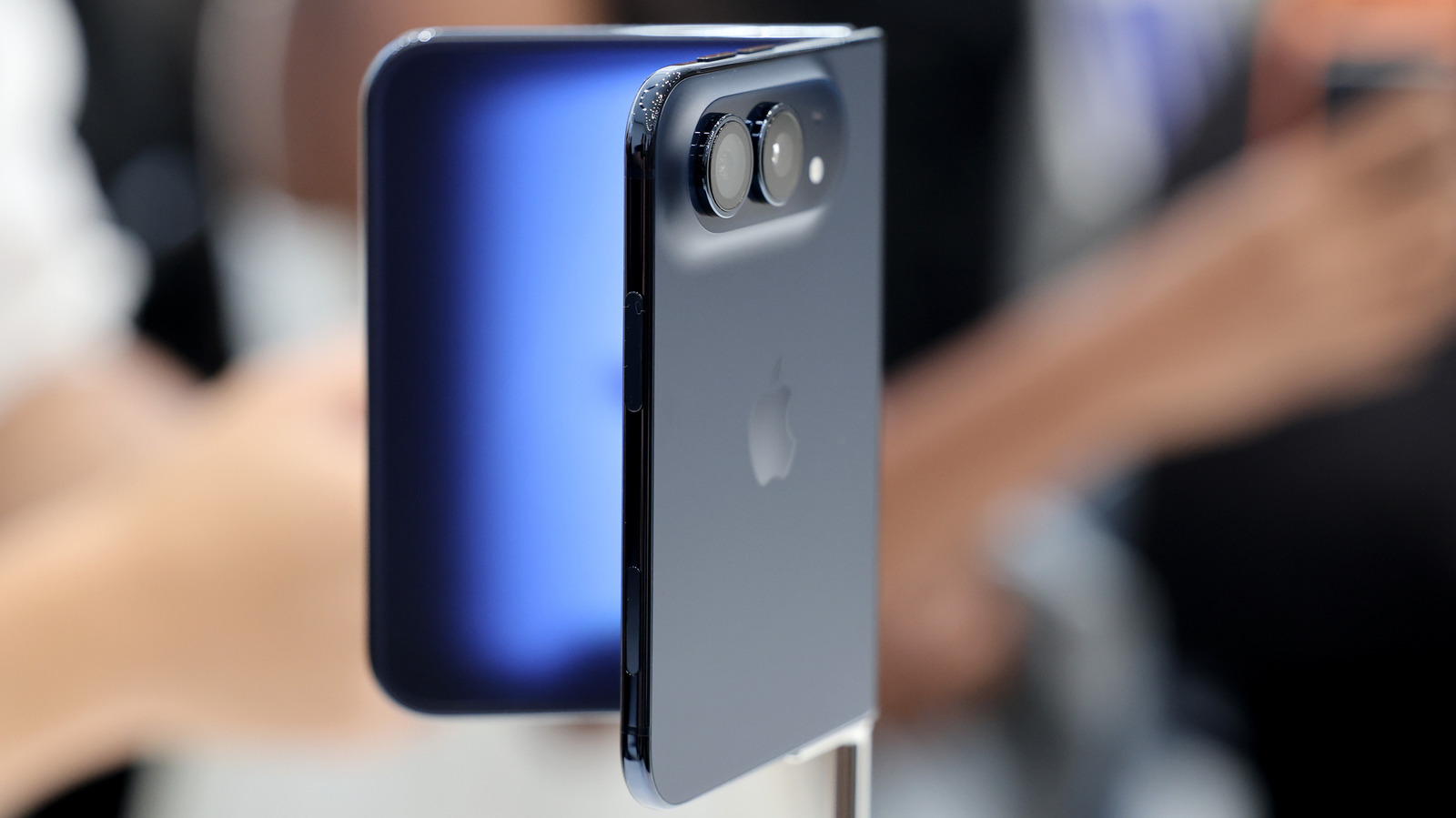
While Apple continues to dominate the premium smartphone market, non-US manufacturers like Xiaomi, Oppo, and Vivo are increasingly challenging the iPh…