
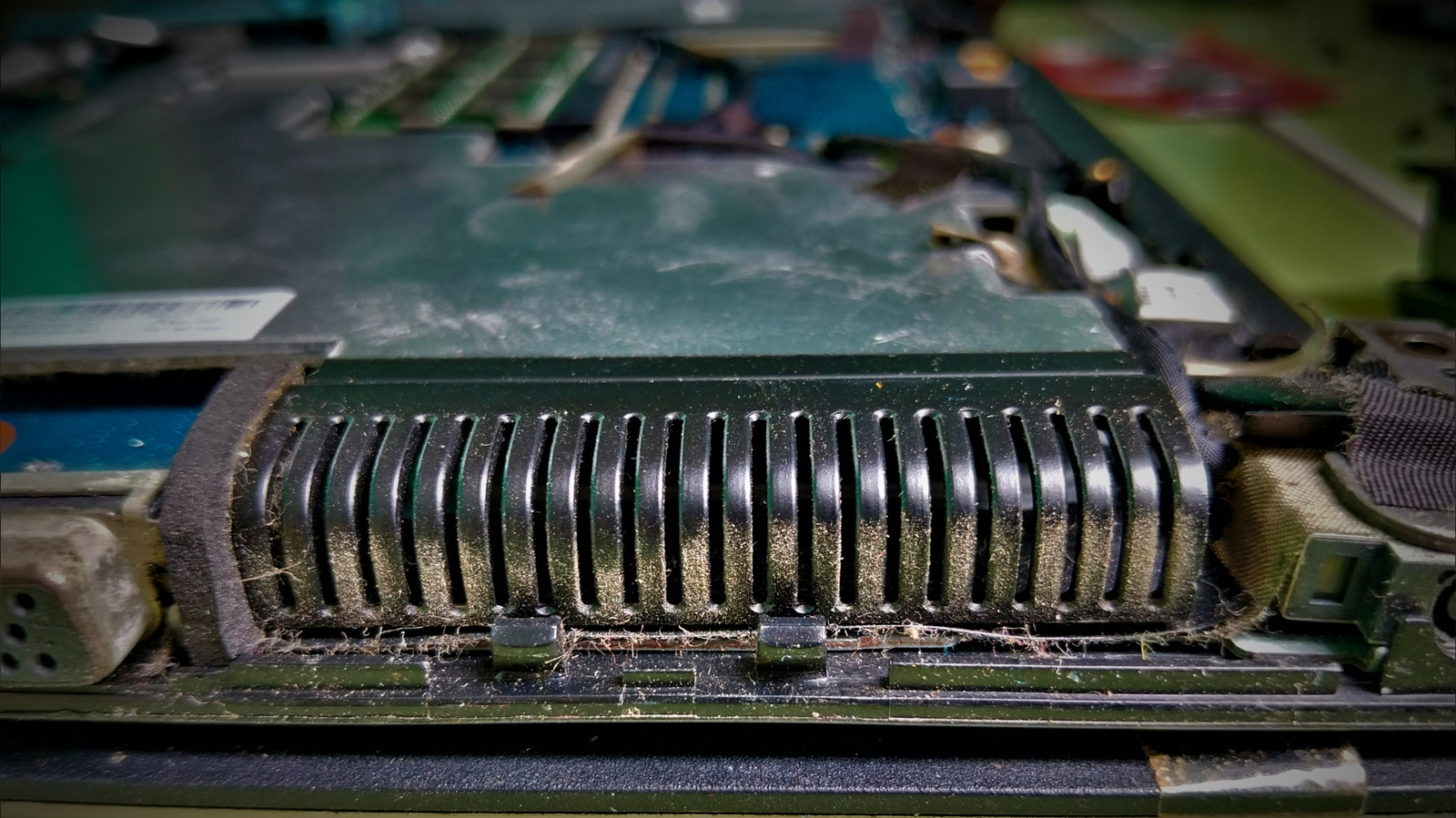
Maintaining a clean laptop fan is essential for optimal performance and longevity. Over time, dust and debris accumulate within the cooling system, which can lead to overheating, increased fan noise, and potential hardware throttling. This guide provides a step-by-step approach to safely cleaning your device's cooling components. It emphasizes starting with external vent cleaning using compressed air before considering more invasive methods like opening the chassis. By following these maintenance tips, users can effectively improve airflow and prevent thermal issues without risking damage to sensitive internal components. Regular cleaning is recommended to keep the system running efficiently and to extend the lifespan of the laptop's internal hardware.
This is a summary. Read the full article at the original source:
EngadgetRelated stories

This article explores the implementation of a software UART on microcontrollers, a solution that becomes indispensable when hardware ports on a develo…
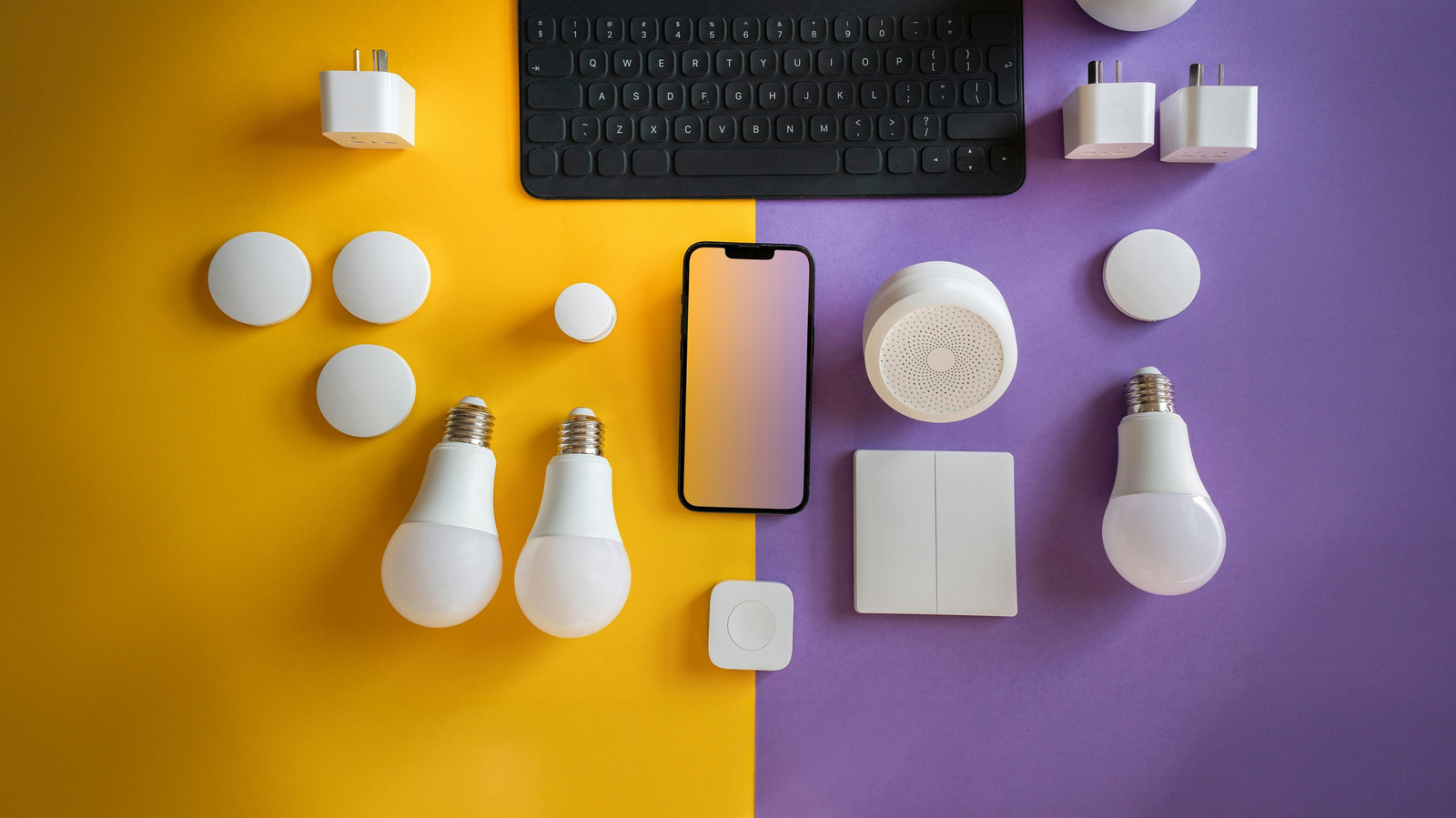
An old, unused laptop or netbook can be repurposed into a powerful smart home hub, providing a cost-effective alternative to dedicated commercial devi…

JBL Live Flex 4 review: excellent open-fit earbuds that rival Apple’s AirPods
The JBL Live Flex 4 earbuds offer a compelling alternative to Apple’s AirPods, focusing on a comfortable, open-fit design that avoids the pressure of…