
How to manually update Android Auto (and what it might mean if you can't)
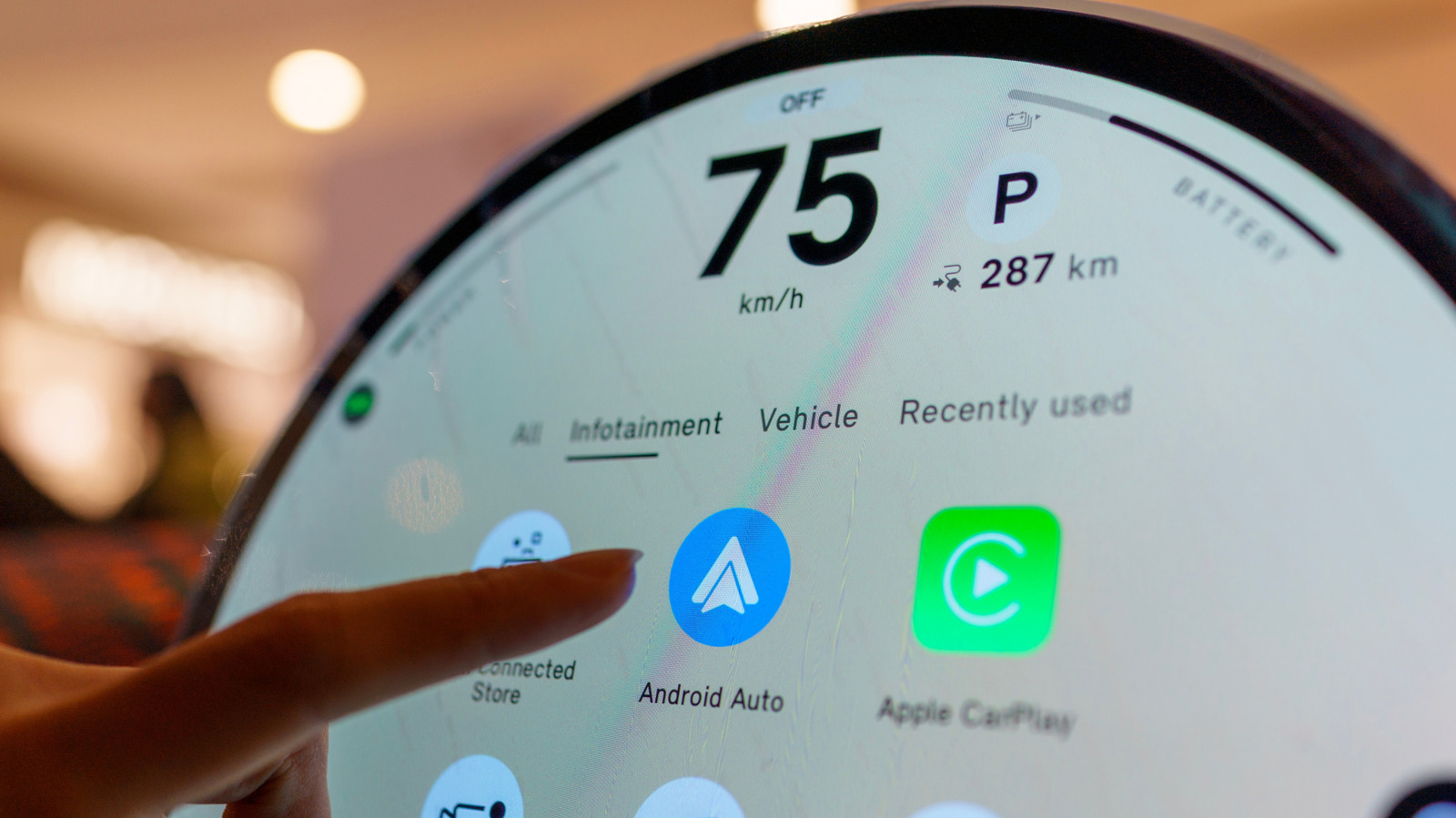
Android Auto is a critical component for many drivers, providing a seamless interface between smartphones and vehicle infotainment systems. While the application typically updates automatically through the Google Play Store, users may occasionally need to perform a manual update to access the latest features or resolve connectivity bugs. To update manually, users should navigate to the Play Store app, search for Android Auto, and select the 'Update' button if available. If the update option is missing, it may indicate that the device is running the latest version, or that the app has been integrated directly into the Android operating system settings on newer versions of the platform. If users continue to experience issues, clearing the app cache or checking for system-wide Android updates are recommended troubleshooting steps. Ensuring the software is current is essential for maintaining compatibility with evolving vehicle hardware and improving overall system stability.
This is a summary. Read the full article at the original source:
EngadgetRelated stories

Samsung Reportedly Accelerates Galaxy Z TriFold 2 Development Following iPhone Duo Rumors
Recent reports suggest that Samsung is fast-tracking the development of its next-generation tri-fold smartphone, the Galaxy Z TriFold 2. This strategi…

Apple has recently released iOS 27, introducing significant updates such as Siri AI, enhanced Apple Intelligence, and new photo editing tools. Followi…

Optimizing audio settings on an iPhone can significantly enhance the listening experience, whether you are using the device's built-in speakers, wired…