
How to install CrossPoint firmware on your Xteink e-reader

The Xteink X4 e-reader has gained popularity among users who prefer a more customizable device compared to locked-down alternatives like Kindle or Kobo. While the stock firmware is functional, many users find it lacking in interface design and usability. To address this, enthusiasts can flash the CrossPoint Reader firmware, which offers a cleaner, more intuitive user experience. The process is straightforward: users navigate to the CrossPoint website, select their specific Xteink model, and choose the 1.6.0 firmware version. By connecting the e-reader to a computer via a USB-C cable, the firmware can be flashed directly through the browser. This modification allows Xteink owners to significantly improve their reading experience, making the device feel more refined and easier to navigate. This guide highlights the accessibility of open-source-style modifications for consumer hardware, empowering users to tailor their devices to their personal preferences.
This is a summary. Read the full article at the original source:
MashableRelated stories
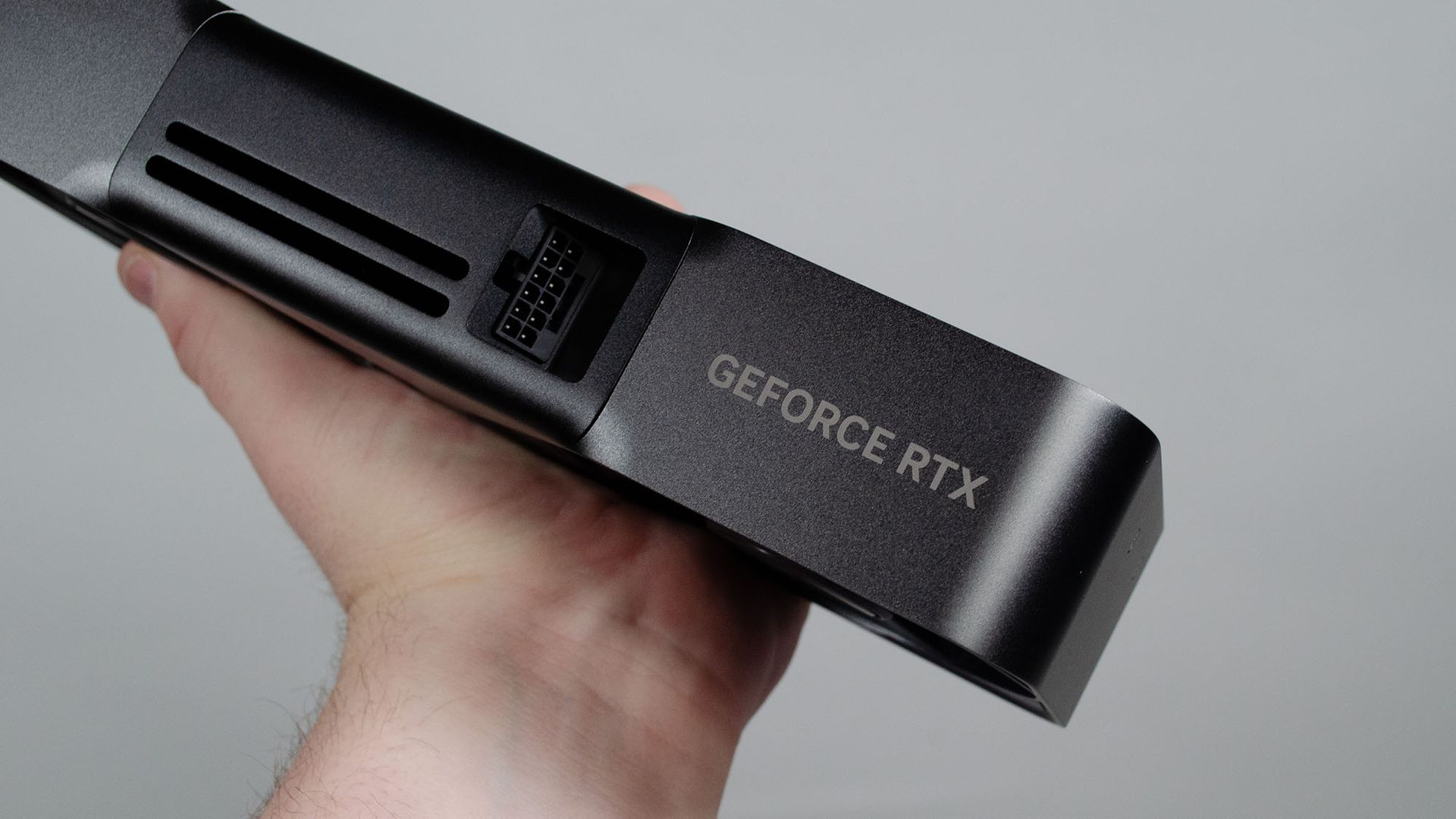
Wondering whether to wait for a GPU bargain on Black Friday? I wouldn't...
As Black Friday approaches, many consumers are debating whether to delay their GPU purchases in hopes of finding significant discounts. However, indus…

Sleep mode vs. shutdown: Which is better to use daily for your MacBook?
Deciding whether to shut down your MacBook or simply use sleep mode is a common dilemma for Apple users. While modern macOS is highly efficient at man…

Wired has released its curated list of the best White Elephant gifts for the 2026 holiday season. The selection focuses on unique, humorous, and highl…