
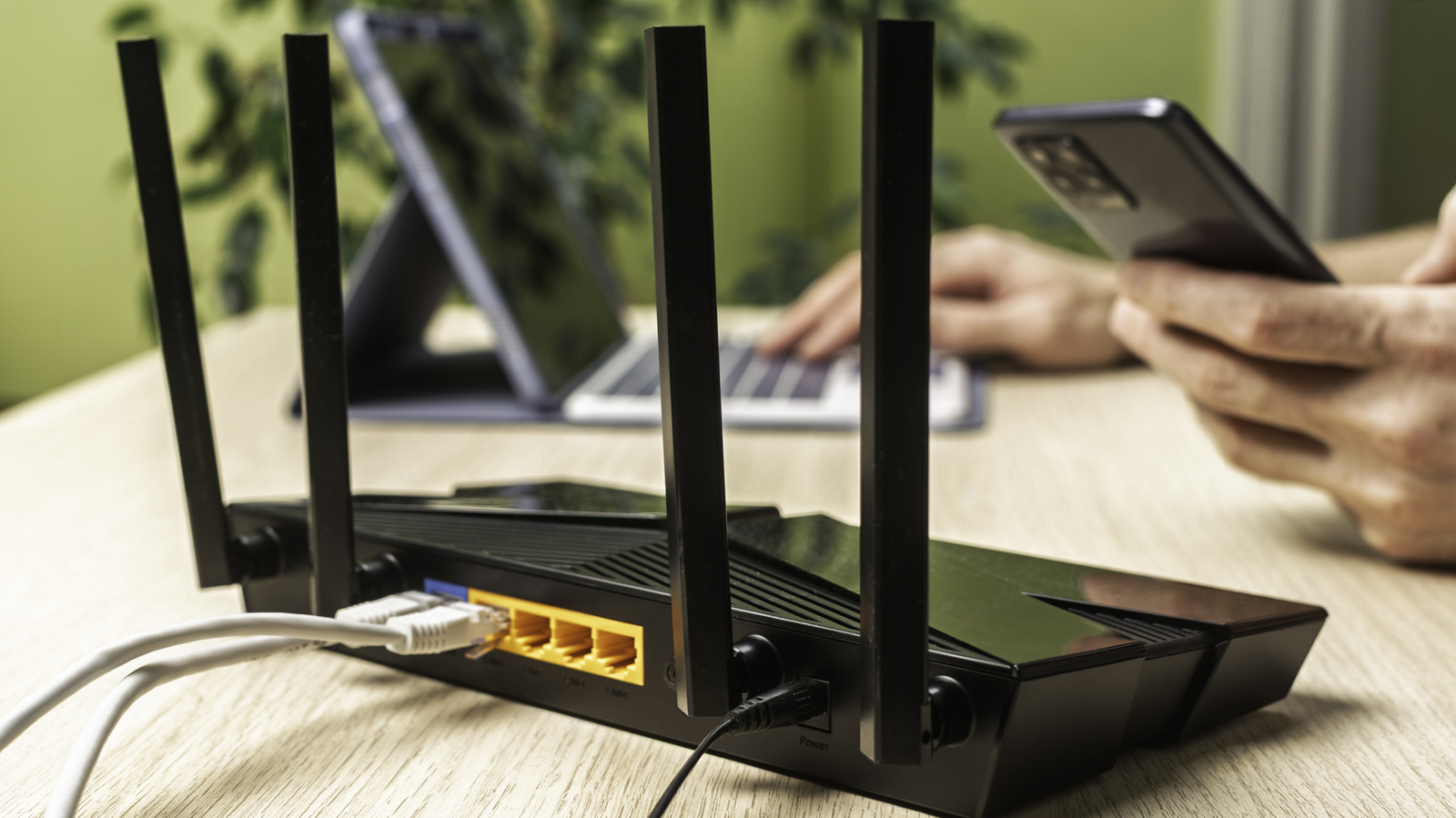
While most modern internet routers offer decent performance out of the box, they often require manual configuration to reach an optimal level of security. A recent guide from Engadget highlights that users can significantly harden their home networks by dedicating just ten minutes to adjusting a few key settings. The process involves moving beyond default configurations, which are frequently targeted by malicious actors. By updating firmware, changing default administrative credentials, and disabling unnecessary remote management features, users can create a much more resilient barrier against unauthorized access. These simple, proactive steps serve as a critical first line of defense for any home or small office network, ensuring that hardware remains protected against common vulnerabilities. Taking these brief measures is an essential practice for maintaining digital privacy and preventing potential network compromises in an increasingly connected environment.
This is a summary. Read the full article at the original source:
EngadgetRelated stories

How to watch Norway vs Portugal: FREE streams, TV channels for Nations League 2026/27
The UEFA Nations League 2026/27 continues with a high-profile Group D clash between Norway and Portugal. The match features football stars Erling Haal…

How to watch Israel vs Ireland: FREE streams and TV channels for Nations League
The upcoming Nations League match between Israel and Ireland is scheduled for Sunday, September 27, in Debrecen, Hungary. Due to the ongoing conflict…

The Rejected Generation: How AI Resume Screening Pushes Youth into Cybercrime
The author explores the employment crisis for young IT professionals caused by the widespread adoption of AI-driven resume screening systems. Facing t…