
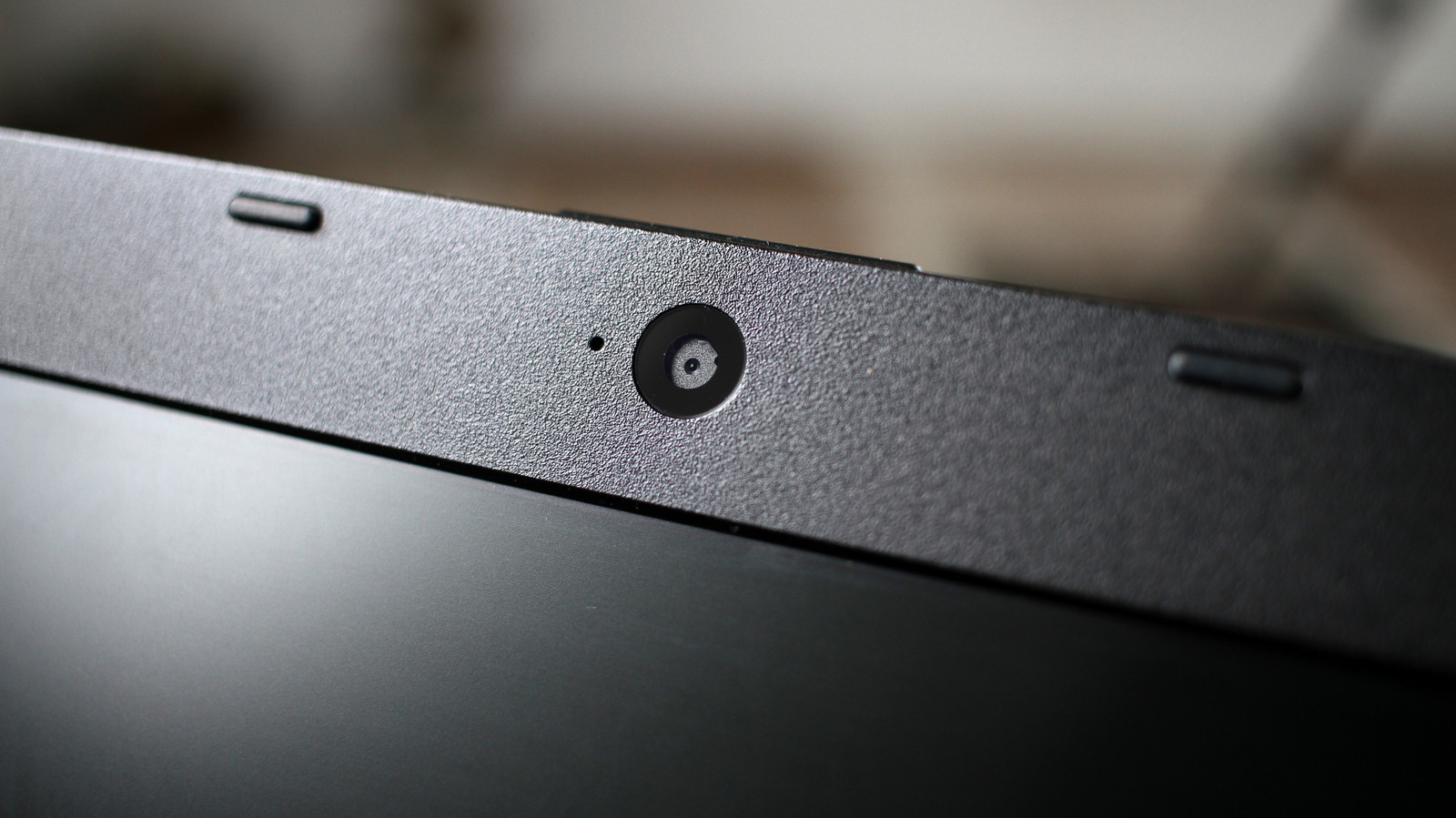
Most laptop webcams are notoriously mediocre, often producing grainy or poorly lit video during calls. However, users can significantly enhance their image quality without necessarily purchasing expensive external equipment. The primary factors for improvement include lighting, camera settings, and software optimization. Proper lighting is the most critical element; facing a window or using a soft light source can drastically reduce digital noise. Additionally, users should check their operating system's camera settings to ensure resolution and frame rate are maximized. Software tools, such as virtual background applications or specialized webcam enhancement software, can also help adjust contrast, brightness, and color balance. By making minor adjustments to the environment and software configurations, users can achieve a much more professional look during video conferences, ensuring that their internal hardware performs to the best of its limited capabilities.
This is a summary. Read the full article at the original source:
EngadgetRelated stories

Wired has released its curated guide for affordable holiday shopping, highlighting a variety of high-quality gift options priced under $25. The select…

A Six-Month Progress Report on Microsoft's Windows 11 Optimization Campaign
Six months into its initiative to refine Windows 11, Microsoft has made notable progress in improving the operating system's performance and usability…

Keurig has unveiled its new Alta coffee brewing system, marking a significant shift in the company's sustainability strategy. The flagship feature of…