

If you are experiencing poor call quality or unstable connections on your iPhone, there are several troubleshooting steps you can take to improve your experience. Apple provides built-in features like Voice Isolation, which uses machine learning to prioritize your voice and filter out background noise during cellular and FaceTime calls. To access this, users can open the Control Center during an active call, tap the Mic Mode button, and select Voice Isolation. Beyond software settings, it is recommended to check for carrier setting updates, ensure your signal strength is adequate, and verify that your device's microphone and speaker are free from physical obstructions or debris. If issues persist, toggling Airplane Mode or resetting network settings can often resolve underlying connectivity glitches. These simple adjustments can significantly enhance audio clarity and ensure a more reliable communication experience on your device.
This is a summary. Read the full article at the original source:
EngadgetRelated stories
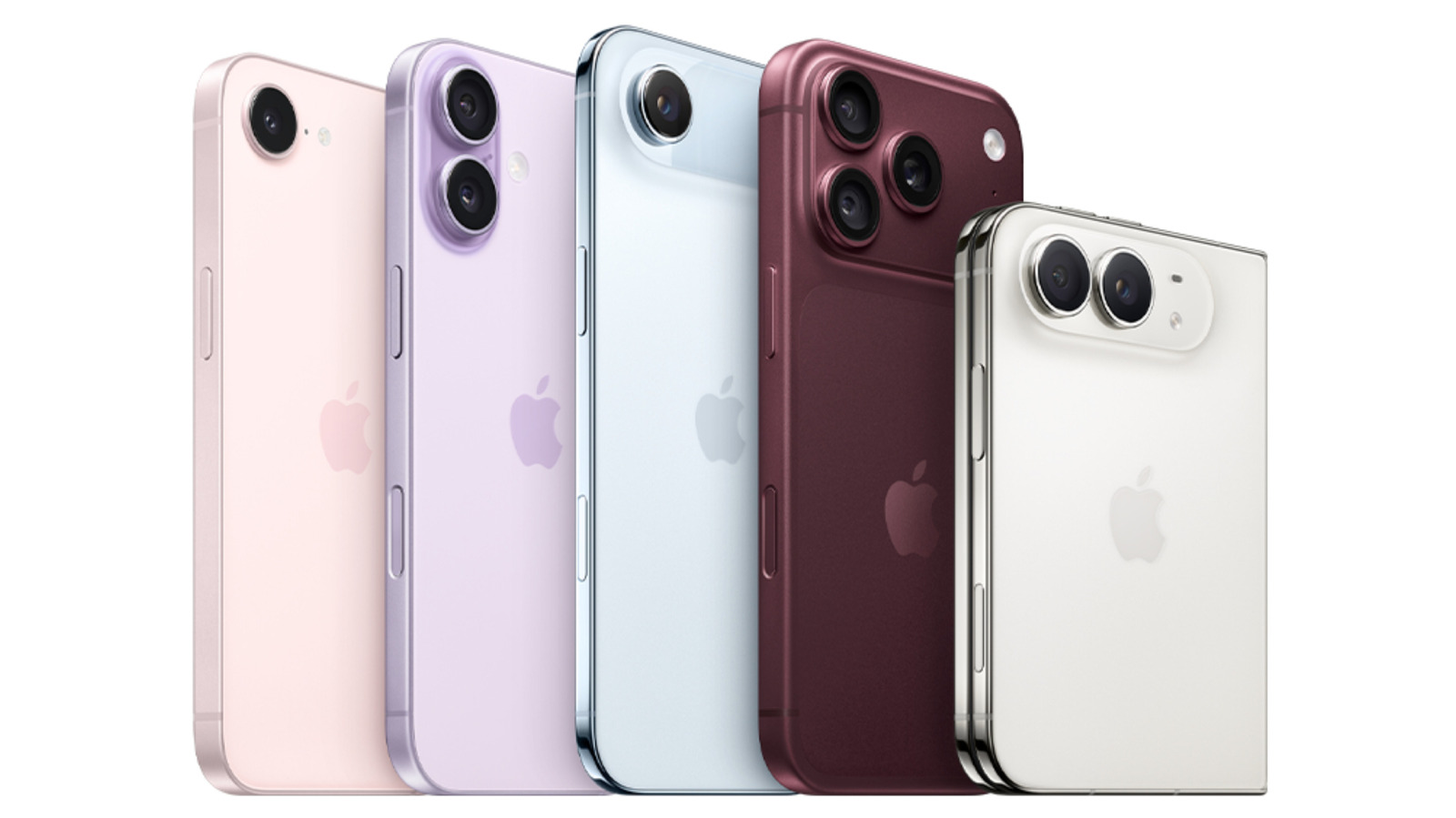
A recent report highlights that the upcoming iPhone Duo, a rumored addition to Apple's smartphone lineup, will omit several features that have become…
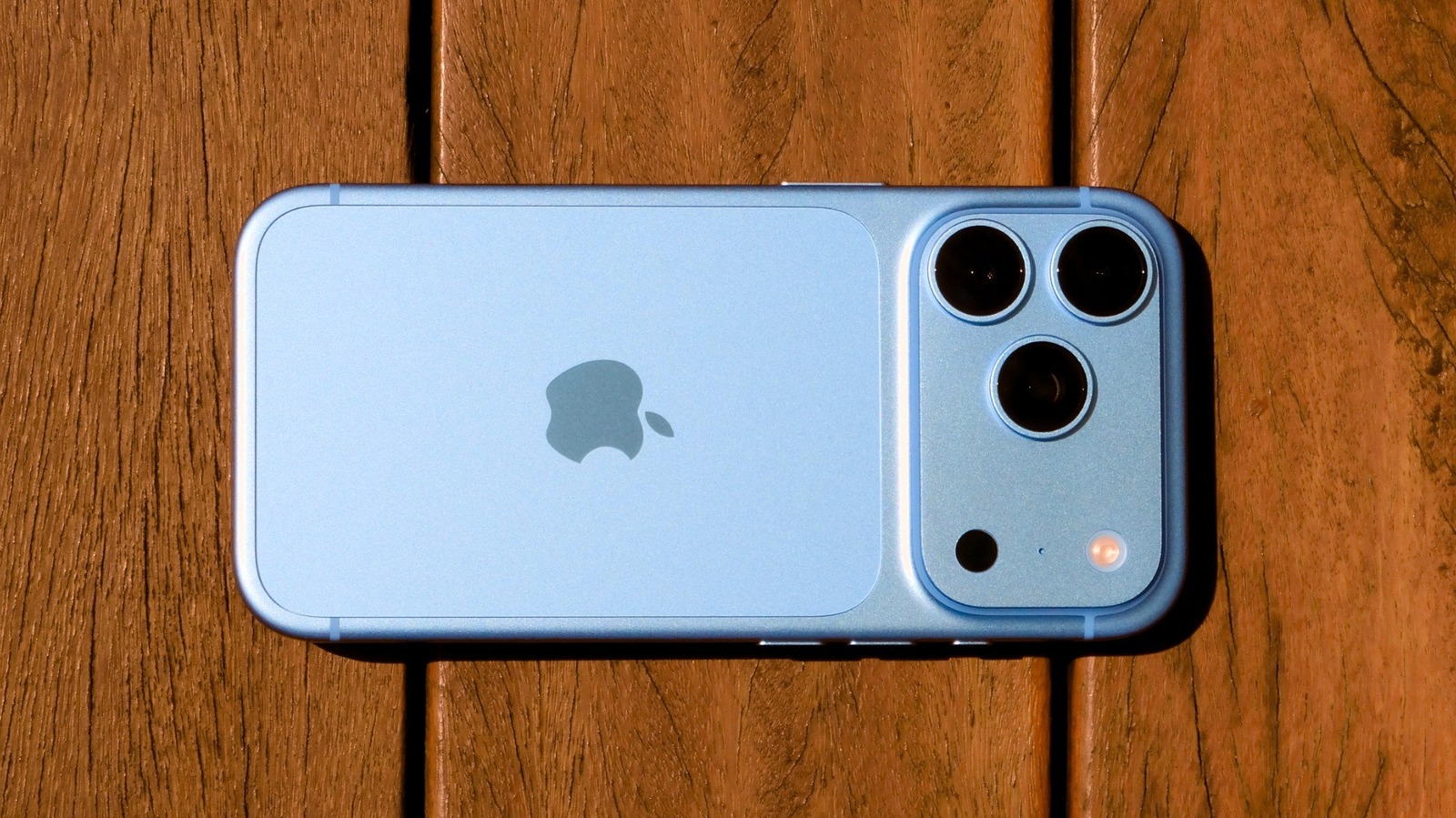
The iPhone 18 Pro has officially arrived, and while the list of hardware improvements may not be as extensive as in previous years, Apple has introduc…

China’s Getting All the Cool Phone Tech. Where’s My Robot Camera and Rear Screen?
At the recent Snapdragon Summit 2026, a wave of cutting-edge mobile hardware was showcased, highlighting a growing disparity in innovation availabilit…