
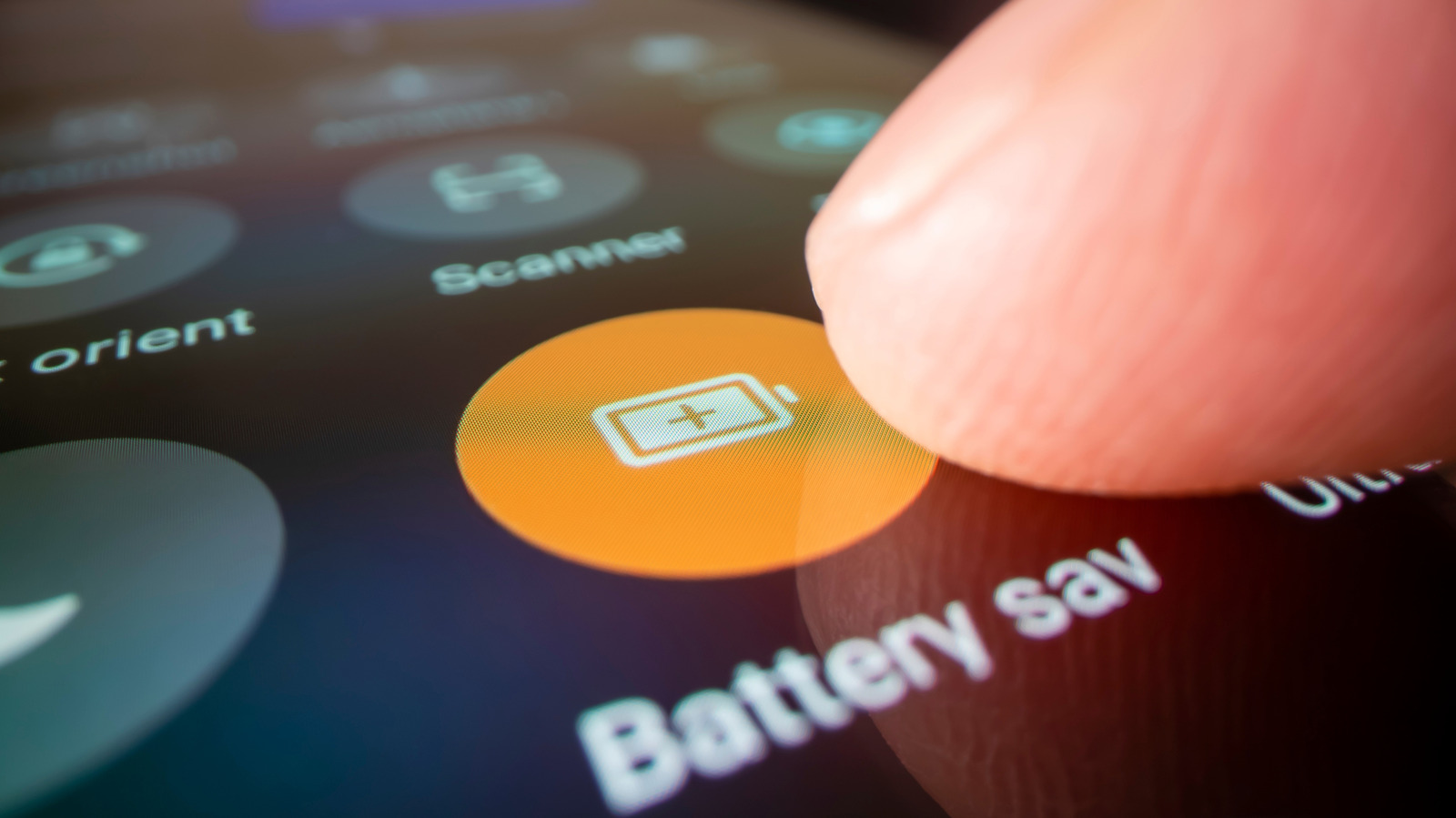
If you are struggling with the battery performance of your Android device, there are several practical steps you can take to extend its longevity. Engadget suggests that before considering a replacement, users should audit their current usage patterns and adjust specific system settings. Key recommendations include identifying power-hungry applications, managing background data usage, and optimizing display settings such as brightness and refresh rates. Additionally, utilizing built-in battery saver modes and keeping the operating system updated can significantly reduce power consumption. By systematically reviewing these configurations, users can often resolve common drainage issues and improve the overall daily experience with their smartphones. These maintenance tips serve as a helpful guide for those looking to maximize the lifespan of their current hardware without needing to invest in a new device immediately.
This is a summary. Read the full article at the original source:
EngadgetRelated stories
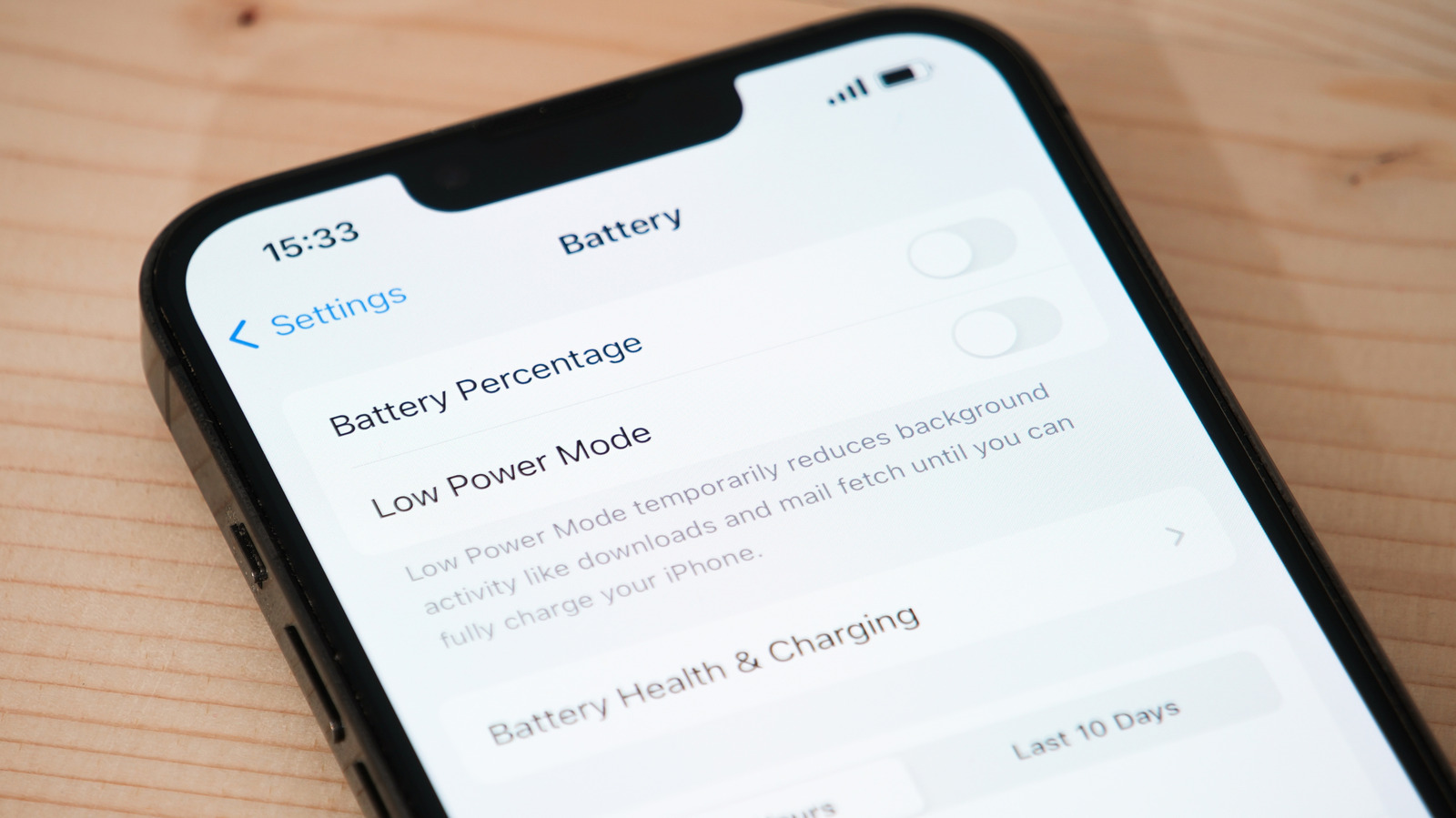
As iPhone batteries age, their chemical capacity naturally declines, leading to reduced performance and shorter runtimes between charges. Apple's lith…

After three years of consistent use, an iPhone 15 Pro Max has reached the 1,000-cycle battery milestone. This threshold is significant as Apple origin…

Apple has officially released iOS 17.0.1, a critical software update aimed at addressing several performance issues and bugs discovered shortly after…