
How to get started with Shortcuts on your MacBook
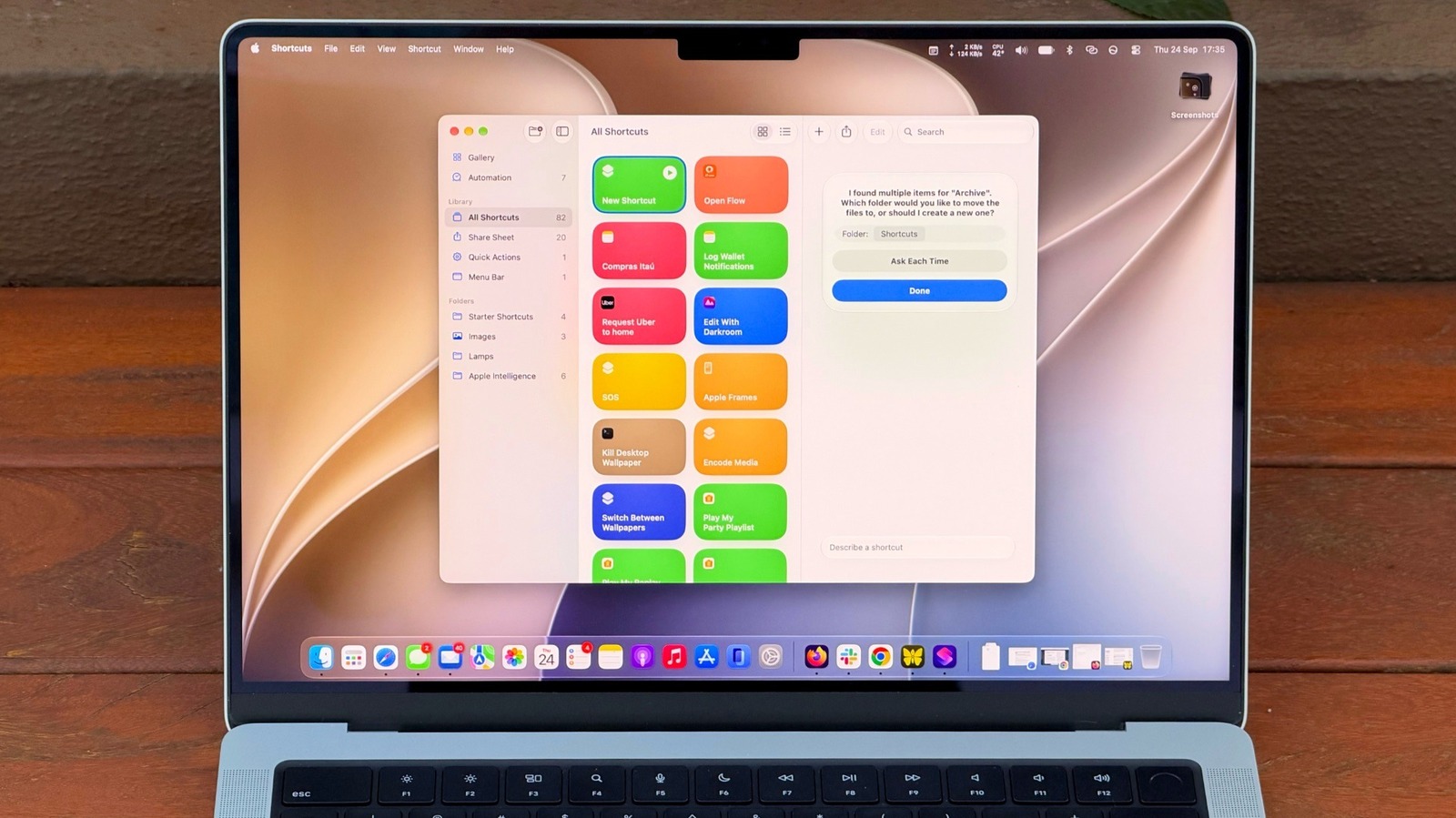
Apple's Shortcuts app for macOS offers a robust framework for automating repetitive tasks, significantly enhancing productivity for MacBook users. Originally introduced to streamline workflows on iOS, the application has evolved to become a central feature on Mac, allowing users to create complex scripts with ease. A notable recent advancement is the integration of natural language processing, which enables users to build automation scripts by simply describing their desired actions. This shift makes the tool more accessible to those without formal programming experience. By leveraging Shortcuts, users can consolidate multiple steps into a single click, manage system settings, or interact with various apps seamlessly. This guide serves as an essential primer for Mac owners looking to optimize their daily digital routines, reduce manual overhead, and fully utilize the automation capabilities embedded within the macOS ecosystem.
This is a summary. Read the full article at the original source:
EngadgetRelated stories

Nothing has expanded its audio product lineup with the launch of the Headphone 1 Pro, the company's new $399 flagship over-ear headphones. This releas…
_case.jpg)
Nothing has officially unveiled its latest audio offering, the Headphone (1) Pro, priced at $399. These premium over-ear headphones are designed to br…

Nothing has officially entered the premium audio market with its new flagship noise-canceling headphones, the Nothing Ear (1) Pro. Priced at $399, the…