

Spotify offers various audio quality settings that users can adjust to enhance their listening experience. While the platform provides default configurations designed for general use, these settings may not always deliver the highest fidelity possible. By navigating to the app's settings menu, users can manually select higher streaming quality options for both Wi-Fi and cellular data connections. Additionally, desktop users have access to specific quality toggles that can significantly improve audio output. Optimizing these settings is particularly beneficial for listeners using high-quality headphones or external audio equipment. It is important to note that higher quality settings consume more data and storage space, so users should balance their preferences with their data plans. This guide outlines the necessary steps to ensure that your Spotify experience is tuned for the best possible sound quality, allowing you to get the most out of your music library.
This is a summary. Read the full article at the original source:
EngadgetRelated stories
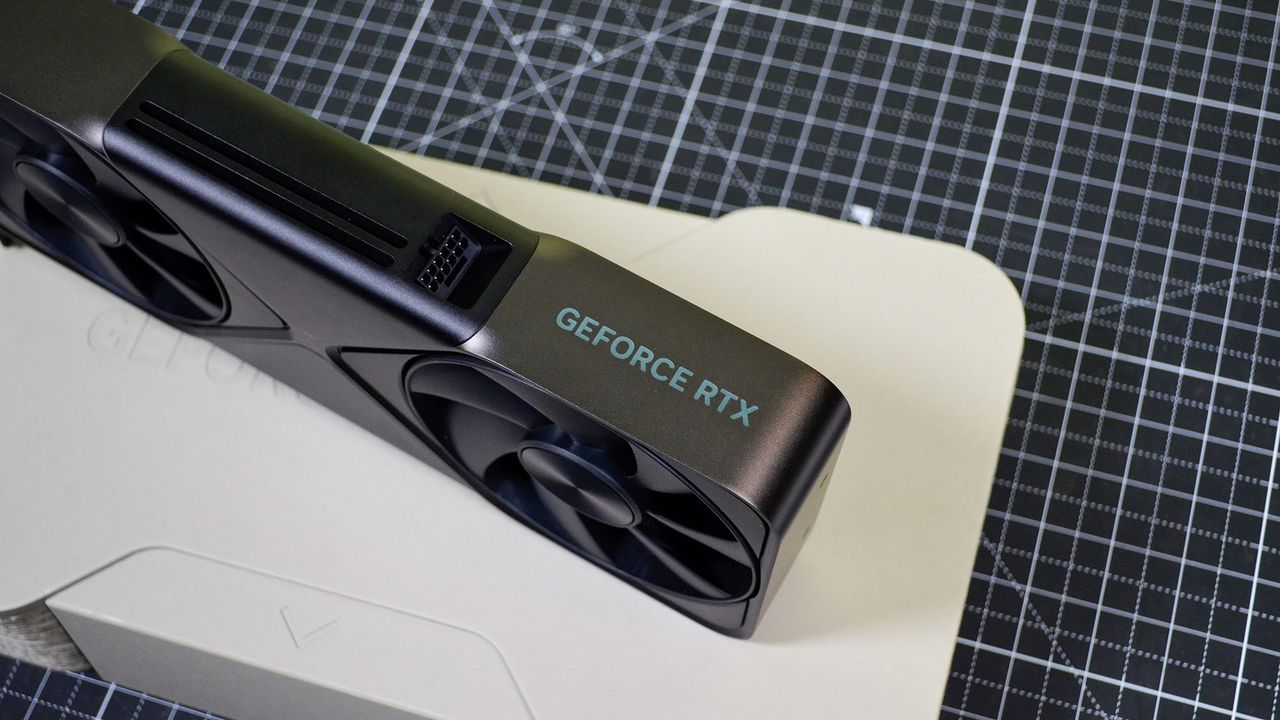
Nvidia RTX 5090 GPU prices skyrocket to $9,000 as RTX 6000 rumors emerge
Nvidia's flagship RTX 5090 GPU is currently seeing extreme price inflation, with some third-party marketplace listings exceeding $9,000 in the United…

Dell Technologies recently hosted its 14th parent-and-child PC assembly class at its Miyazaki Customer Center in Japan. During the event, children lea…
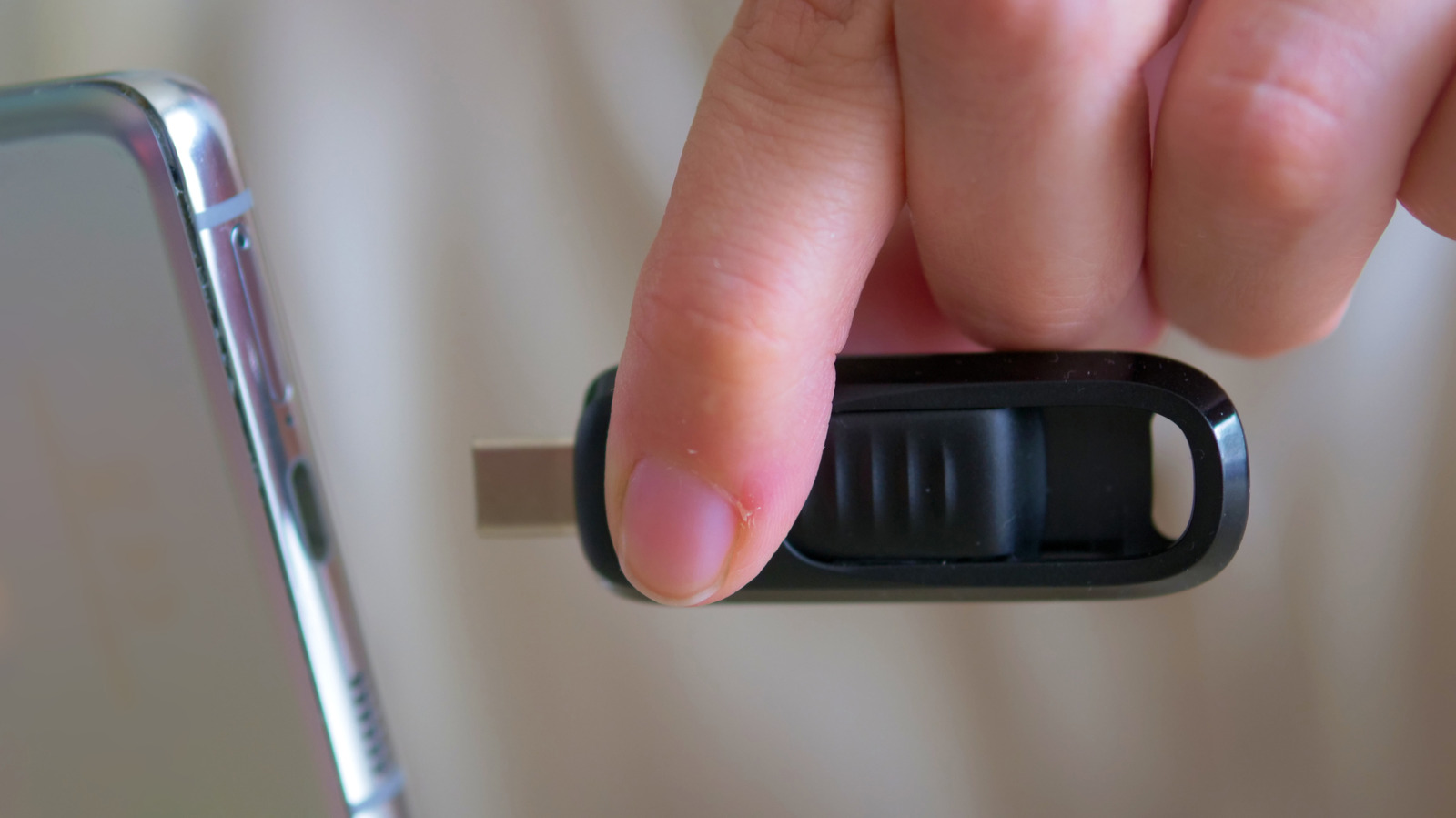
As the technology landscape shifts toward universal connectivity, the debate between USB-C and USB-A flash drives remains relevant for consumers. USB-…