
How to find your Amazon 'About You' page (and how to edit it)
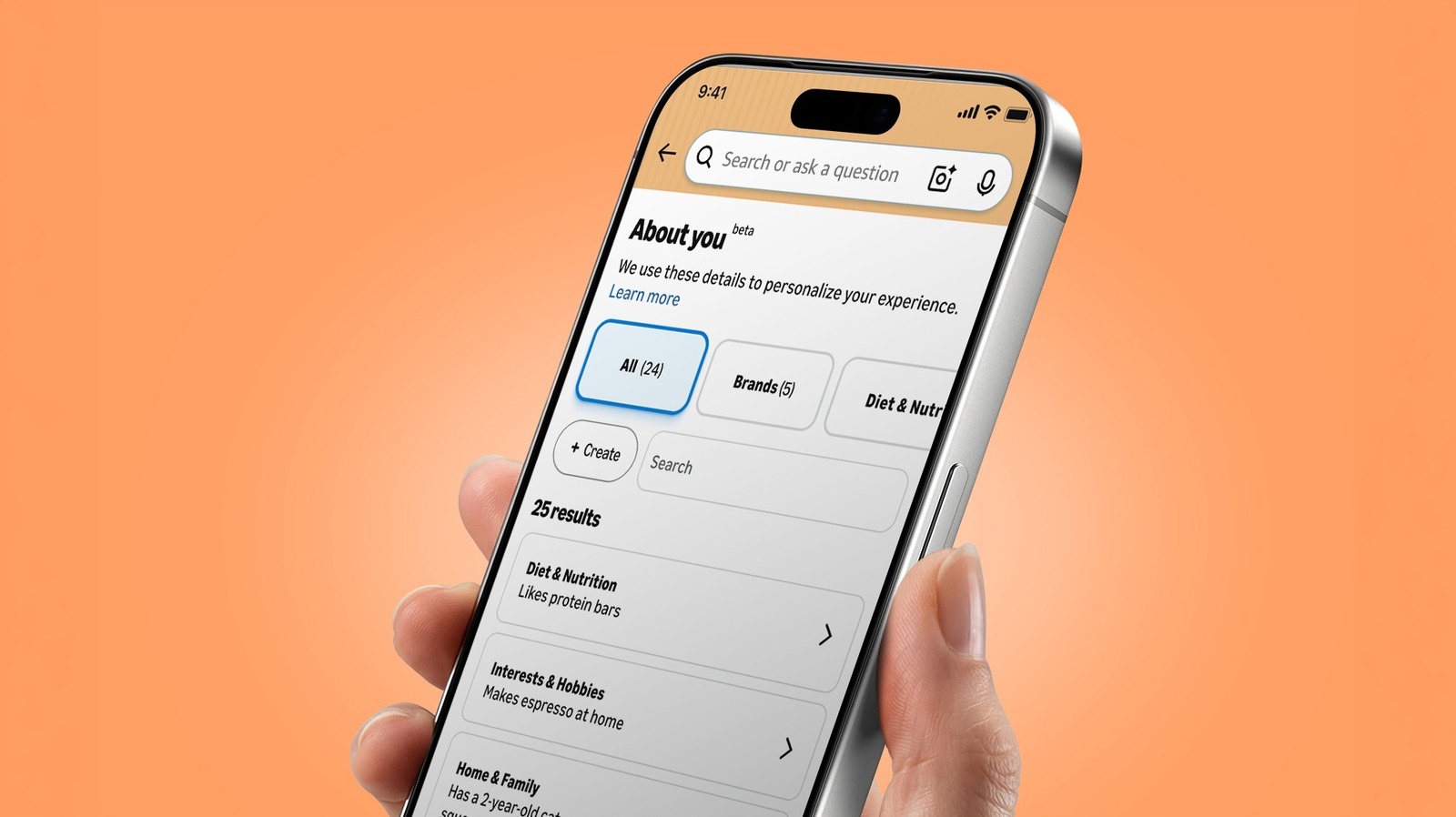
Amazon maintains a personalized profile page for its users, often referred to as the 'About You' section, which aggregates various data points and preferences associated with your account. This page can sometimes contain unexpected or outdated information, including specific personal attributes or shopping habits that the platform has inferred over time. To access this section, users must navigate through their Amazon account settings, specifically under the 'Your Profile' or 'Personalization' tabs. Once located, users can review the data Amazon has collected and choose to edit or remove information that they no longer wish to share or that is inaccurate. Regularly auditing this page is a recommended practice for users concerned about data privacy and the accuracy of the algorithmic profiles that influence their shopping experience. This guide provides a step-by-step walkthrough on how to locate these settings and manage your digital footprint on the platform effectively.
This is a summary. Read the full article at the original source:
EngadgetRelated stories

Aaron Sorkin’s latest film, The Social Reckoning, is facing significant challenges at the box office. Despite the high expectations surrounding the fo…

VisionQuest review: Paul Bettany and James Spader delight in Wanda/Vision TV trilogy capper
VisionQuest, the latest entry in the Marvel Cinematic Universe's TV slate, serves as the final chapter of the Wanda/Vision trilogy. Following the even…

Elon Musk Bragged About His Grok Lego Star Wars Haul. Then X Users Punked Him
Elon Musk recently took to his social media platform, X, to showcase a collection of Lego Star Wars sets he claimed were gifted to him by the Grok AI…