
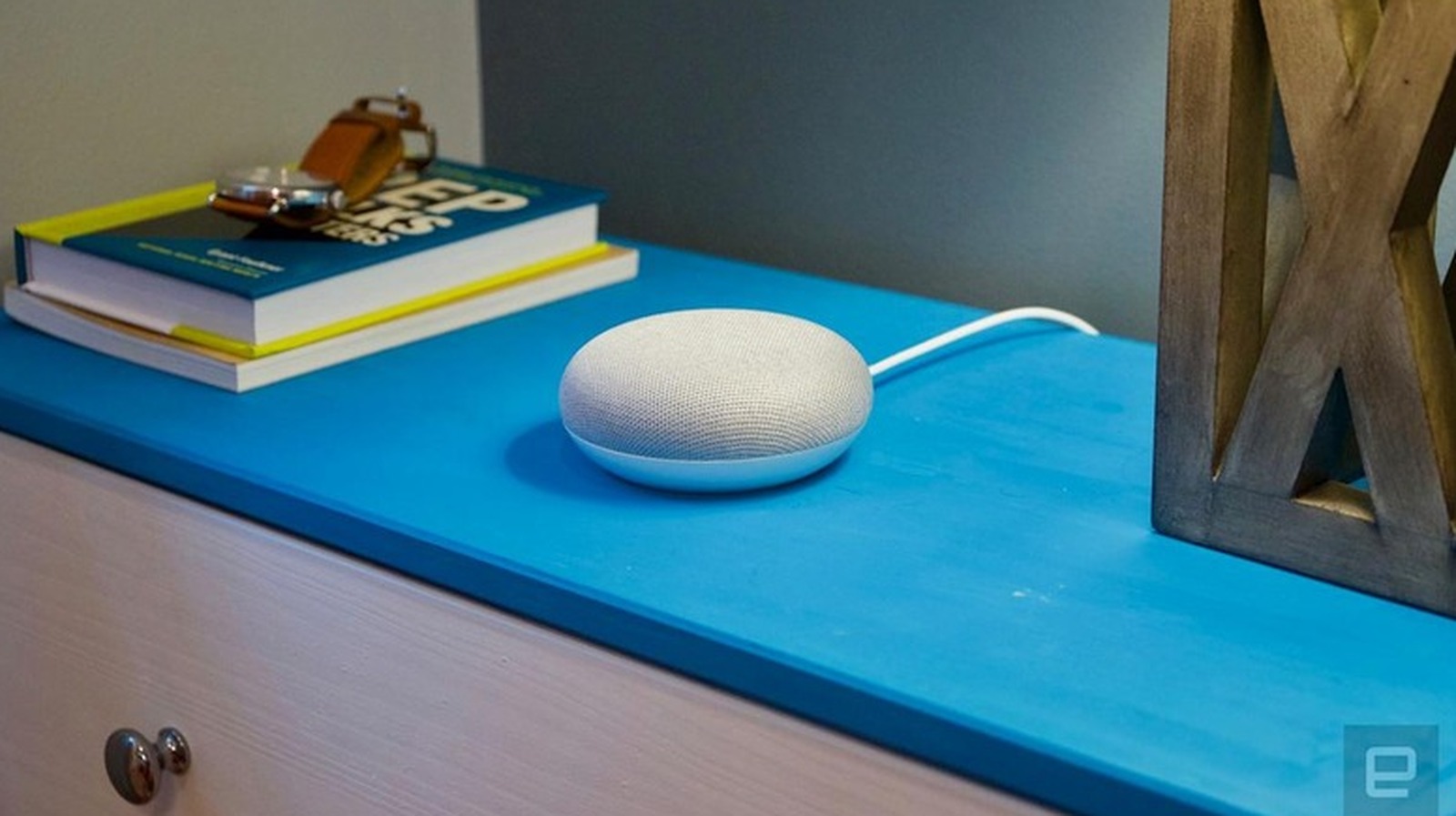
Although Google has officially discontinued the Google Home Mini, many of these smart speakers remain in active use today. If you are experiencing technical issues, planning to sell your device, or simply want to wipe your personal data, performing a factory reset is the most effective solution. To reset the original Google Home Mini, locate the small factory reset button found on the bottom of the device, near the power cable. Press and hold this button for approximately 15 seconds until the Google Assistant confirms the reset process has begun. For the second-generation Nest Mini, the process differs slightly as it lacks a dedicated physical button; instead, you must toggle the microphone switch on the side and press the center of the device's top surface. Following these steps will restore your speaker to its original out-of-the-box settings, allowing for a fresh setup or secure transfer of ownership.
This is a summary. Read the full article at the original source:
EngadgetRelated stories
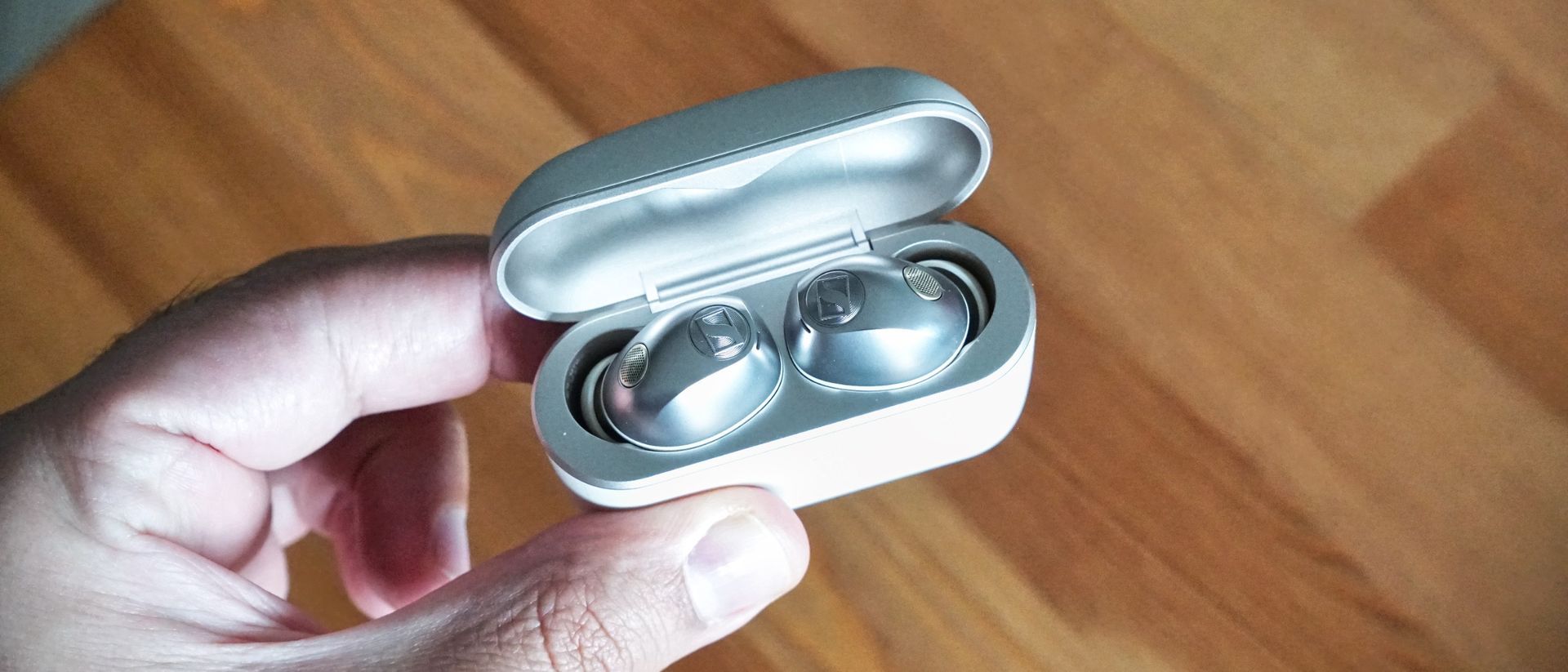
Sennheiser Momentum True Wireless 5 Review: A New Benchmark for Flagship Earbuds
Sennheiser has launched the Momentum True Wireless 5, positioning them as a top-tier contender in the 2026 premium earbuds market. Priced at $300, the…
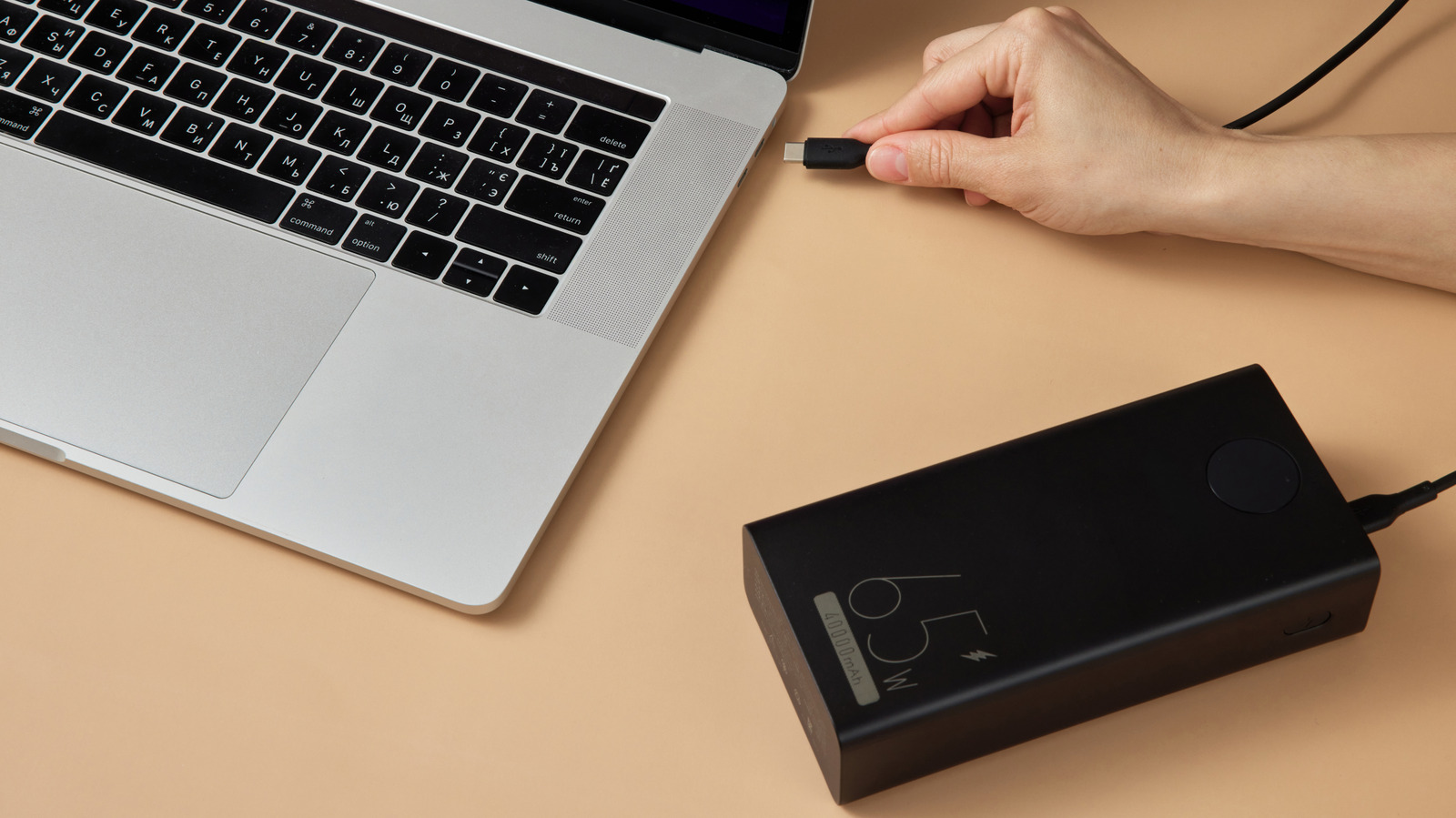
Choosing the right power bank for a laptop involves more than just looking at the total capacity in milliamp-hours (mAh). While capacity determines ho…
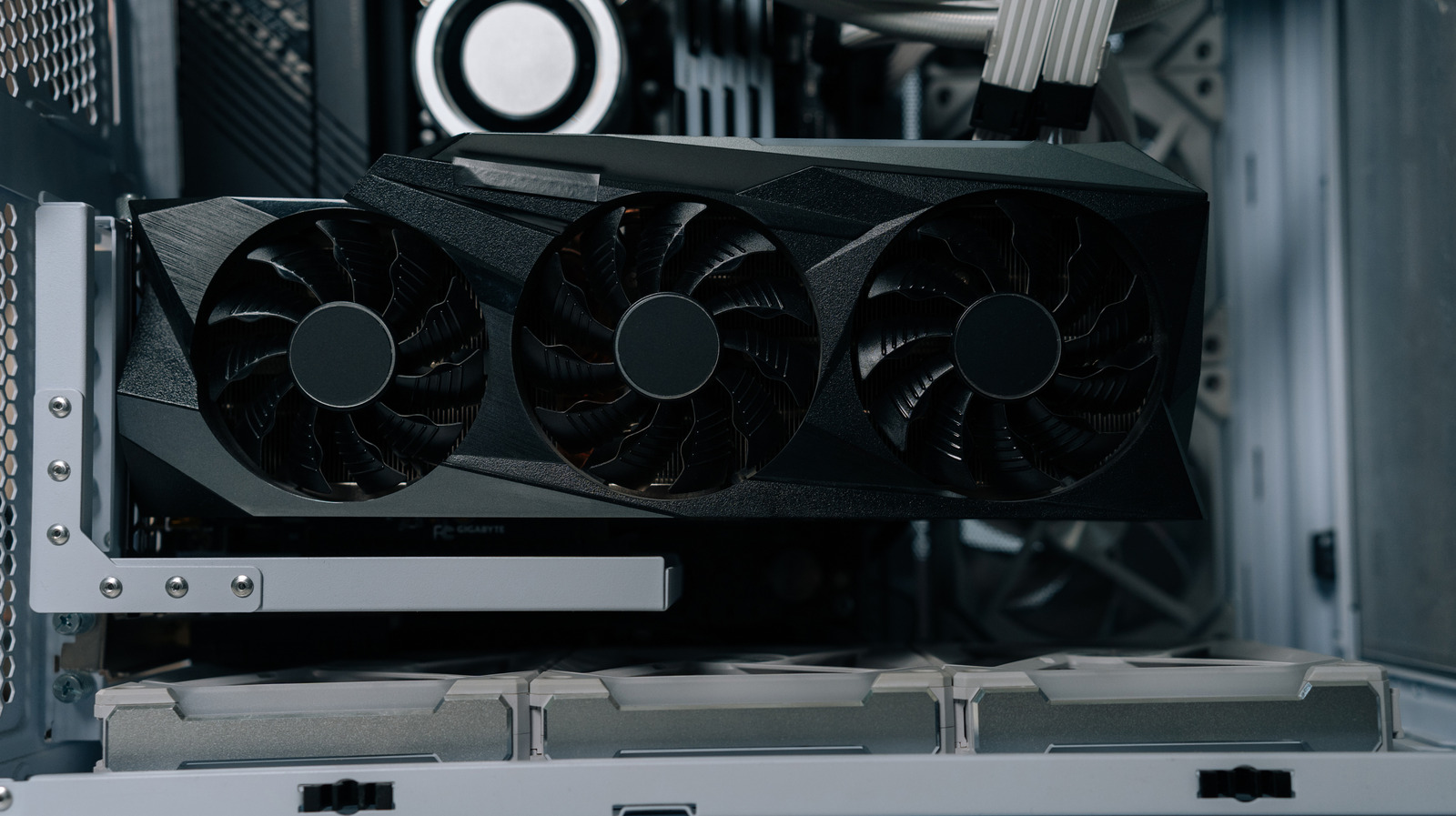
A recent trend in the hardware market, often referred to as 'RAMaggedon,' has significantly increased the resale value of older graphics processing un…