
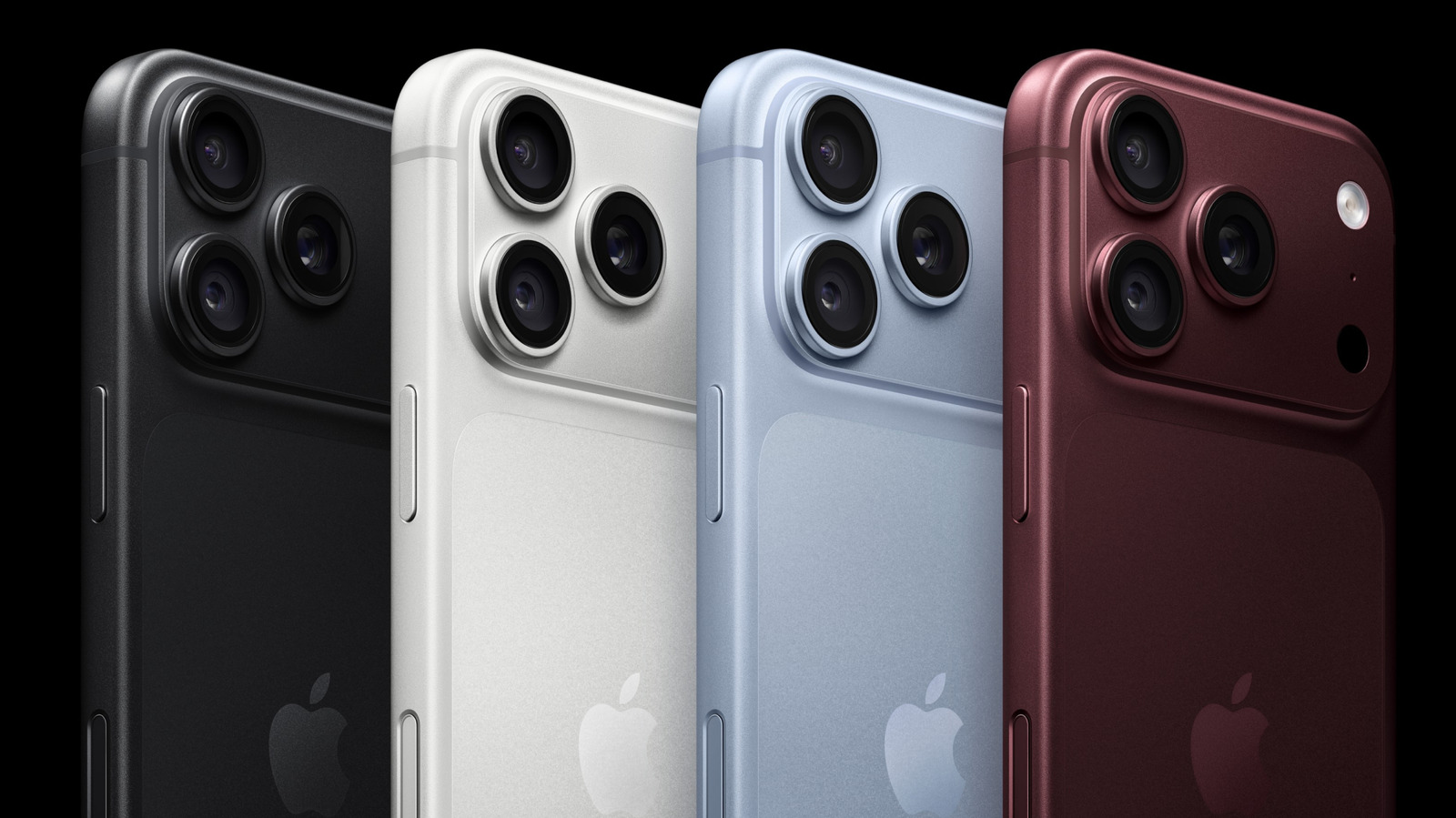
Apple's Camera Control feature, introduced with the latest iPhone models, offers users a dedicated physical interface to manage photography settings. While it functions as a default shutter and zoom tool, users can significantly enhance their shooting experience by customizing its sensitivity and functionality. By navigating to the Camera settings in iOS, users can adjust the light press sensitivity to prevent accidental triggers or remap the control to access specific tools like exposure, depth, or photographic styles more quickly. This level of personalization allows photographers to tailor the hardware to their specific workflow, making it easier to capture shots on the fly. Whether you are a casual snapper or a photography enthusiast, tweaking these settings can streamline your creative process and ensure that the most important tools are always at your fingertips. Understanding these adjustments is essential for getting the most out of the modern iPhone camera system.
This is a summary. Read the full article at the original source:
EngadgetRelated stories
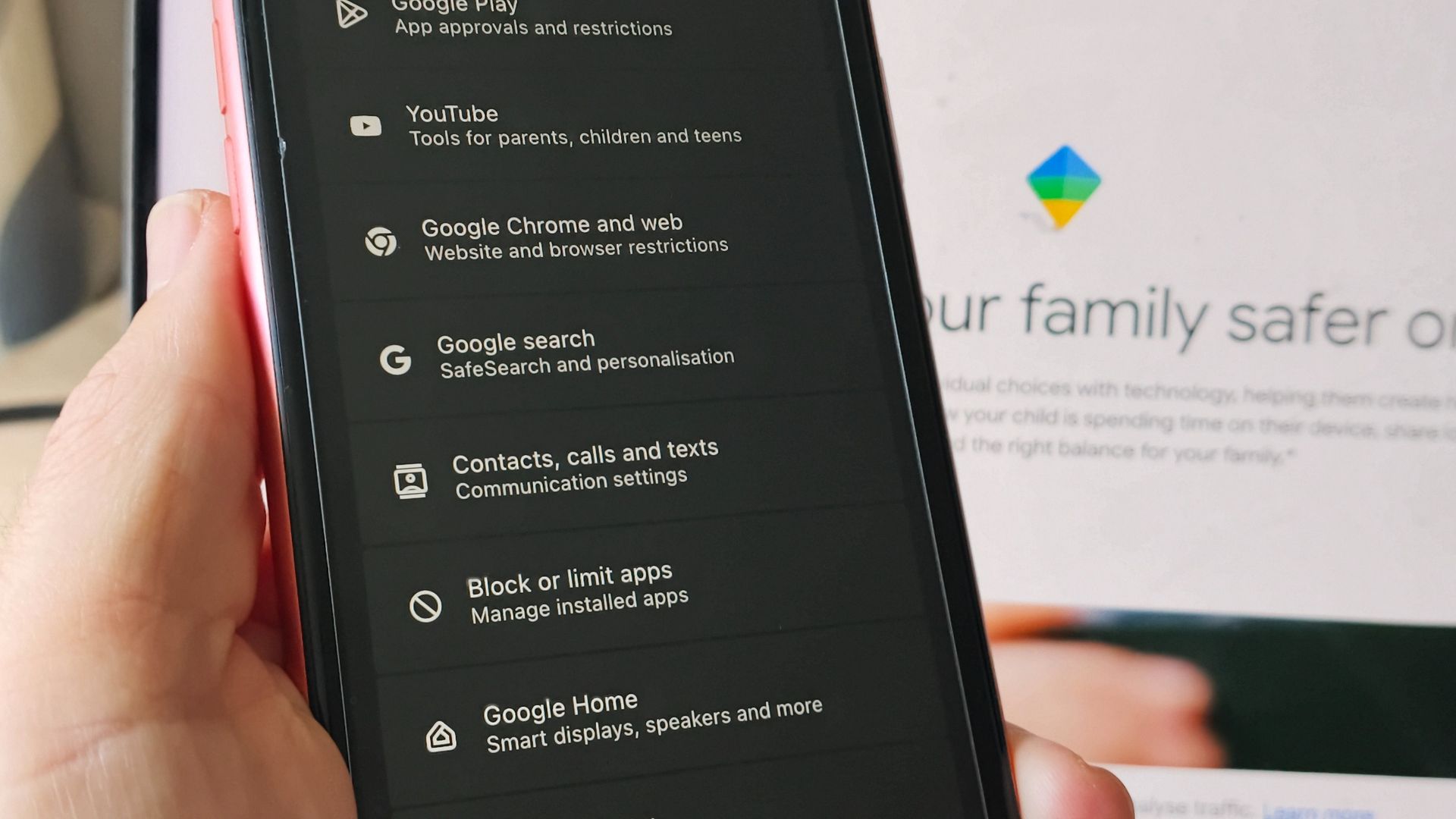
Google Family Link helped me lock down 99% of my child's phone with ease — here's how
A parent shares their experience using Google Family Link to manage their child's first smartphone. Seeking a balance between safety and digital indep…

Practical experience of publishing applications on the App Store and Google Play
The author shares their personal experience of publishing mobile applications on various platforms, including the App Store. The case study focuses on…

Apple has confirmed a hardware defect affecting a limited number of iPhone 18 Pro Max devices, which prevents users from maintaining a stable connecti…