
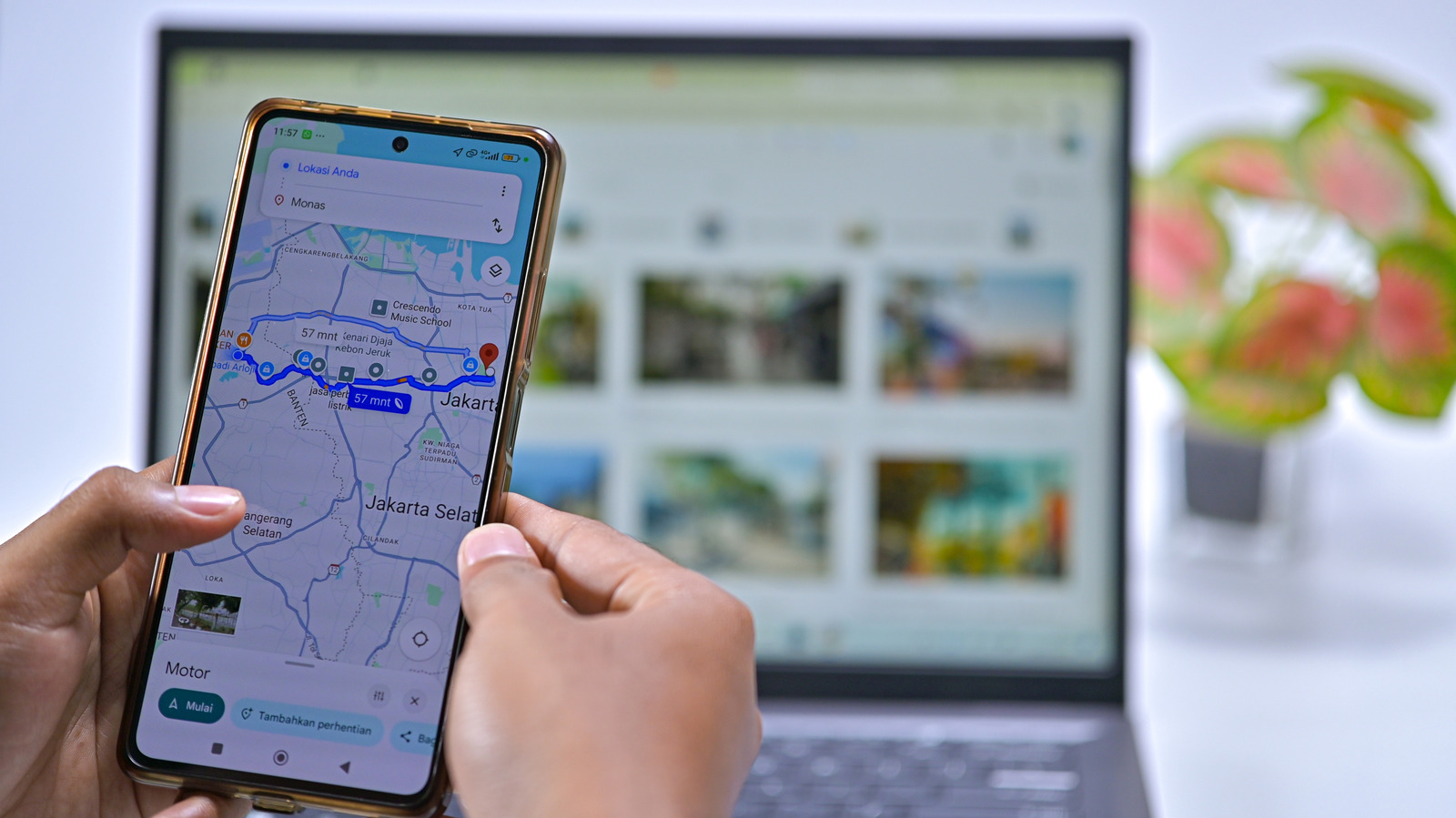
Google Maps allows users to easily manage their saved locations, including their home address, to improve navigation accuracy and personalized recommendations. Updating this information is a straightforward process within the app settings. Users can navigate to the 'Saved' tab, select 'Labeled,' and then tap the three-dot menu next to 'Home' to edit or remove the address. Beyond convenience, maintaining accurate location data is a matter of digital privacy. If you are concerned about security or the potential risks of someone gaining unauthorized access to your device, it is advisable to set your home address to a nearby public location rather than your exact residence. Regularly reviewing and updating these saved locations ensures that your navigation data remains both functional and secure, providing a simple way to protect your personal privacy while still benefiting from the core features of the Google Maps platform.
This is a summary. Read the full article at the original source:
EngadgetRelated stories
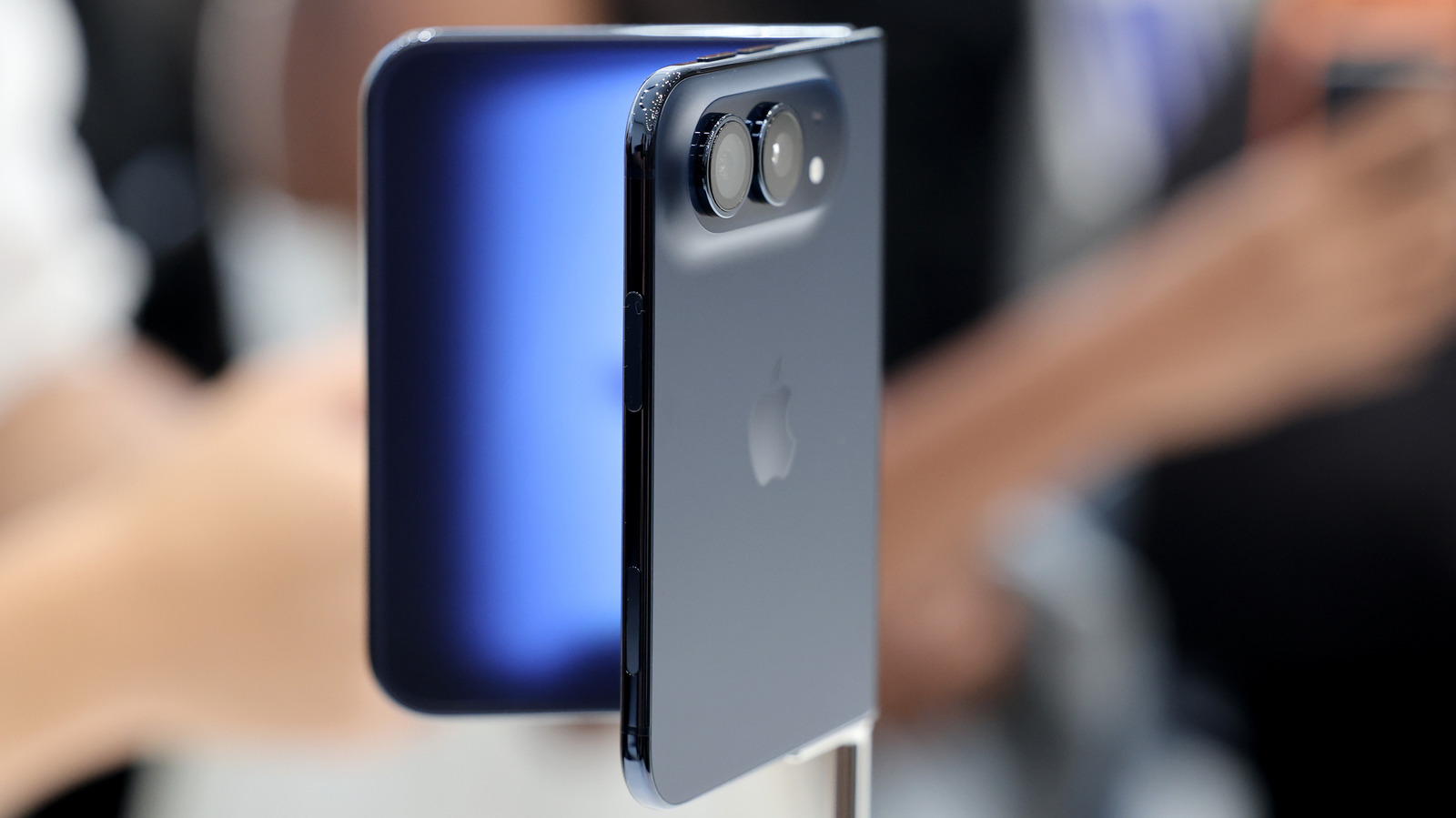
While Apple continues to dominate the premium smartphone market, non-US manufacturers like Xiaomi, Oppo, and Vivo are increasingly challenging the iPh…
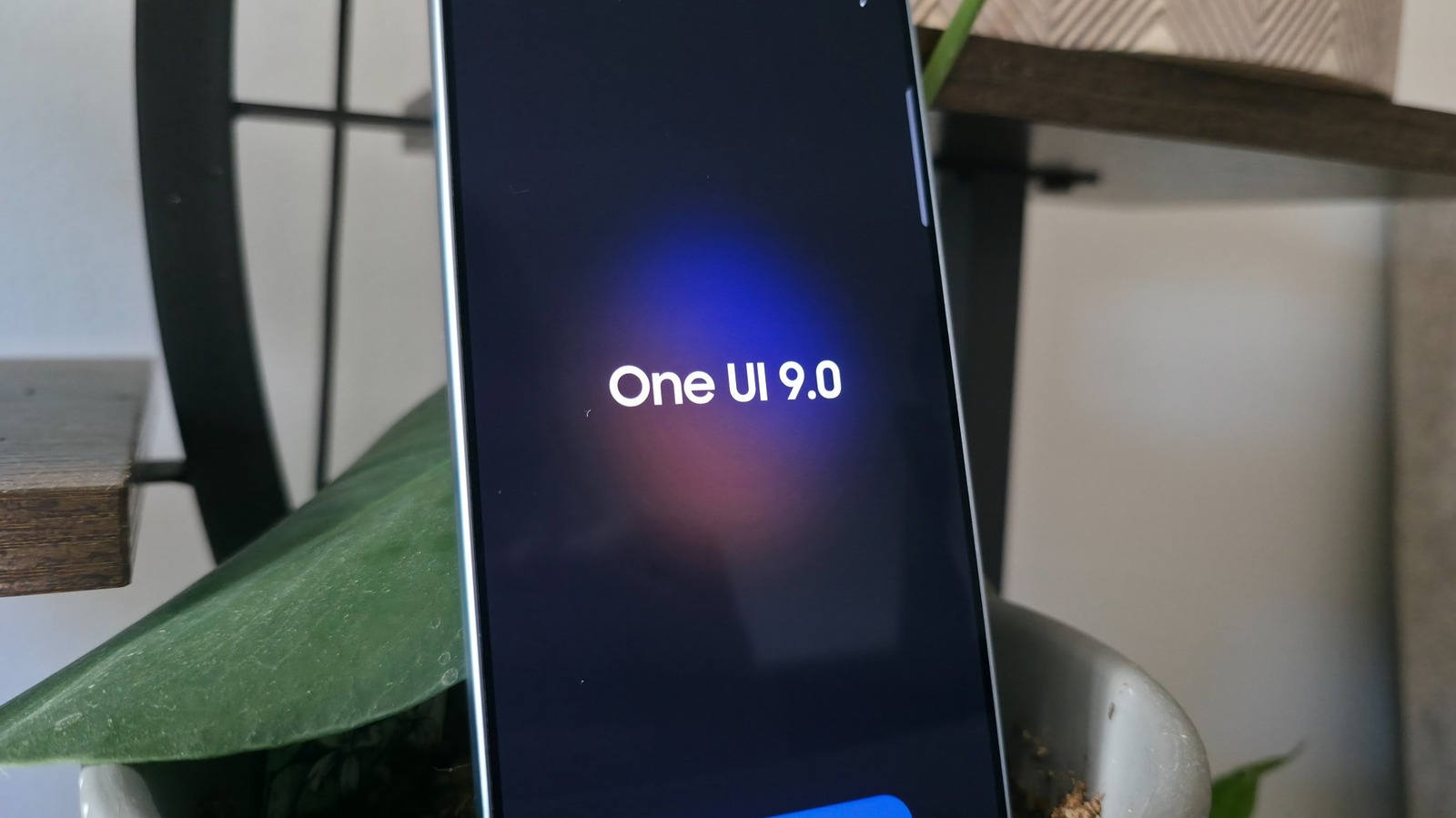
Samsung has officially rolled out its latest software iteration, One UI 9, based on Android 17, for compatible Galaxy devices. This update introduces…
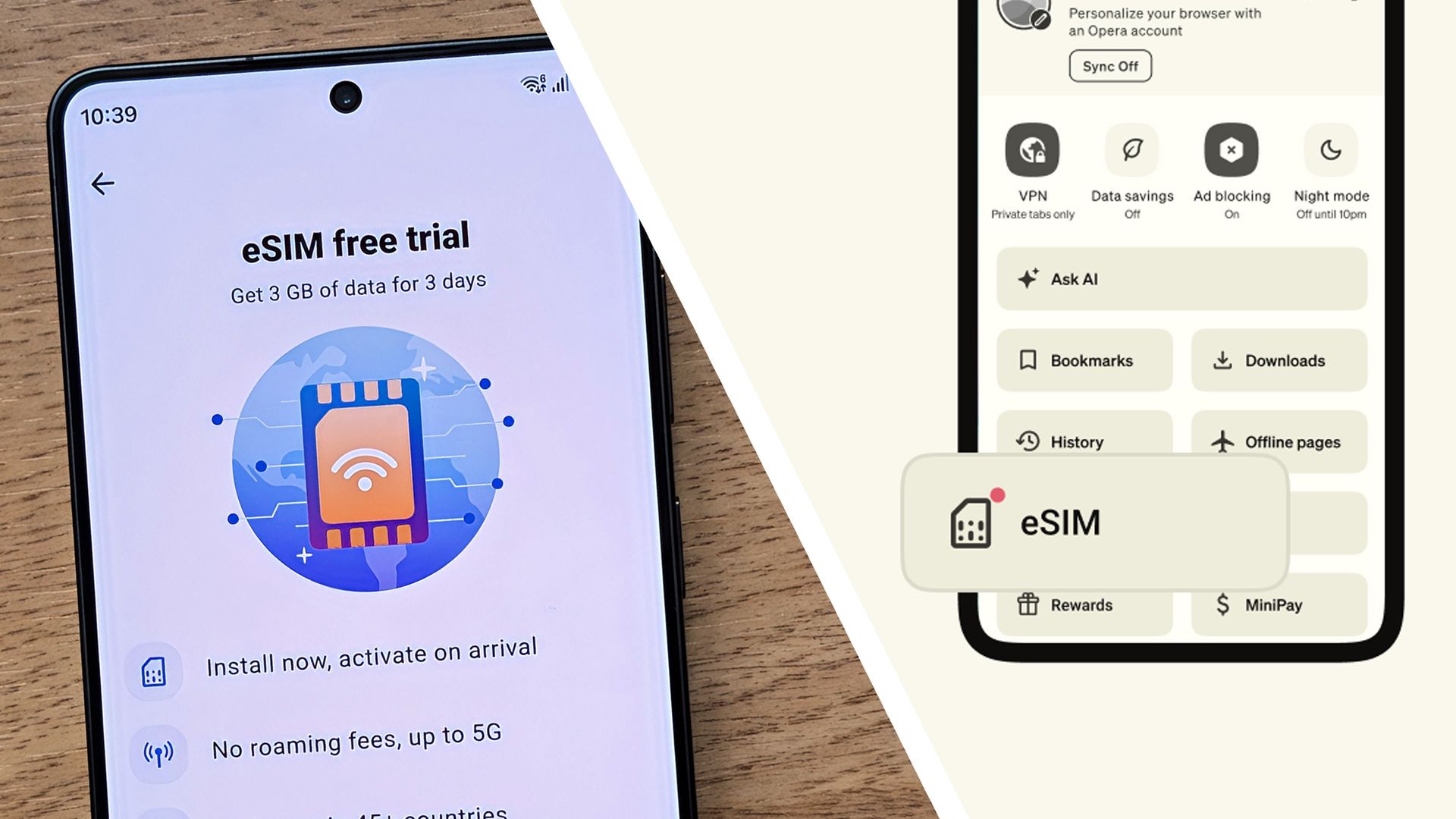
Opera has introduced a new eSIM feature within its Android browser, offering users 3GB of free mobile data for international travel. The initiative, l…