
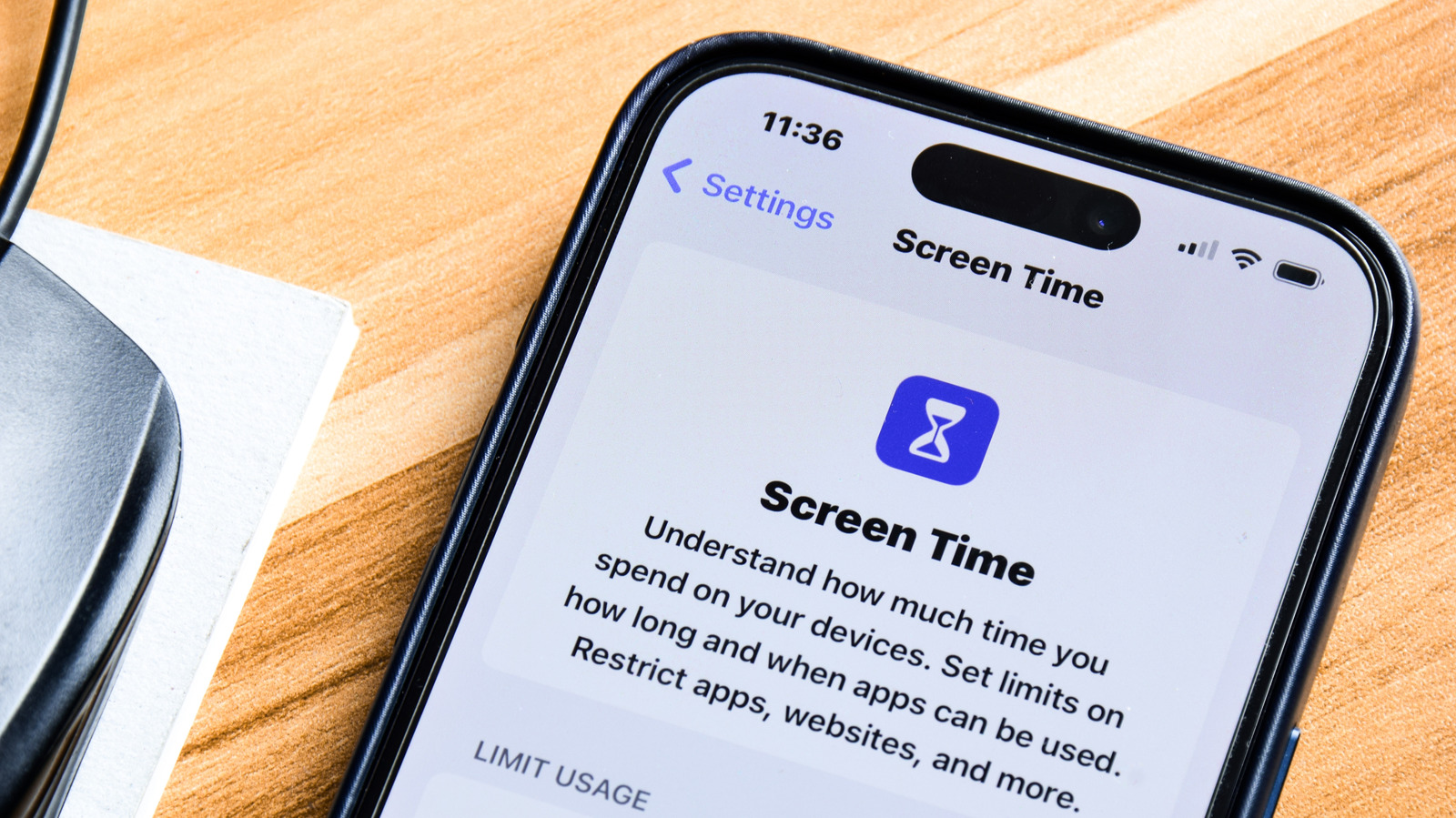
Apple's Screen Time feature offers a robust set of tools for users looking to manage their digital habits and reduce screen addiction. By navigating to the Settings menu, users can access Screen Time to set specific 'App Limits,' which restrict the amount of time spent on designated applications each day. Once the allotted time is reached, the system automatically blocks access to the app, helping users maintain focus and productivity. Additionally, users can schedule 'Downtime' to limit phone usage during specific hours, such as before sleep. These built-in iOS features provide a straightforward, effective way to curb distractions without requiring third-party software. By leveraging these native controls, iPhone owners can gain better insights into their usage patterns and take proactive steps toward a healthier digital lifestyle, ensuring that their devices serve as tools for productivity rather than sources of constant distraction.
This is a summary. Read the full article at the original source:
EngadgetRelated stories
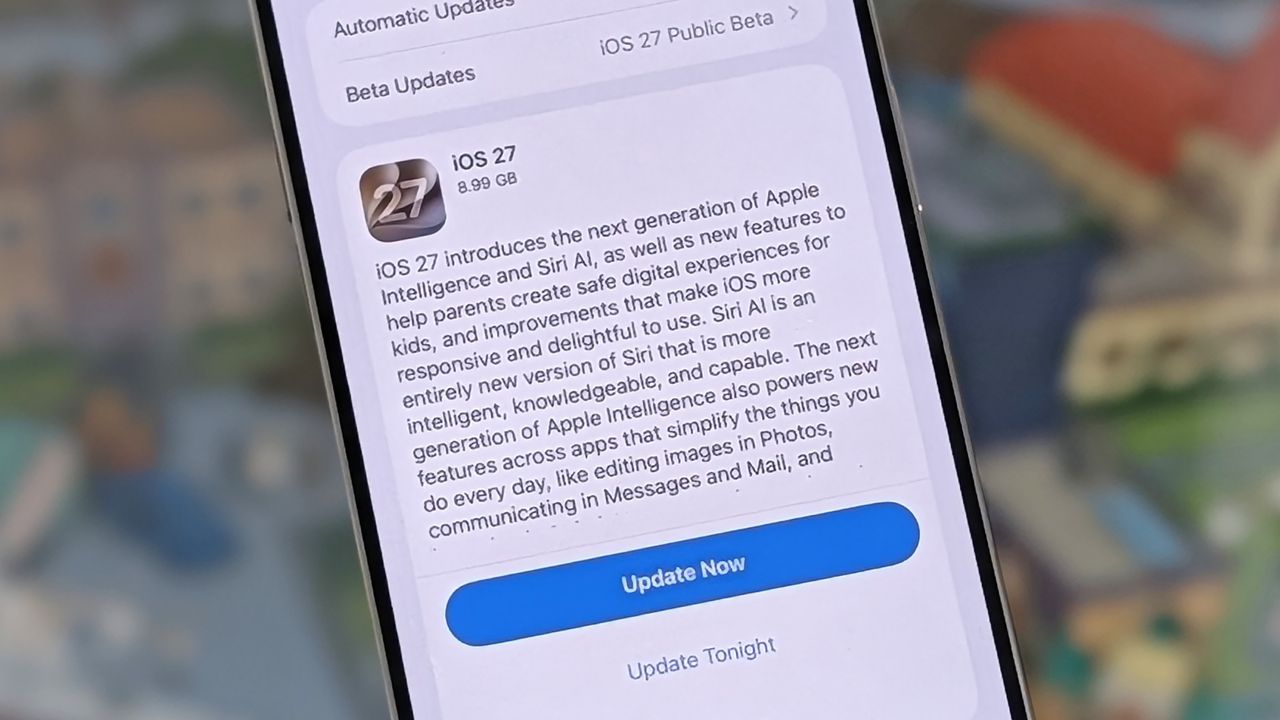
I've been using iOS 27 for 3 months already — these are the 5 best features arriving on your iPhone today
Apple has officially begun the global rollout of iOS 27, bringing a suite of new features to compatible iPhone models. Key updates include AI-powered…

Which iPhones support iOS 27 and Siri AI? Apple's complex compatibility list explained
Apple has released iOS 27, offering an impressively broad compatibility list that includes 33 iPhone models, ranging from the iPhone SE (2020) to the…

T-Mobile has launched a promotional offer allowing customers to acquire the new Motorola Razr and Motorola Razr+ smartphones at no upfront cost. To qu…