
How to add your driver's license to Apple Wallet and where you can use it
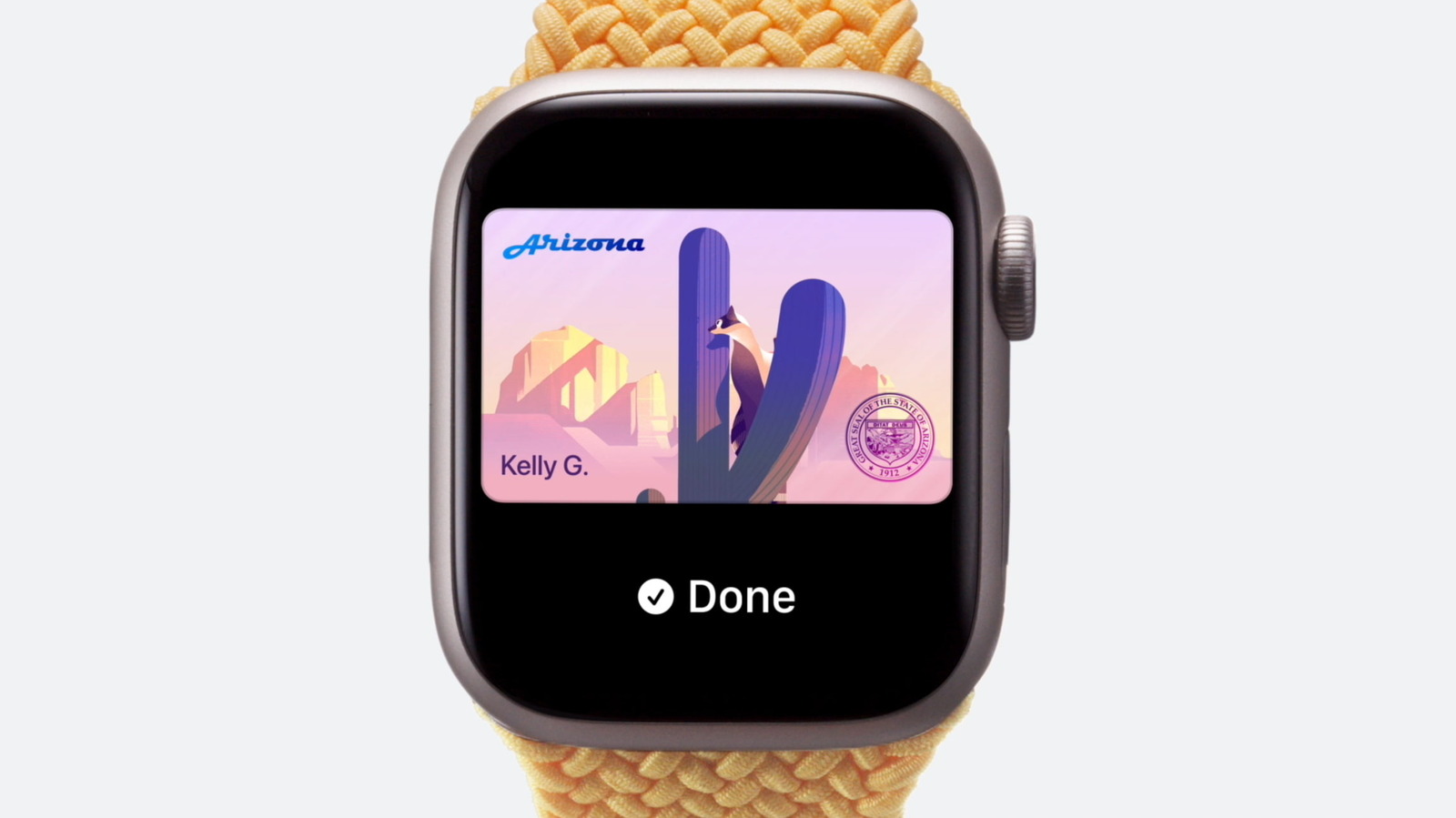
Apple has expanded the capabilities of the Apple Wallet app, allowing users in select US states to store a digital version of their driver's license or state ID. This feature provides a secure and convenient way to present identification at participating TSA security checkpoints and specific retail locations. To add a license, users must open the Wallet app, tap the plus icon, and follow the on-screen instructions, which typically involve scanning the physical ID and taking a selfie for identity verification. While the rollout is currently limited to specific jurisdictions, Apple continues to work with state authorities to increase availability. This digital integration leverages the iPhone's built-in security features, such as Face ID and Touch ID, to ensure that personal information remains protected. Users are advised to keep their physical ID cards as a backup, as the digital version is not yet accepted universally across all states or businesses.
This is a summary. Read the full article at the original source:
EngadgetRelated stories

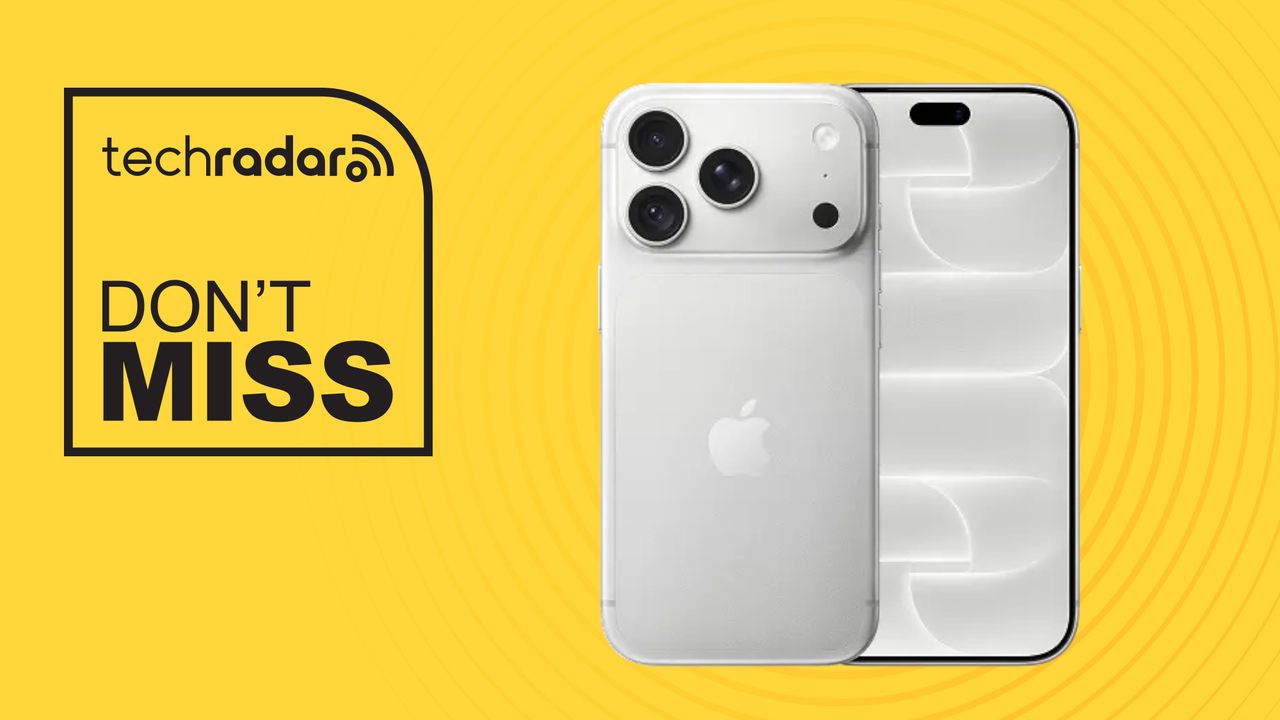
Apple has introduced a significant camera overhaul for the iPhone 18 Pro and Pro Max, marking the first time the lineup features a physical variable a…

As the global telecommunications industry continues to roll out 5G and research 6G, a new academic paper explores the theoretical and practical necess…
Verizon has officially opened preorders for the new iPhone 18 Pro and 18 Pro Max, offering two distinct promotional paths for customers. The first opt…